
Why Do Large-Format PCAP Touchscreens Fail at the Edges?
Edge-touch issues in large-format PCAP touchscreens can result from sensor design, installation stress, or controller mismatch. Learn what to check before production.
Recent blog posts

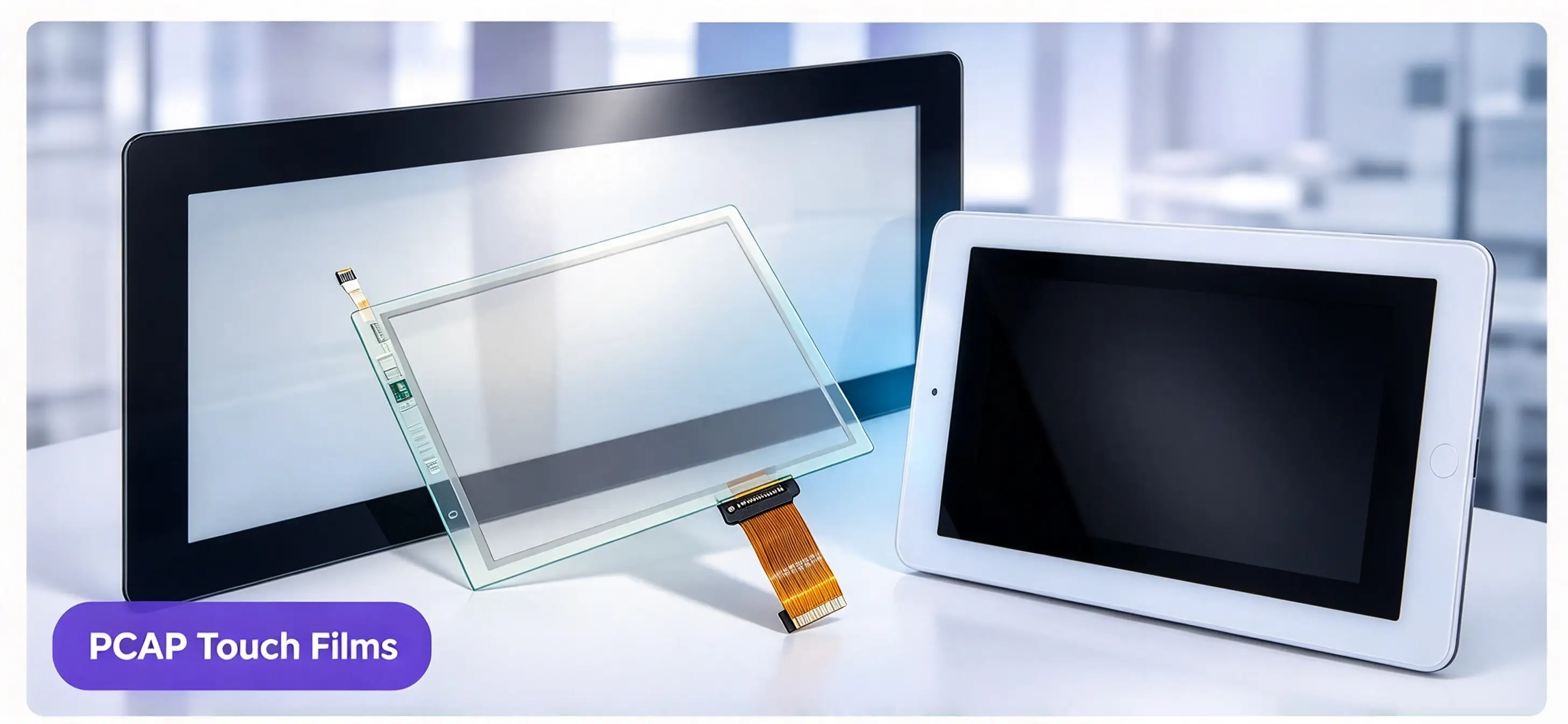
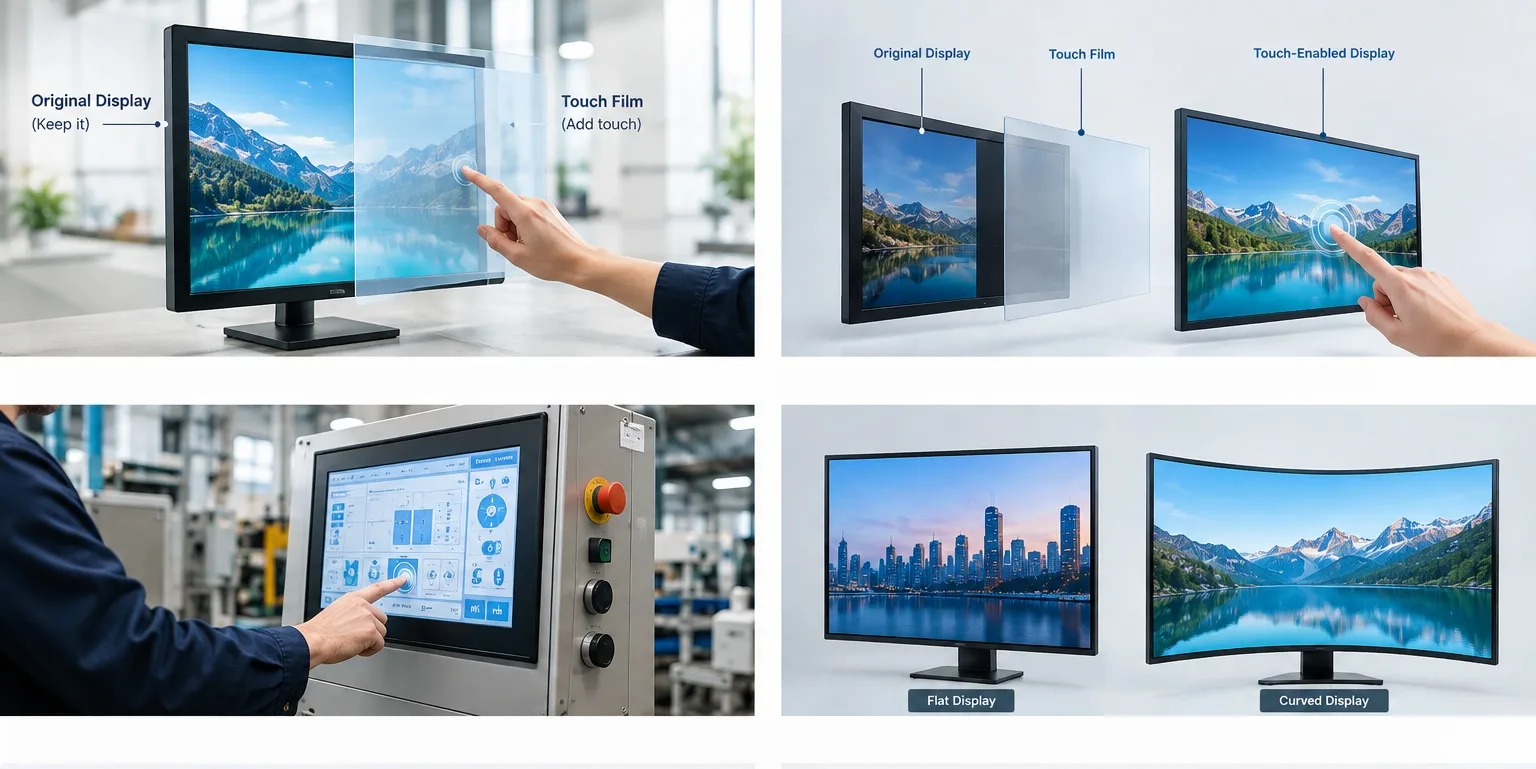


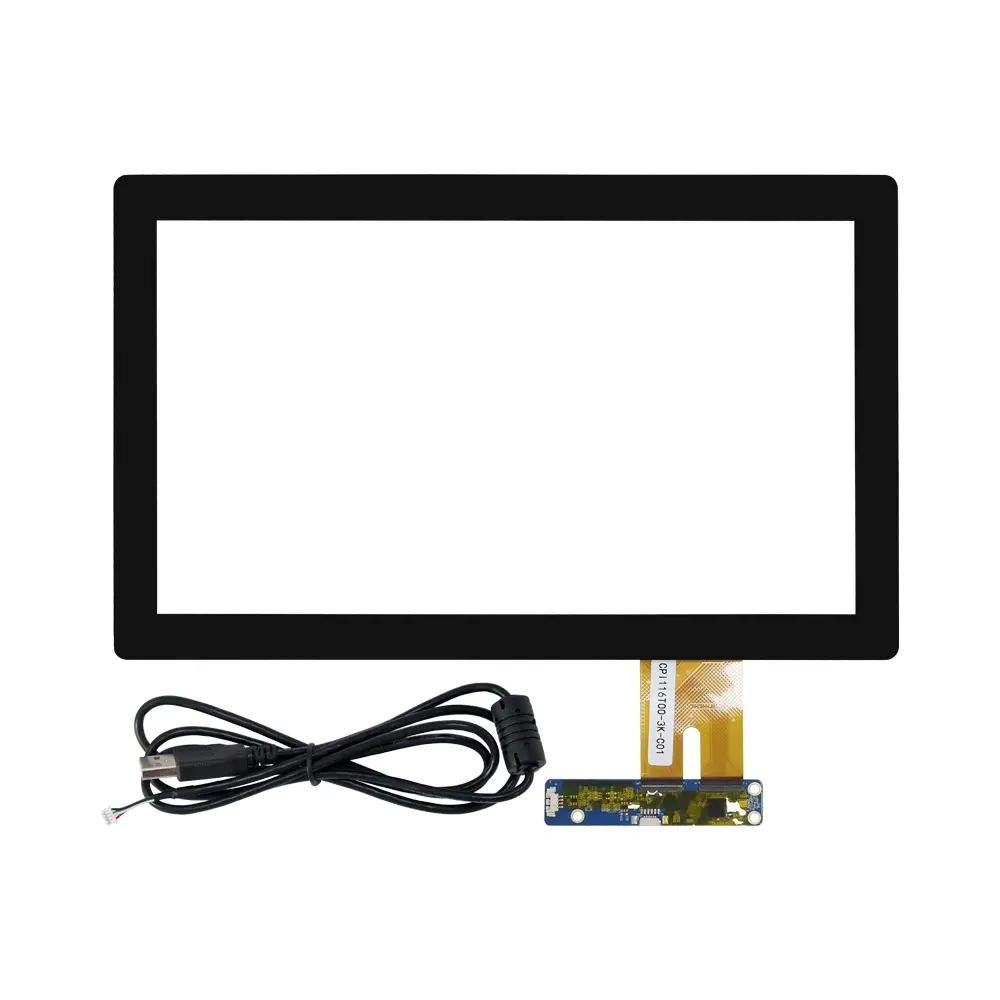
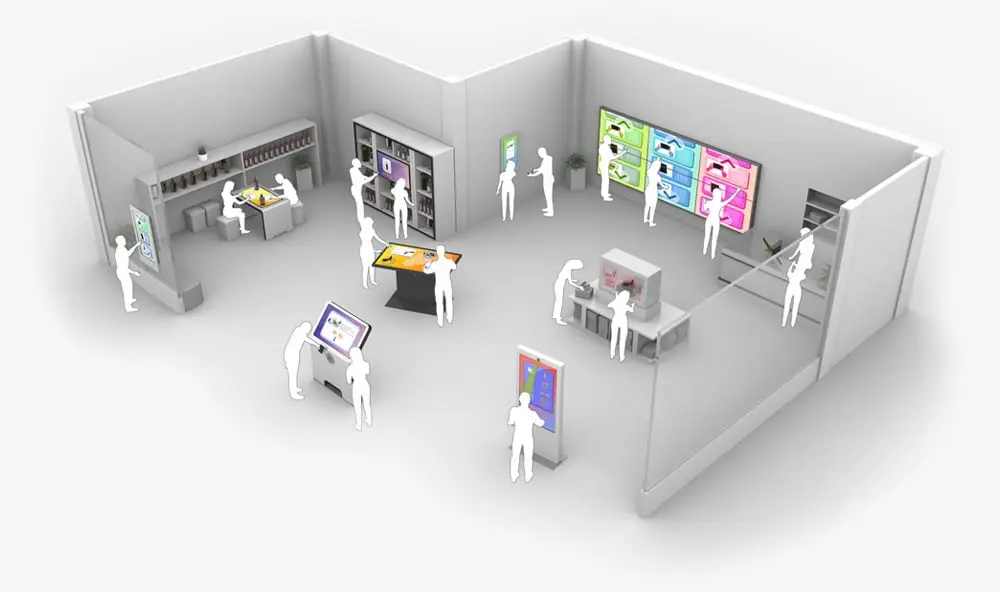

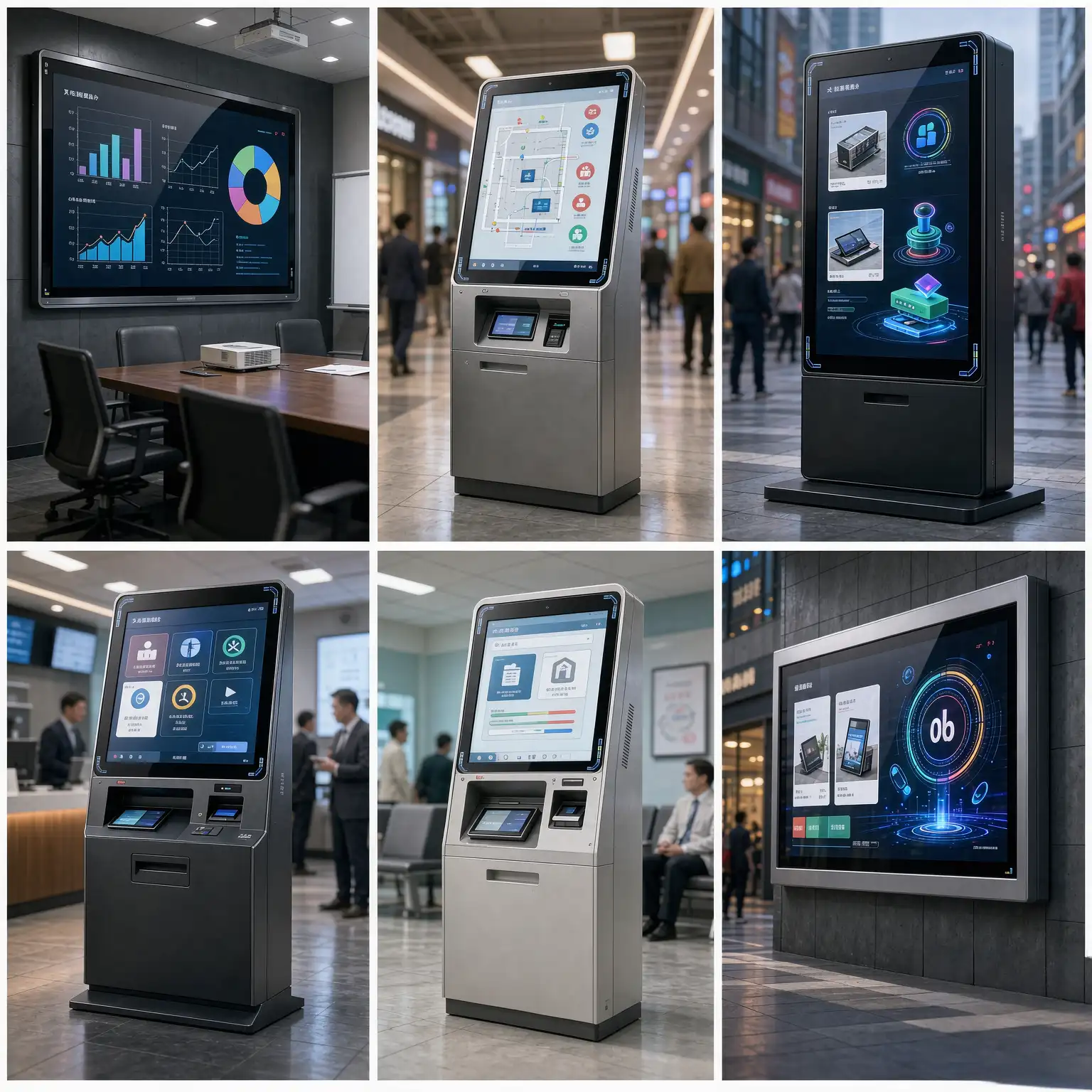
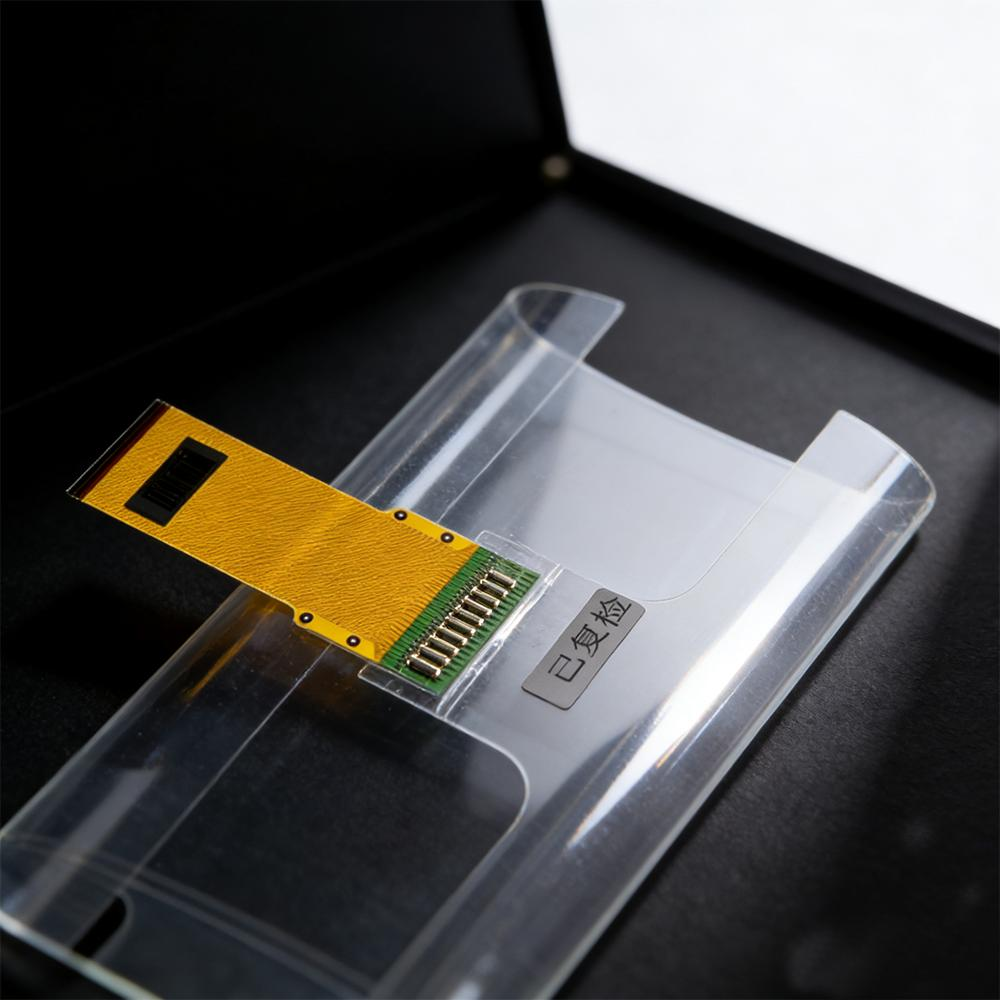
Large-format touchscreen projects can face a frustrating problem: the center of the screen responds normally, but touches near the edges or corners are missed or delayed.
This can affect interactive digital signage, self-service kiosks, commercial displays, and industrial HMI systems.
For OEMs and display integrators, the issue is not always caused by the touch film itself. Sensor design, installation conditions, and controller compatibility all need to be considered.
1. Sensor Design and Edge Sensitivity
Projected capacitive (PCAP) touch technology detects changes in capacitance when a finger approaches the sensor.
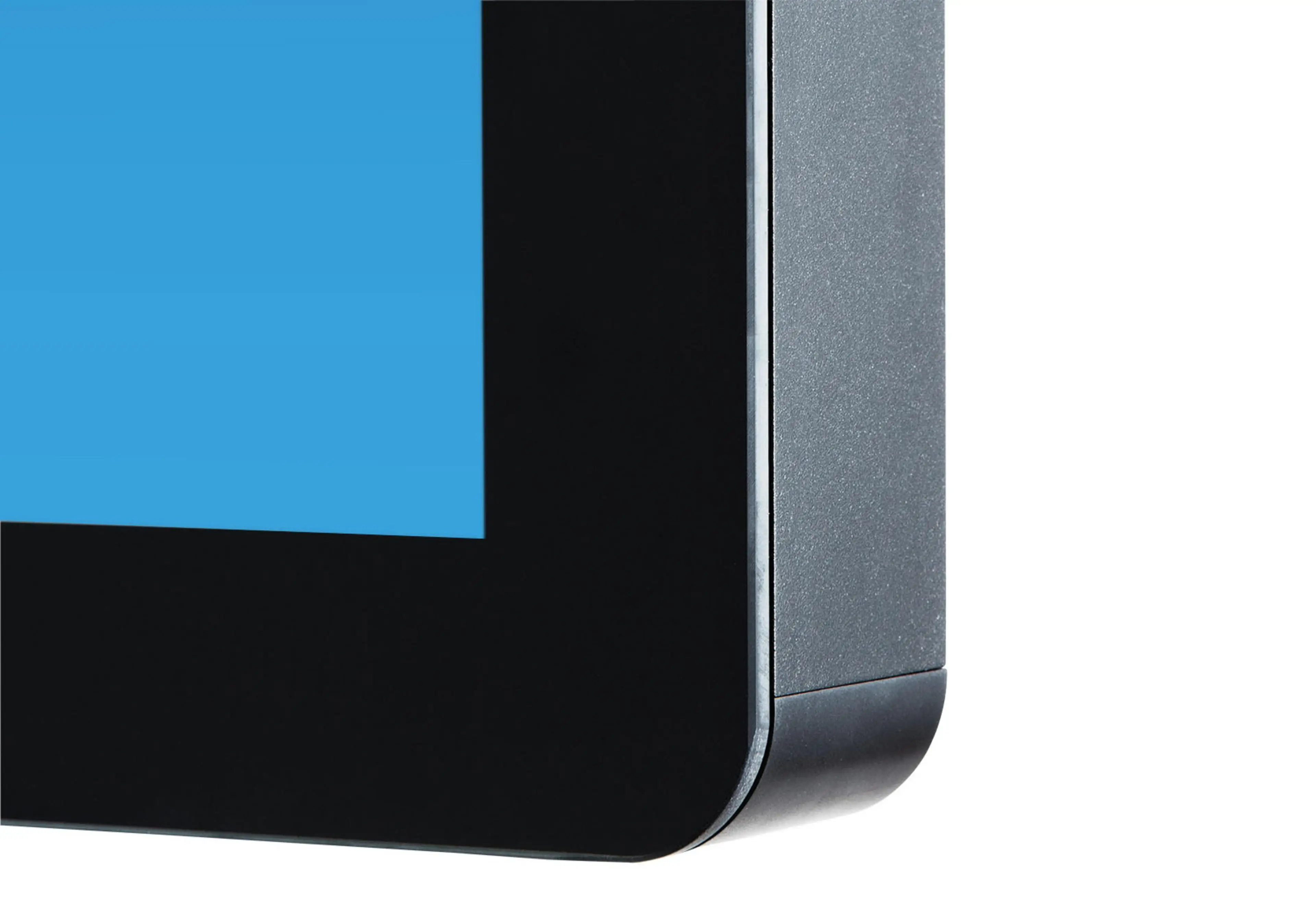
Near the edges, the sensing field can be affected by the bezel, metal frame, and surrounding structures. If the sensor layout or edge compensation is not properly designed, touch sensitivity may decrease near the corners.
The sensor’s active area and the display’s usable touch area should therefore be considered together during project development.
2. Installation Pressure and Mechanical Stress
A touch film may perform well during initial testing but behave differently after installation.
Uneven mounting pressure, tightly compressed gaskets, or an unsuitable frame can affect the sensor and its electrical environment. These conditions may lead to missed touches or unstable response near the edges.
Testing the touch film in its final mechanical structure is important, especially for large-format displays.
3. Controller Compatibility and Signal Quality
Large-format PCAP sensors may have longer signal traces and more complex electrical characteristics.
If the touch controller is not properly matched to the sensor, signal quality and touch stability may be affected.
Increasing sensitivity alone is not always an effective solution. Excessive sensitivity can introduce false touches or unwanted jitter.
The controller, sensor design, and operating environment should be evaluated together.
4. How to Reduce Edge-Touch Problems
Before moving into mass production, OEMs and integrators should check:
- Sensor layout: Confirm the active area and edge design.
- Controller matching: Verify compatibility and configuration.
- Cover material: Check the material and thickness.
- Mechanical structure: Review the frame, mounting pressure, and grounding.
- Full-screen testing: Test the center, edges, and all four corners in the final installation.
A consistent testing process helps identify integration problems before they affect finished products.
Choosing the Right PCAP Touch Film for Your Project
Edge-touch performance is not determined by one component alone. The sensor, controller, cover material, and installation structure must work together.
At GERTEISE, we support OEM and custom PCAP touch film projects with application-based product matching and technical evaluation. We work with customers to review display dimensions, touch requirements, controller interfaces, and integration conditions.
Our focus is to help customers find a touch solution that fits the actual application, rather than simply selecting a film by screen size.
Planning a large-format touchscreen project?
Contact GERTEISE with your display dimensions, cover material, controller information, and application requirements. We can help review the key specifications for your project.
Explore our PCAP Touch Film Solutions.
#PCAPTouchFilm #CapacitiveTouchscreen #LargeFormatDisplay #TouchScreenOEM #DisplayIntegration