
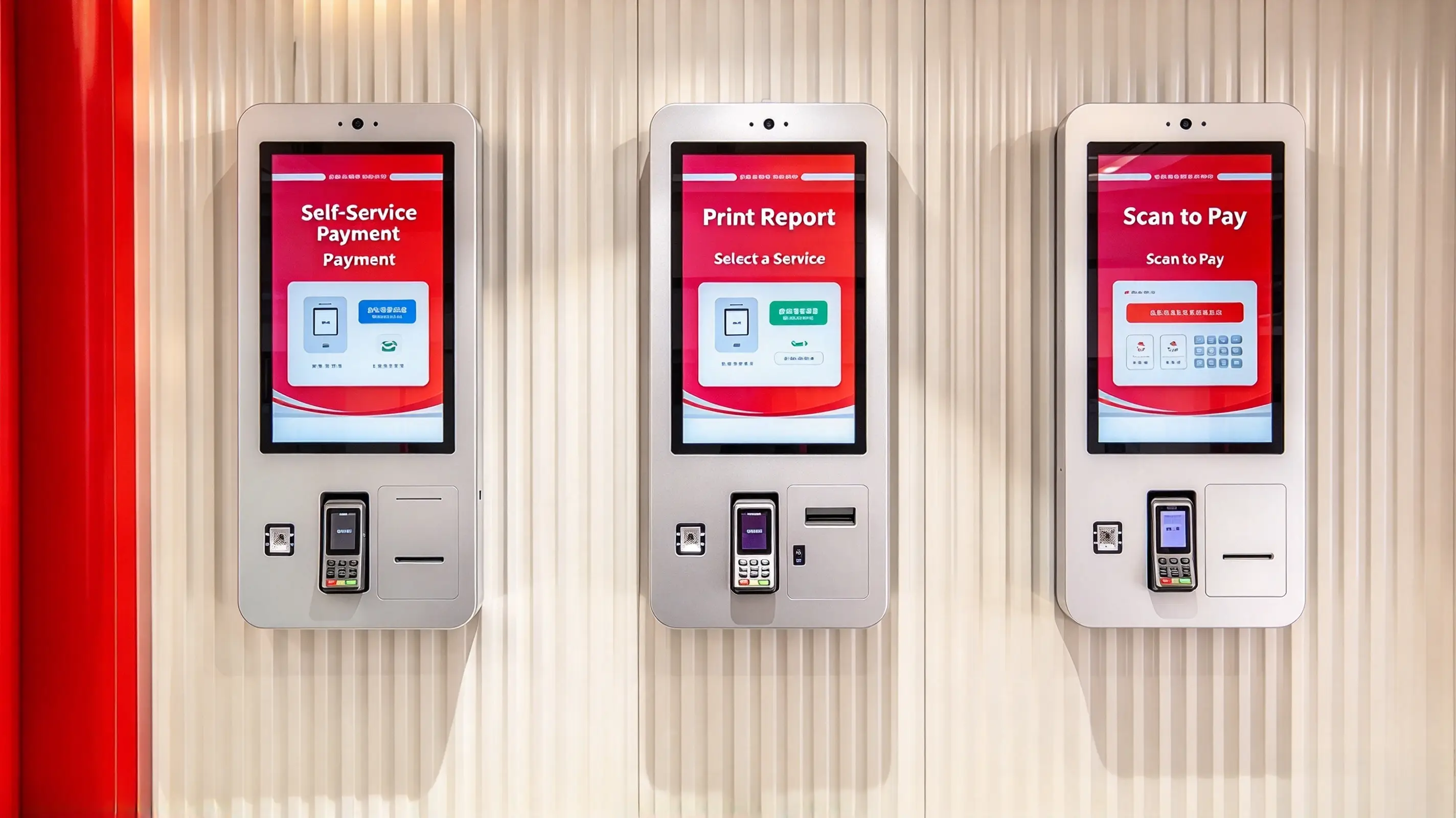
Self-Service Terminal
View model →
Interactive kiosks and self-service terminals rely on transparent touch film to deliver intuitive user experiences in retail, transportation, and public venues. Our solutions enable frameless, multi-touch interaction on glass or displays, reducing maintenance and enhancing customer engagement.
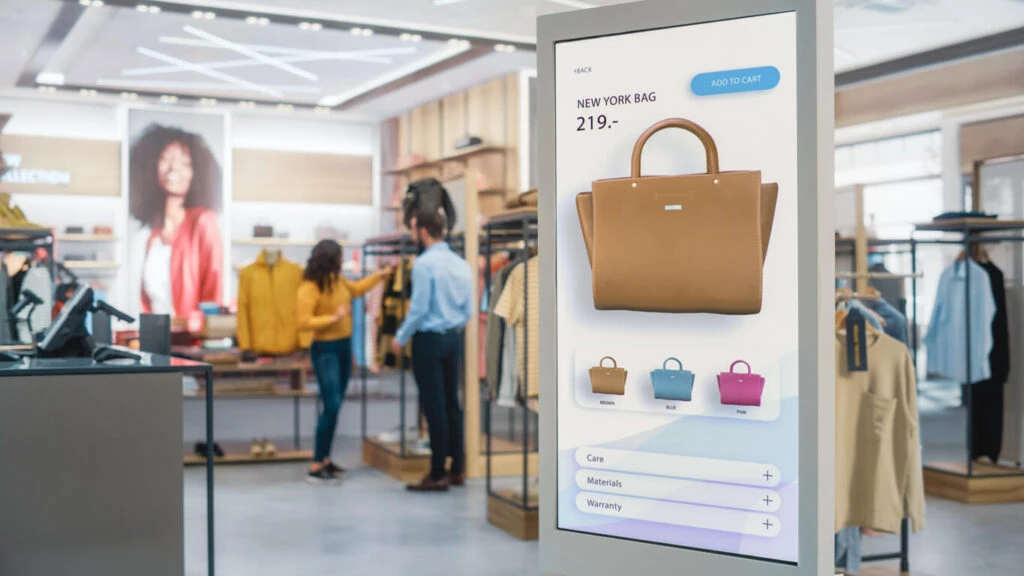
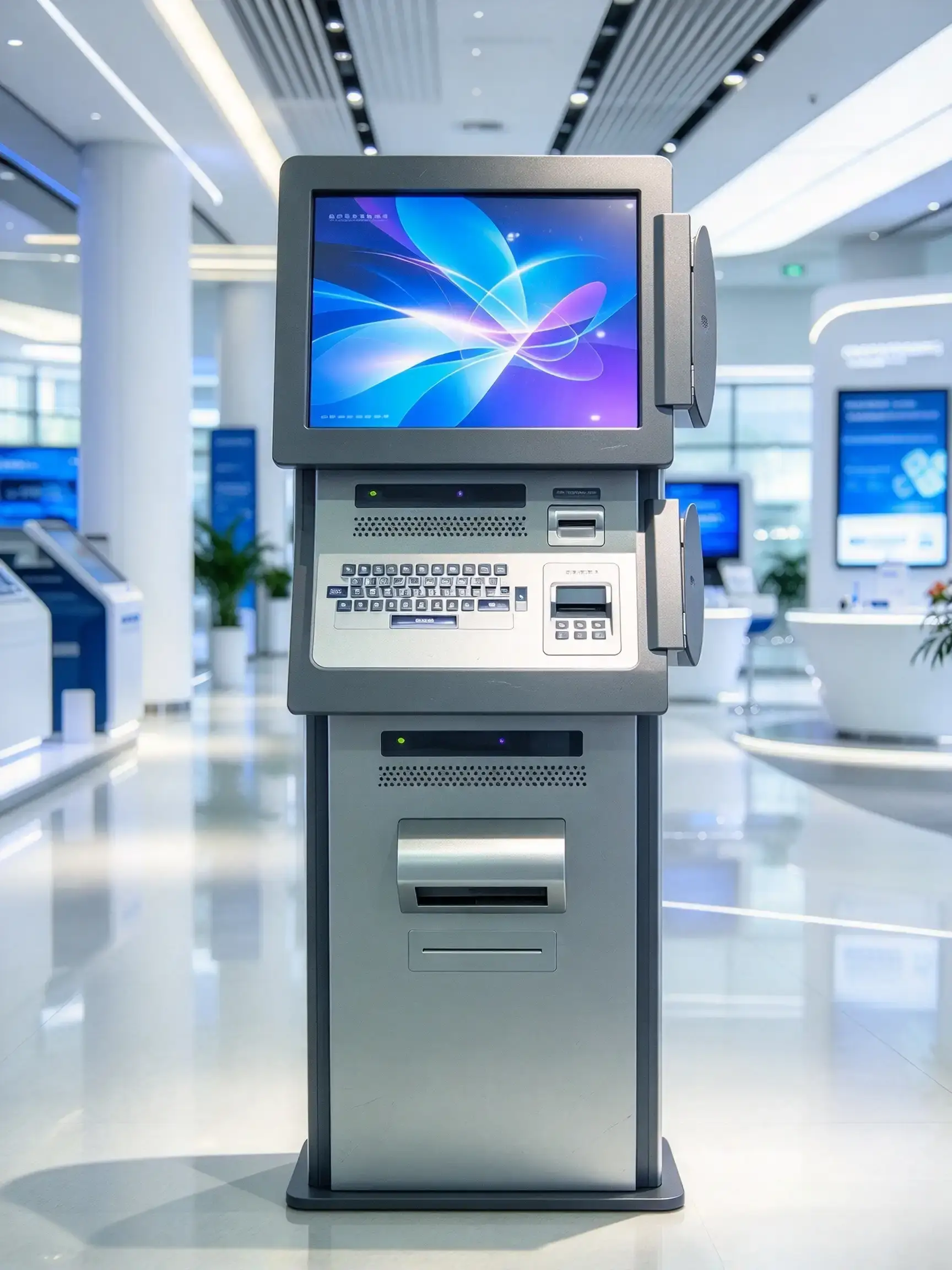
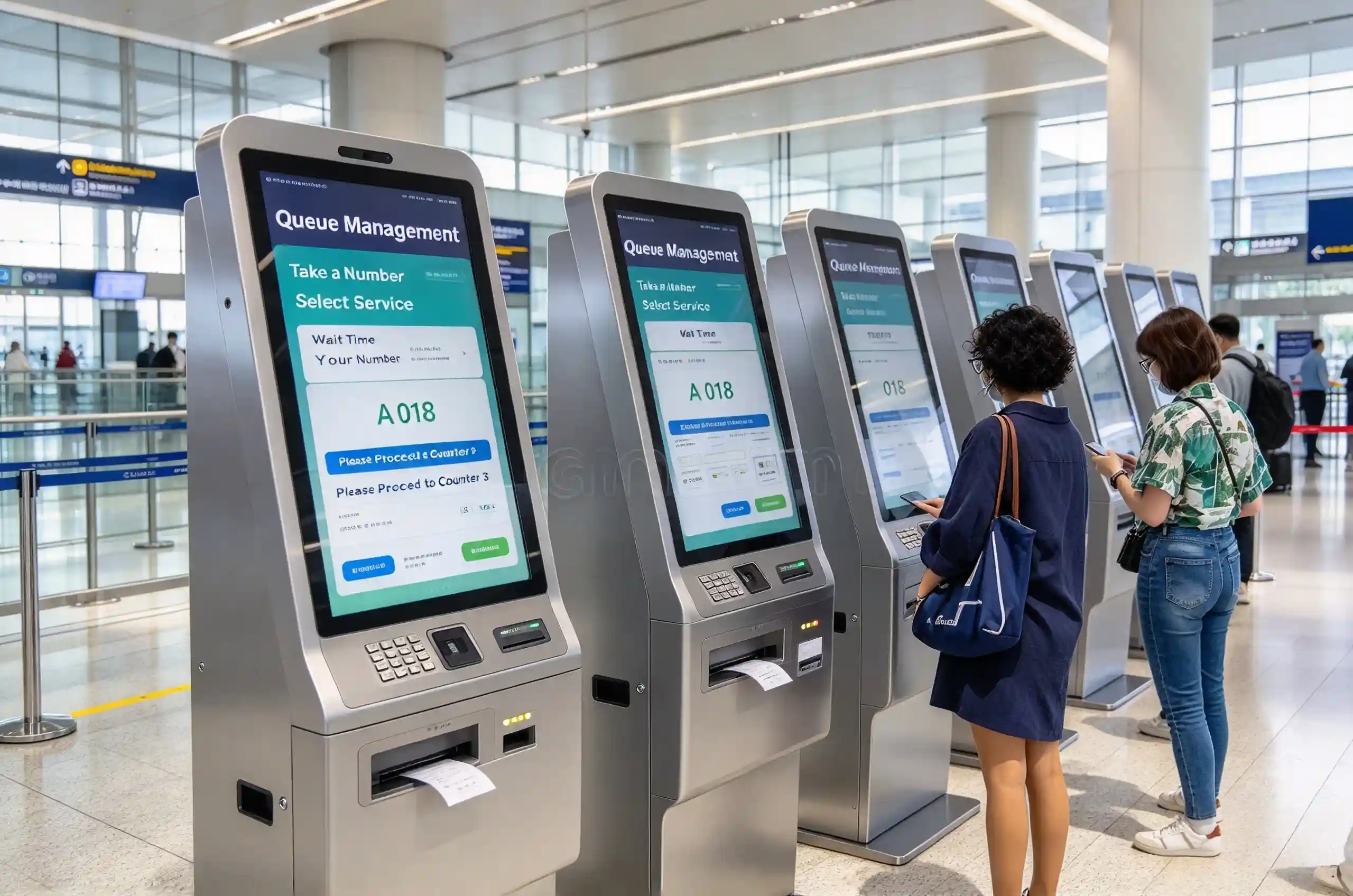
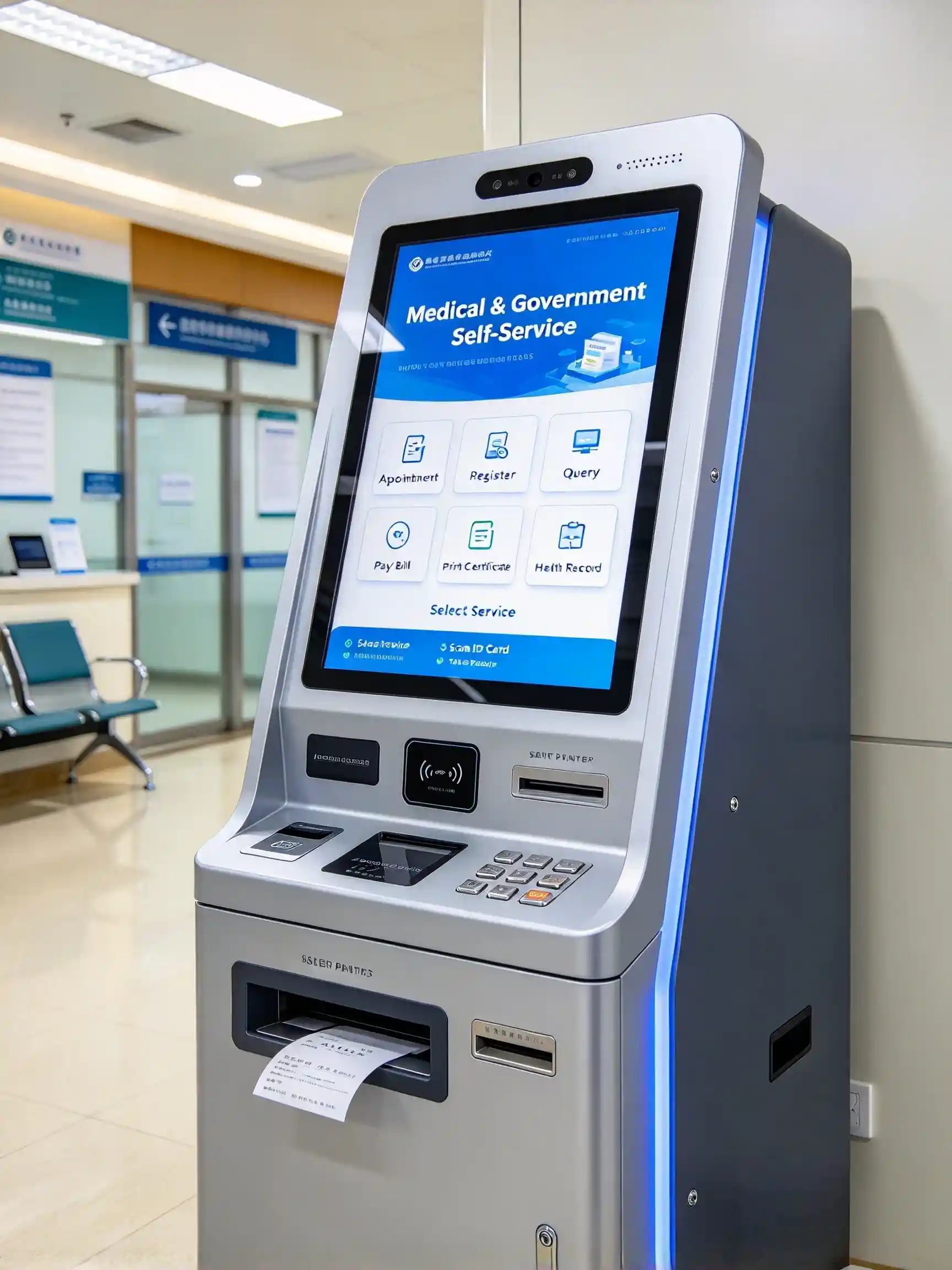
CAP touch film supports multi-touch interaction while allowing the sensor to sit behind a protective surface. This gives kiosk designers flexibility in screen size, front-panel appearance and enclosure construction without exposing the sensor to routine user contact.
Often, yes. The existing display, front glass and computer can sometimes be retained. Check the display dimensions, glass construction, internal mounting space, USB connection and operating-system support before selecting a sensor and controller for the retrofit.
Continuous-operation suitability depends on the complete terminal, including the display, computer, power supply, thermal management, enclosure and peripheral devices. Define the daily operating cycle and environmental conditions, then test the assembled kiosk under those conditions.
Glass material, thickness and coatings change the distance and electrical conditions between the user’s finger and the sensor. There is no single thickness suitable for every design. The controller should be tuned and tested with the actual cover-glass stack.
When the sensor is behind glass, routine contact with the cleaning agent is normally with the exposed cover rather than the film itself. The cover, seals, adhesive and enclosure materials must still be compatible with the intended cleaning chemicals and maintenance procedure.
Provide the display size, kiosk drawing, cover-glass details, indoor or outdoor location, operating system, connection interface, expected touch gestures, peripheral layout and production quantity. For public installations, also describe cleaning, security and accessibility requirements.