GT-CTS-Y10.4
View model →
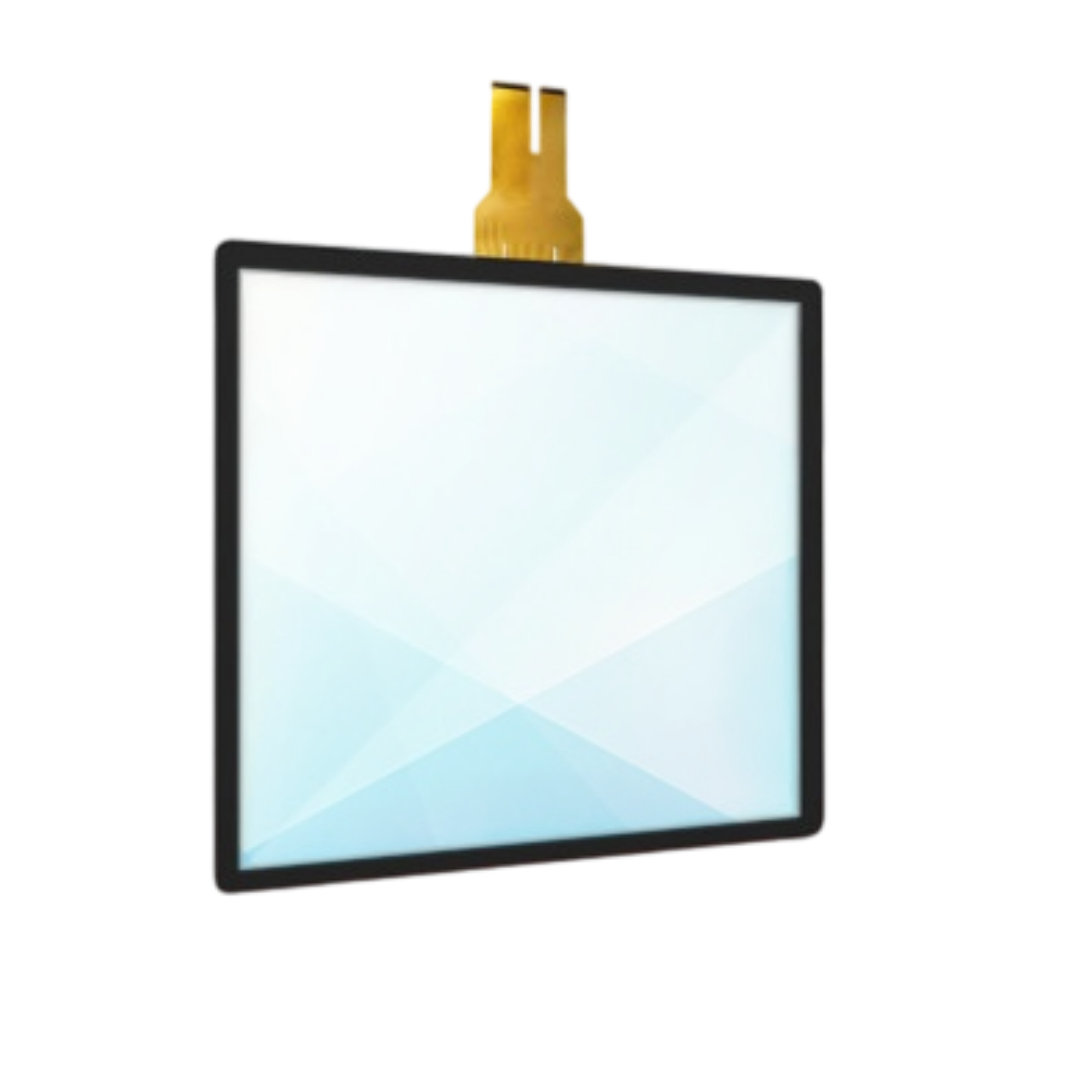
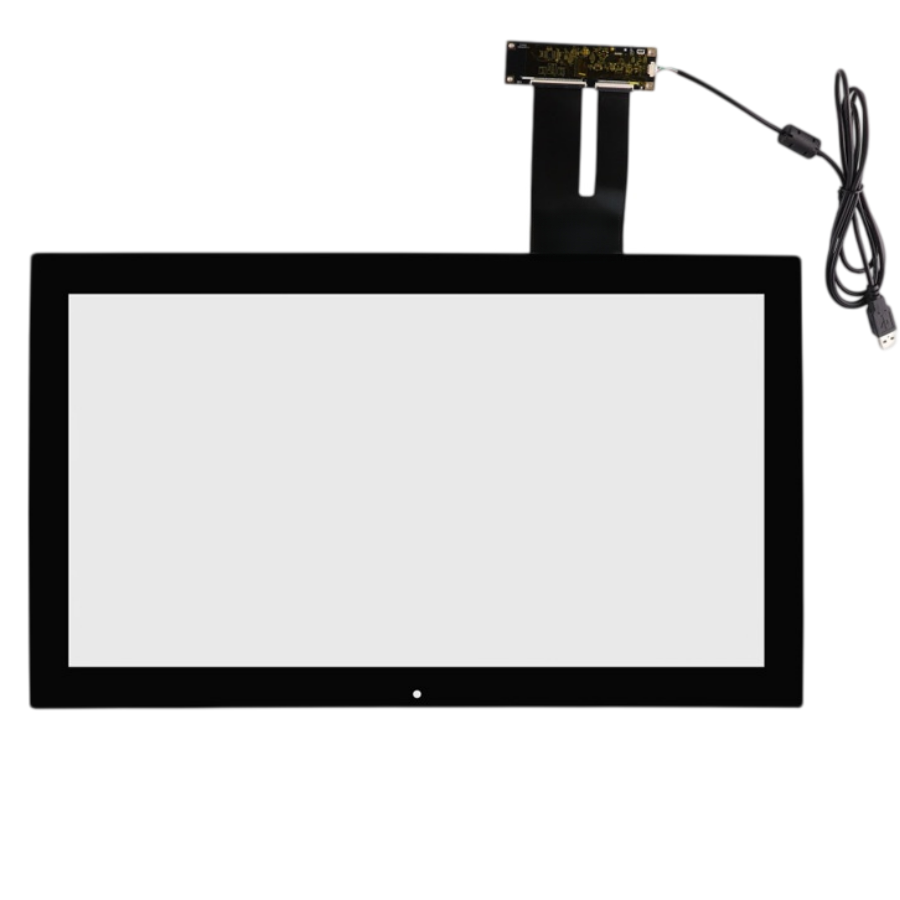
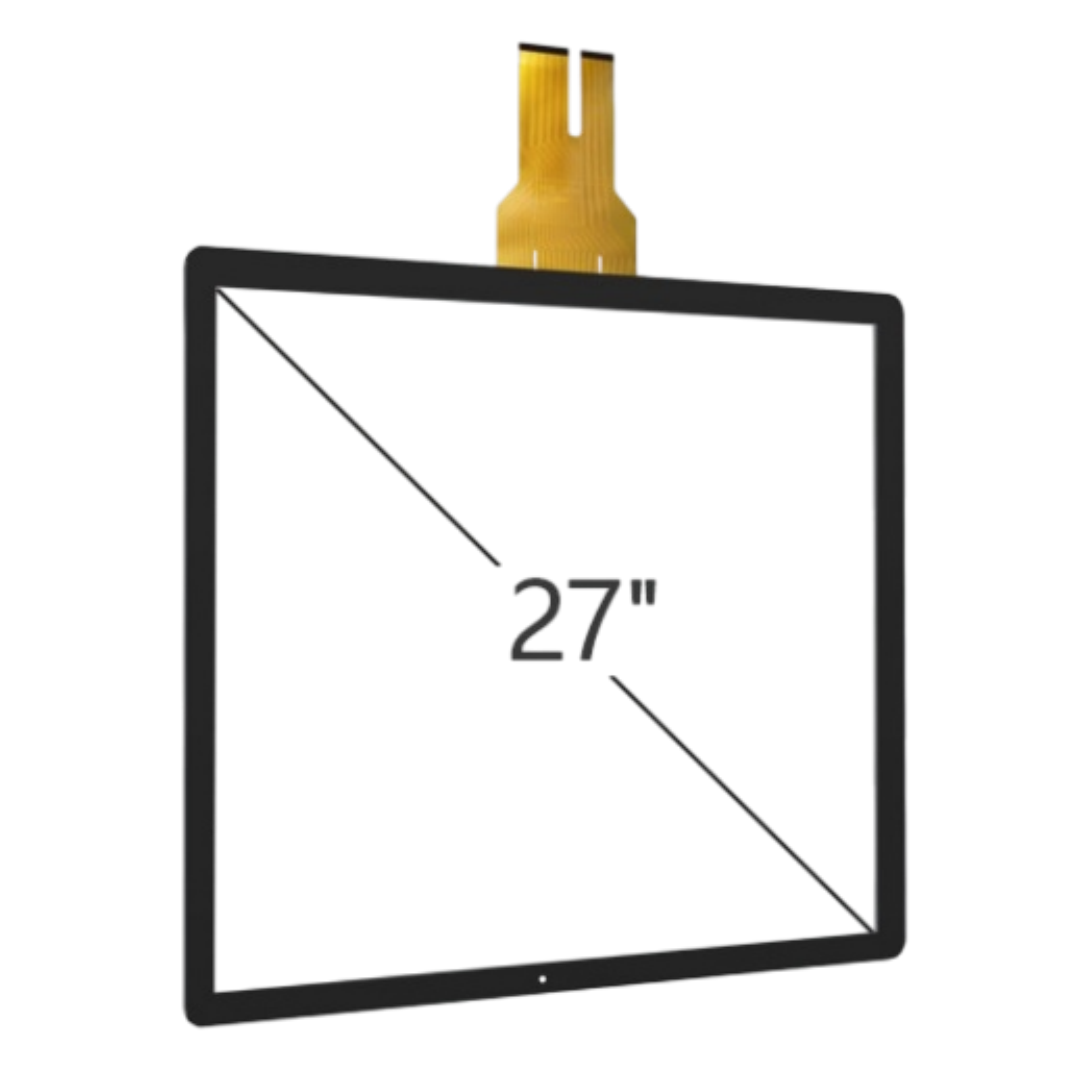
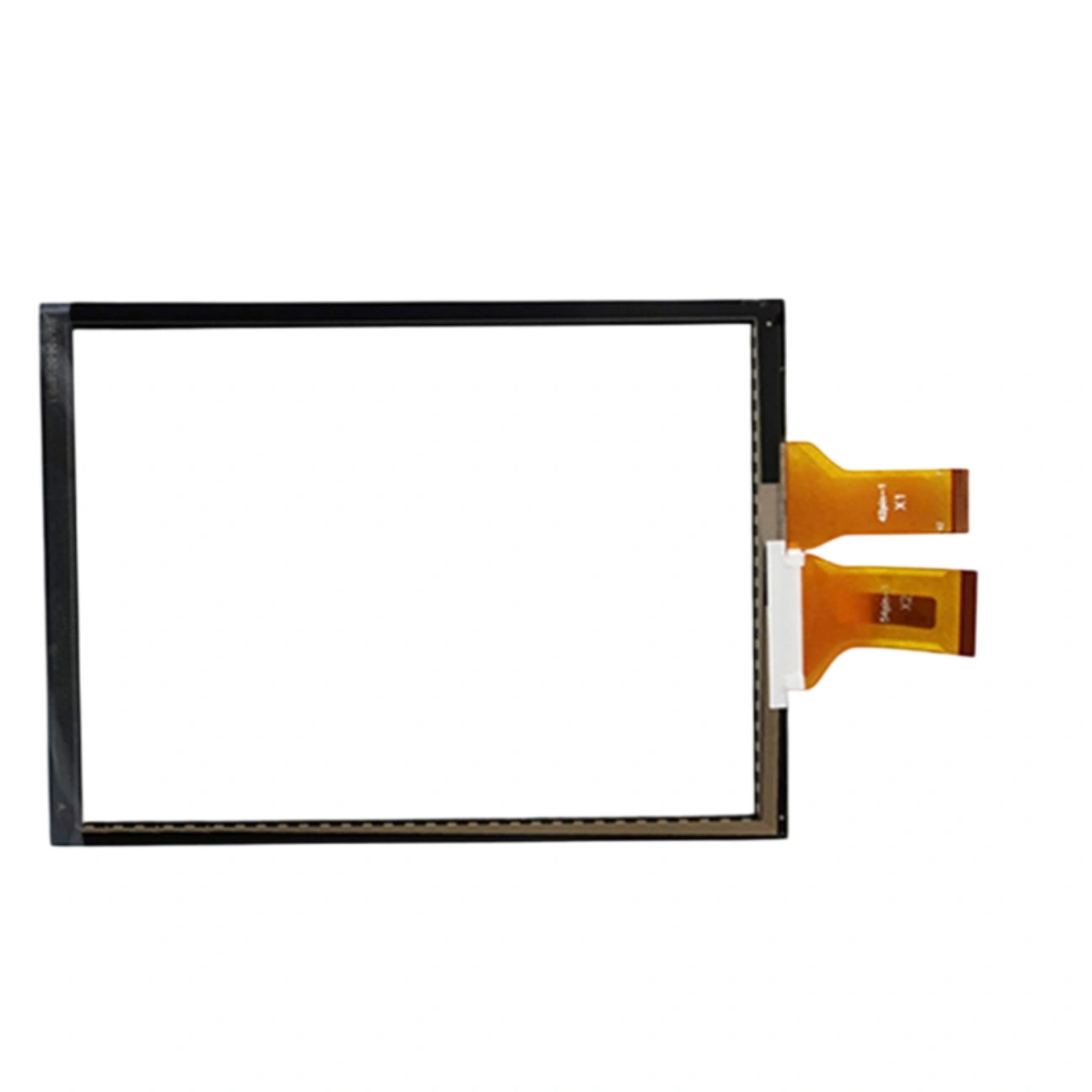
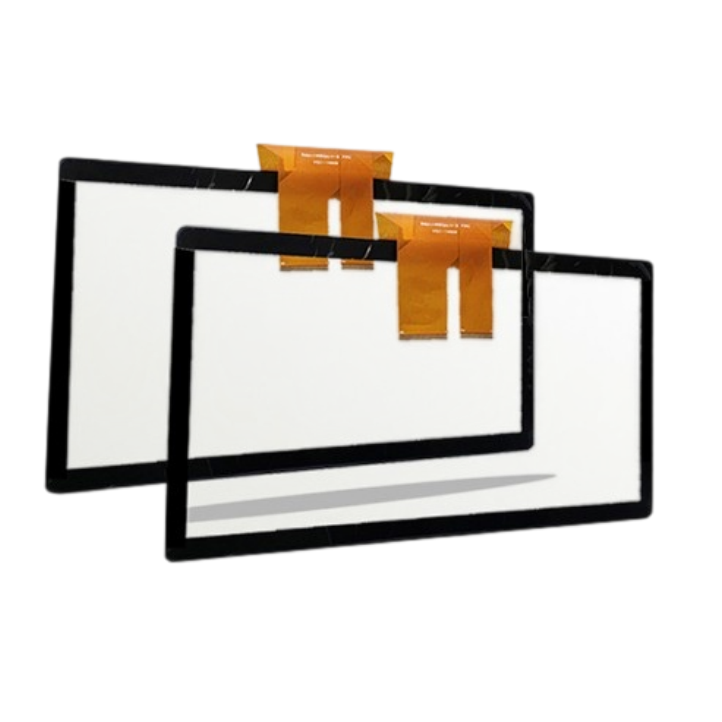
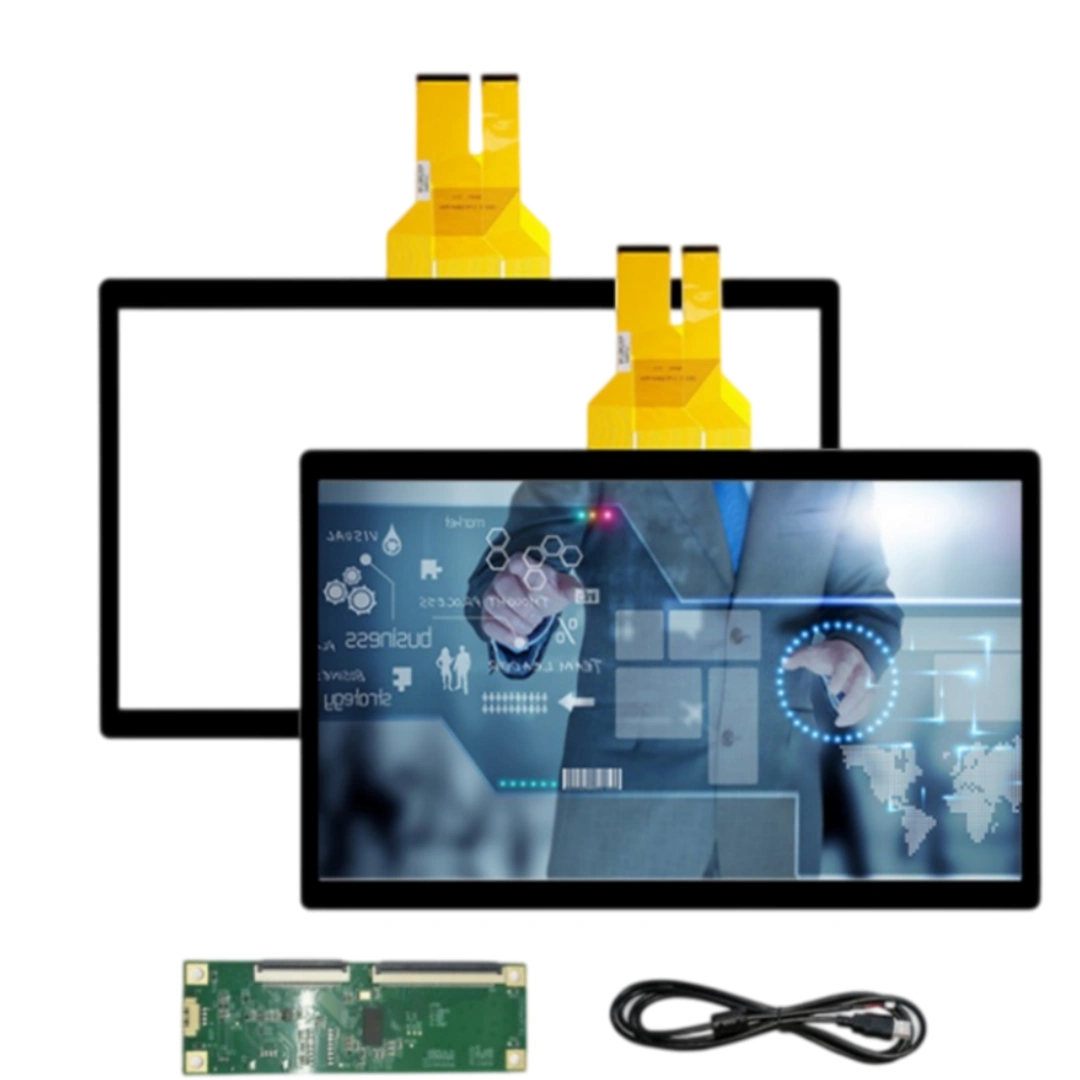
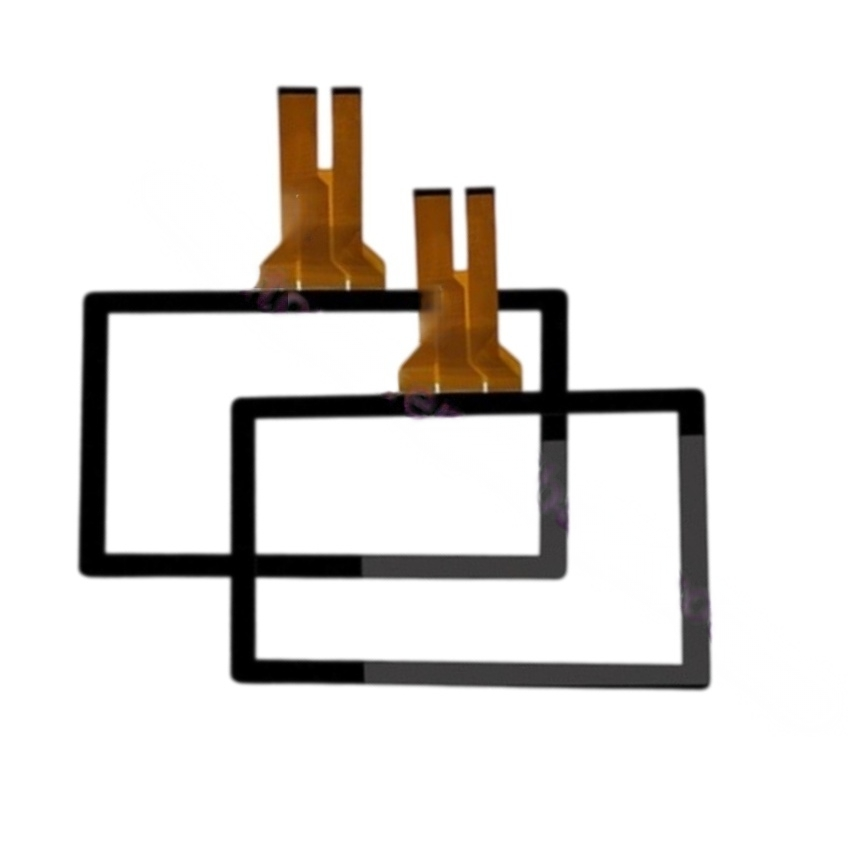
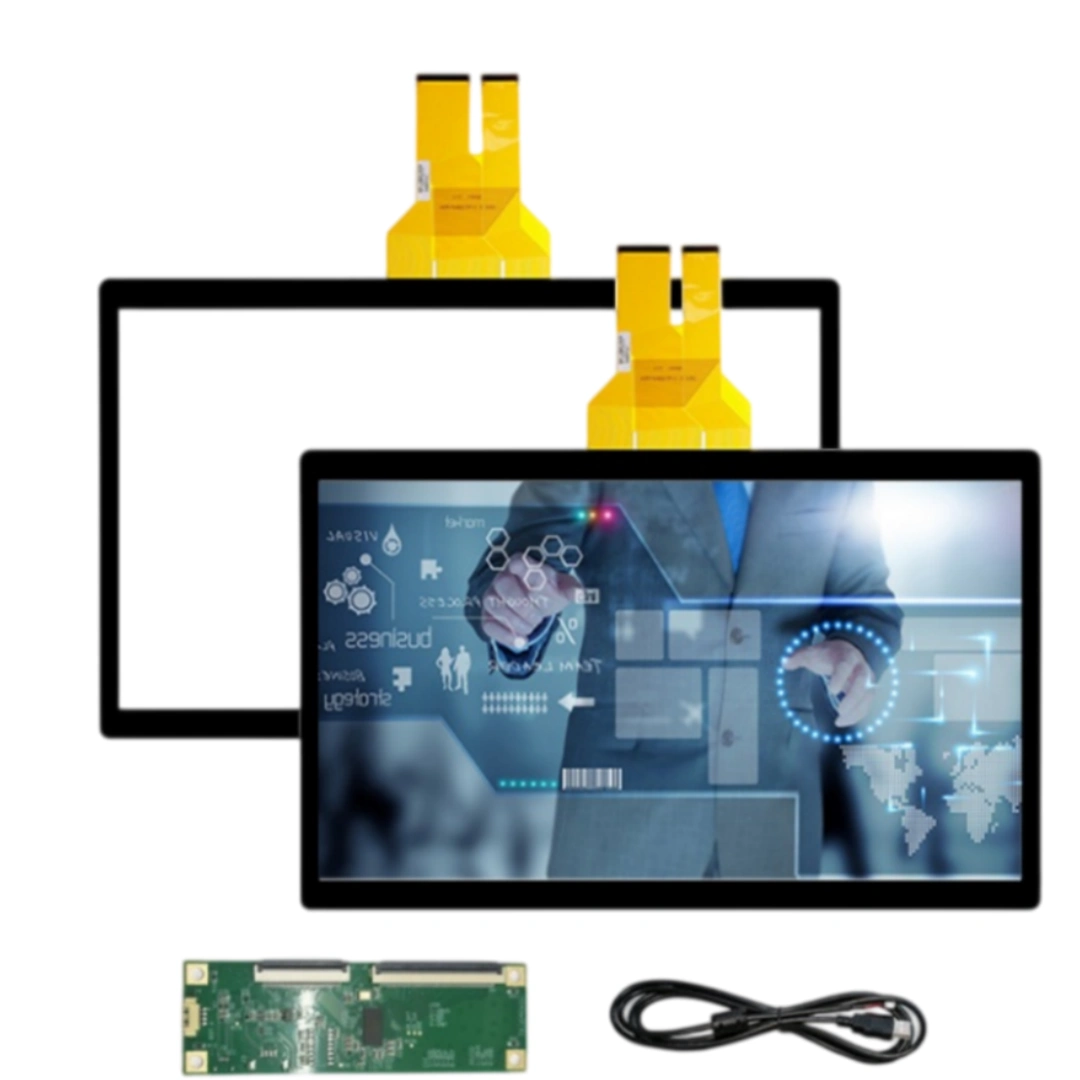
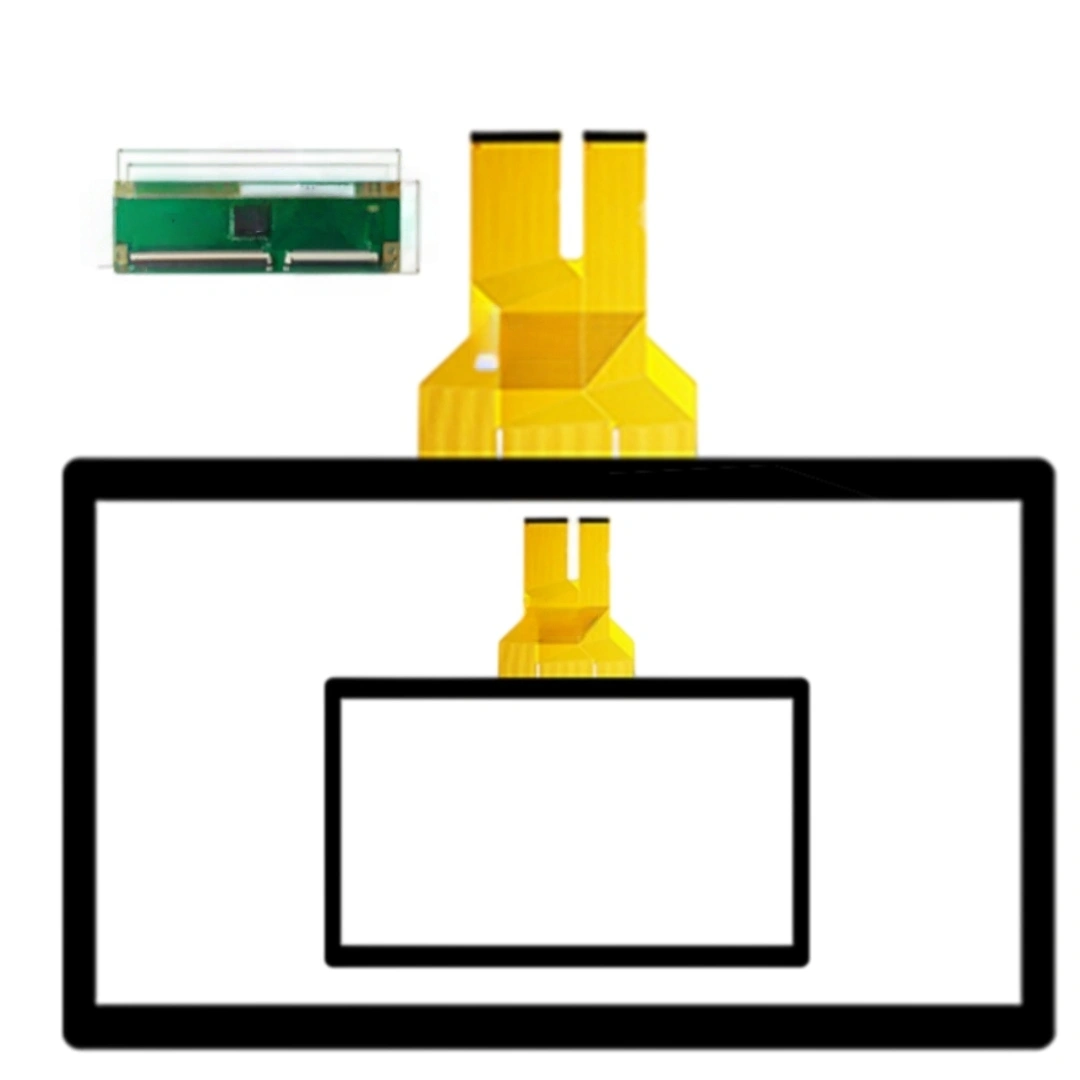
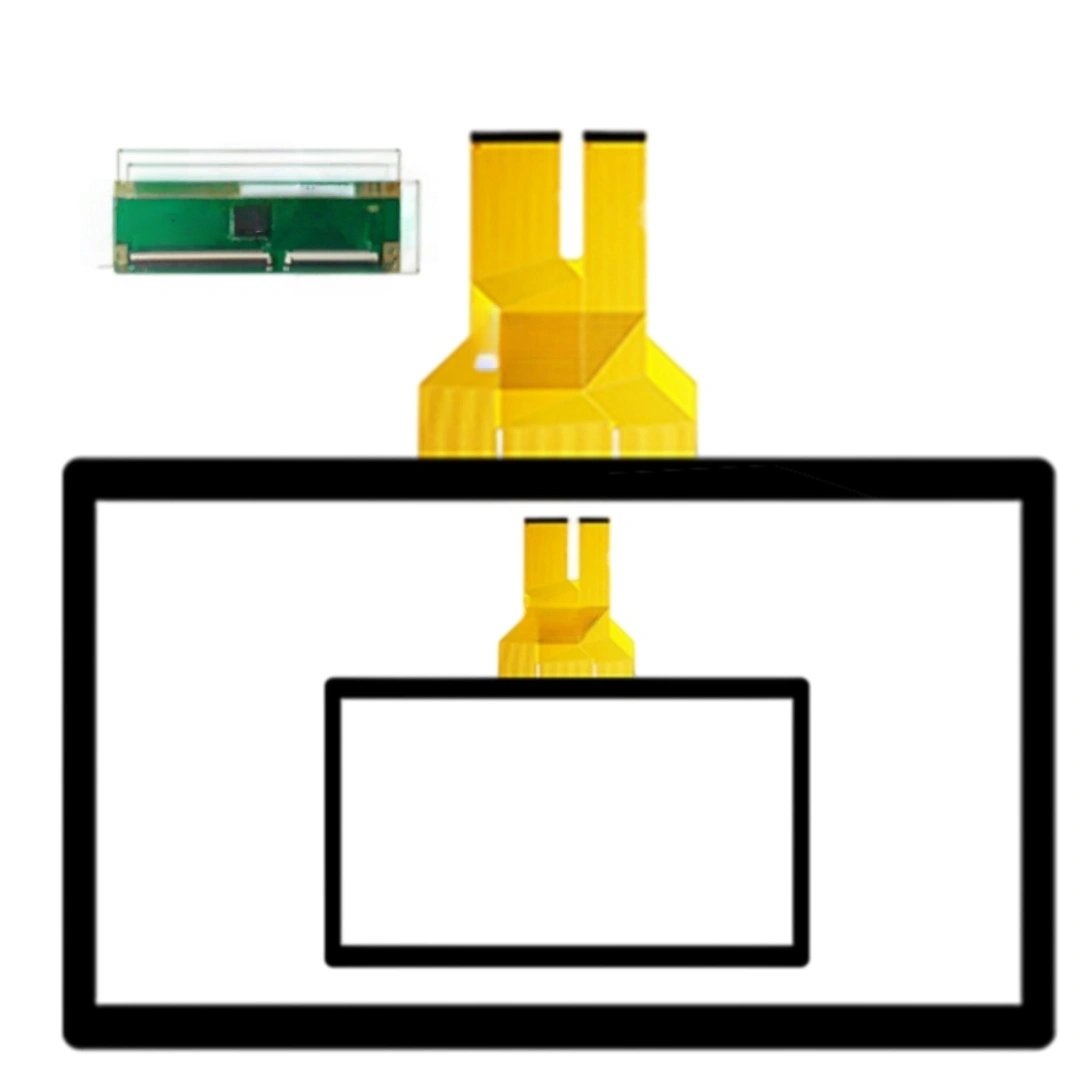
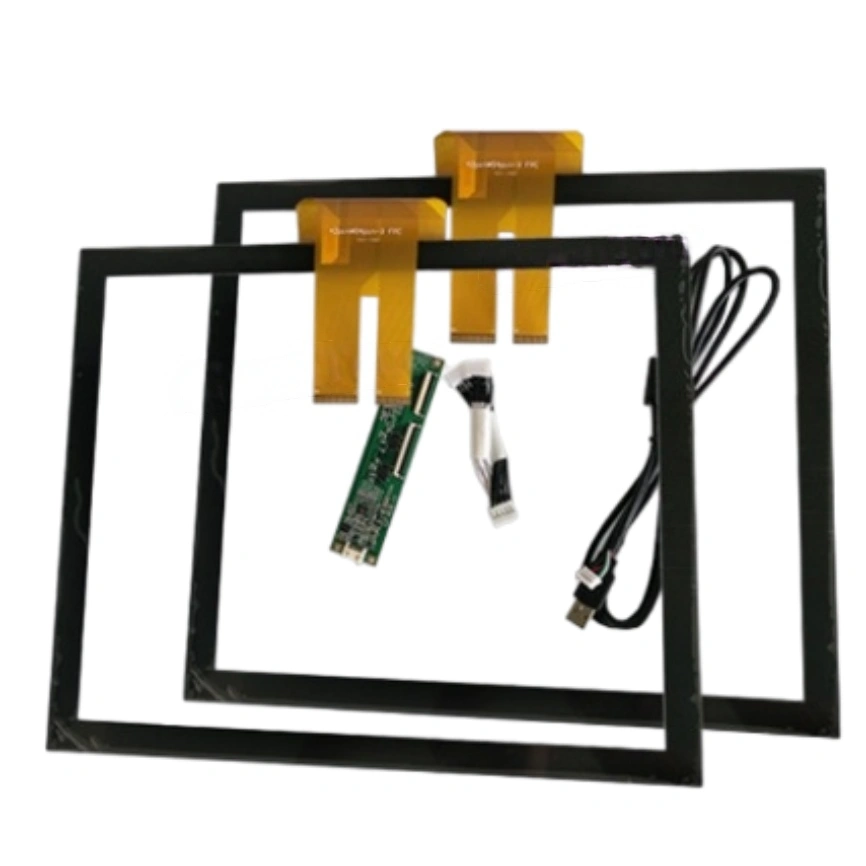
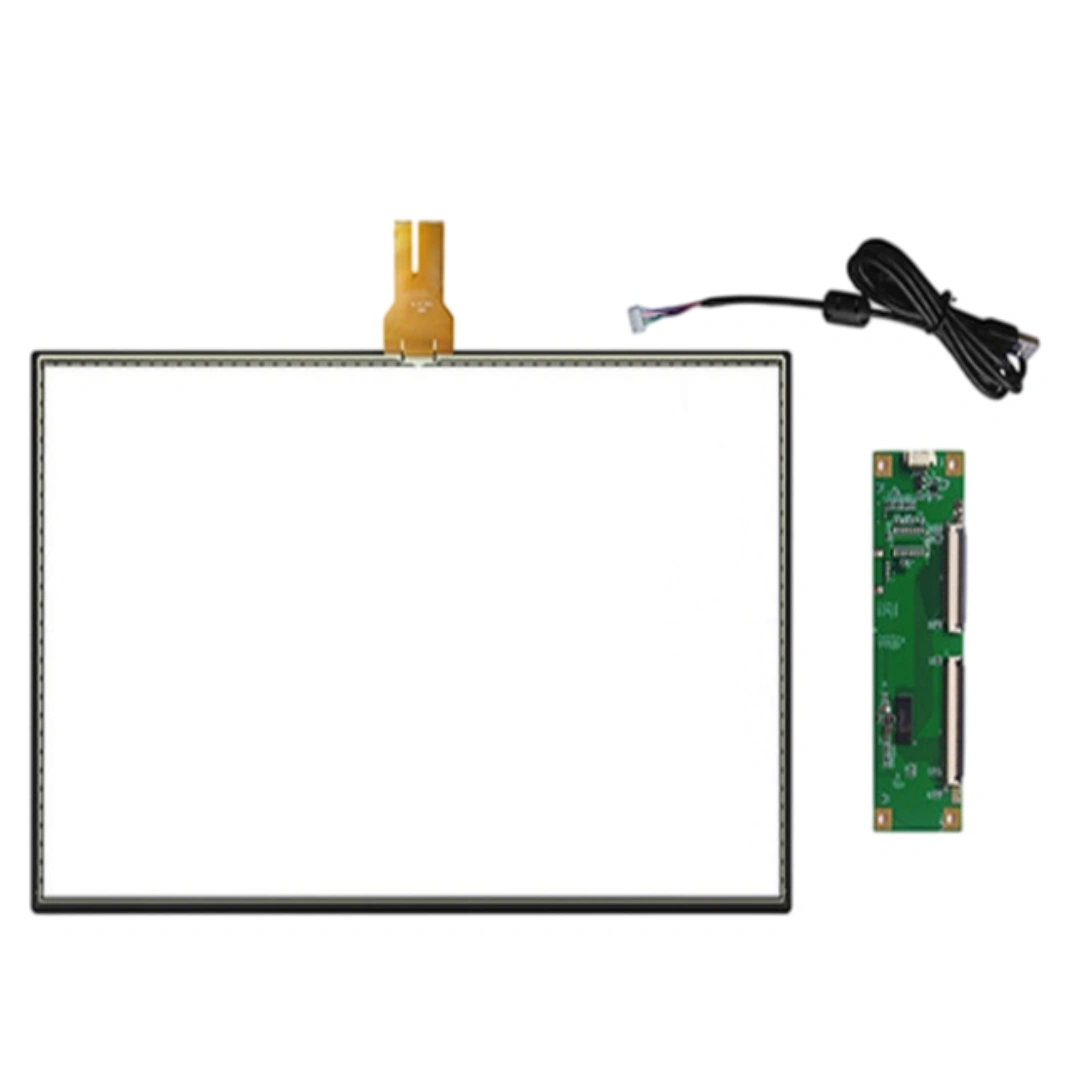
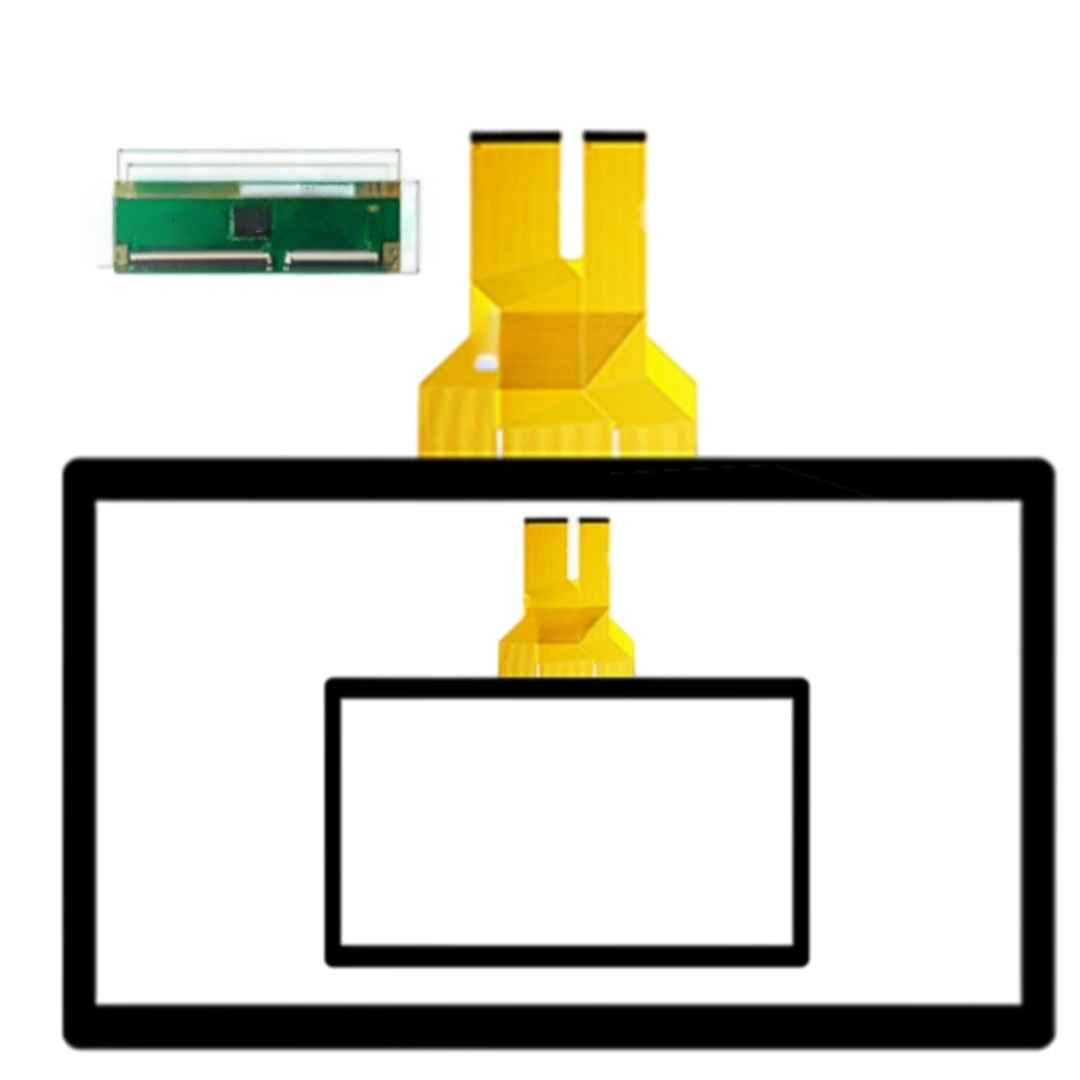
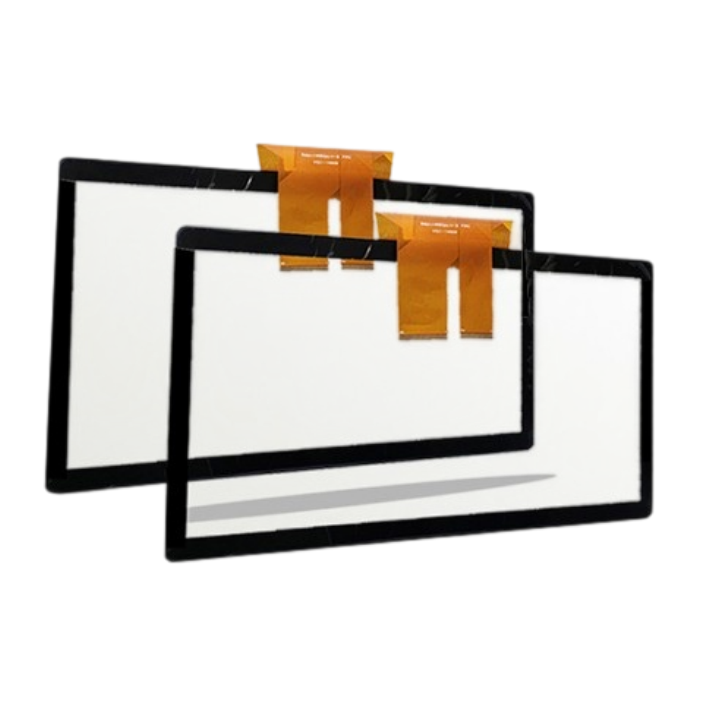
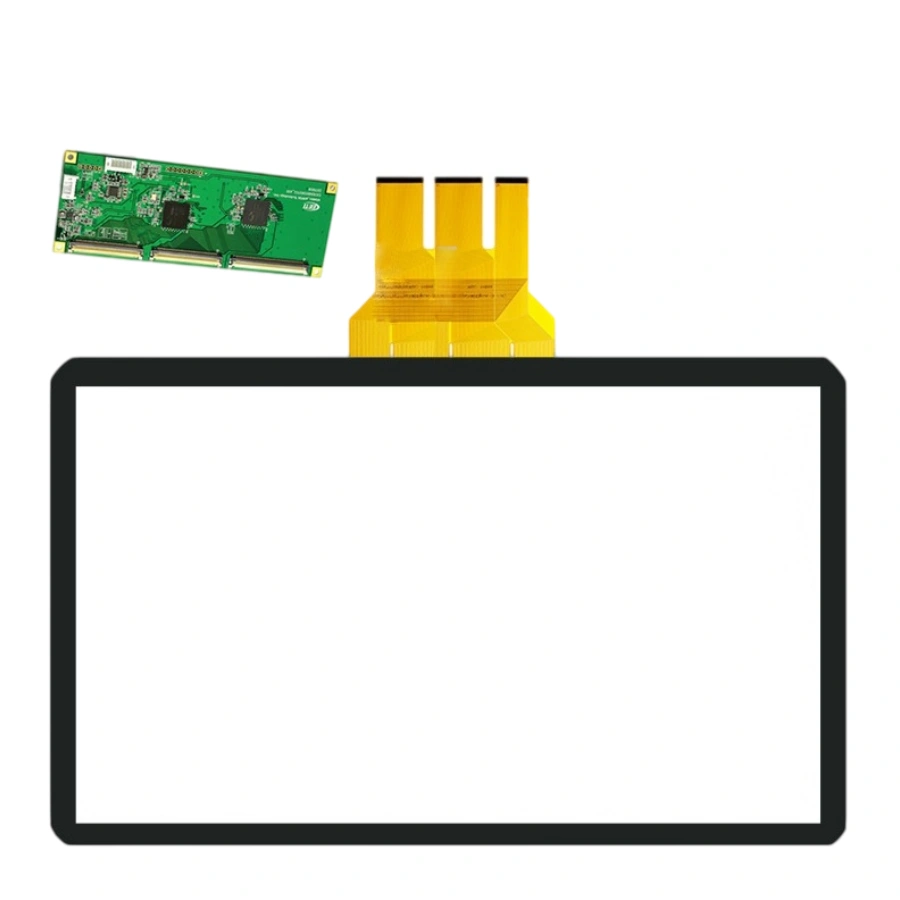
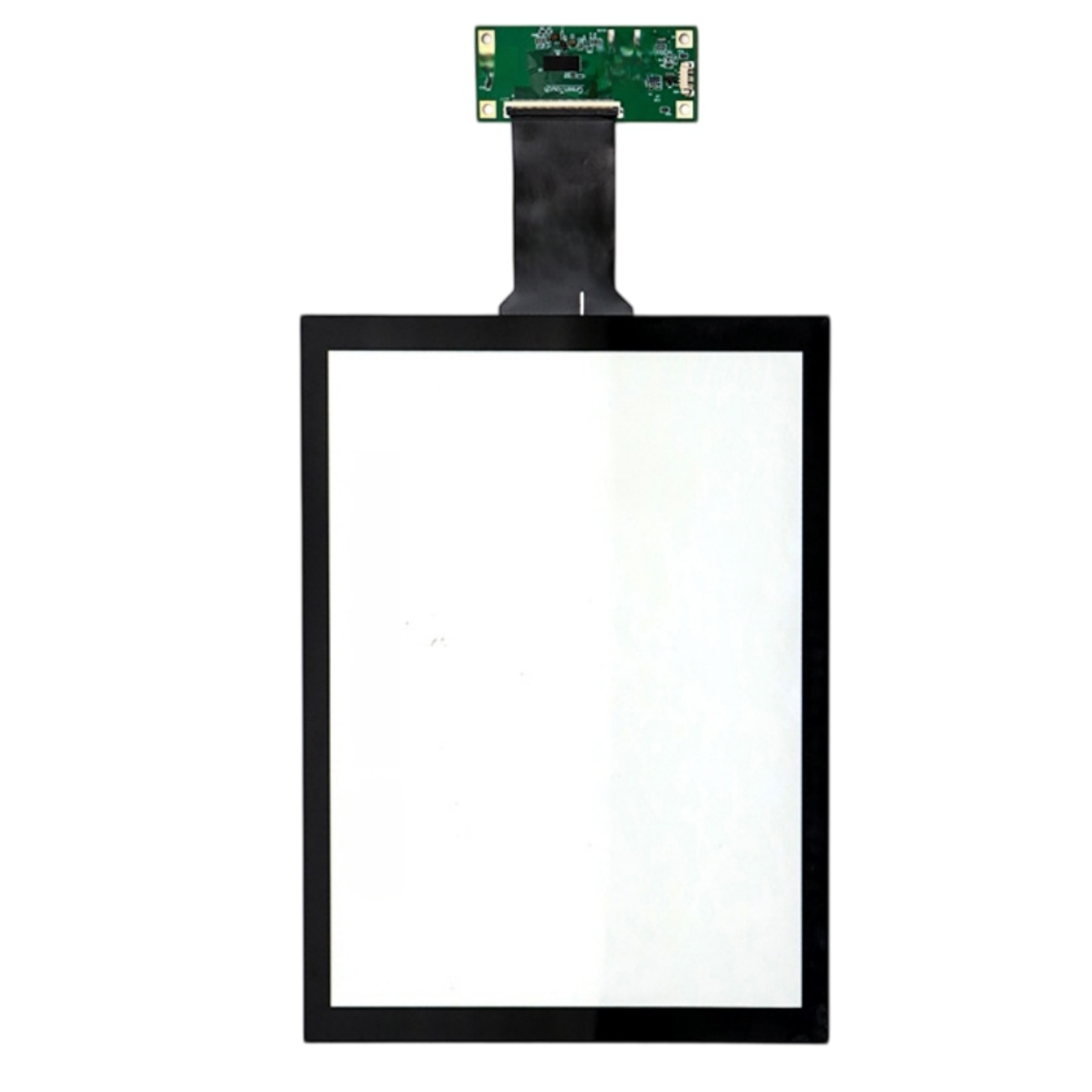
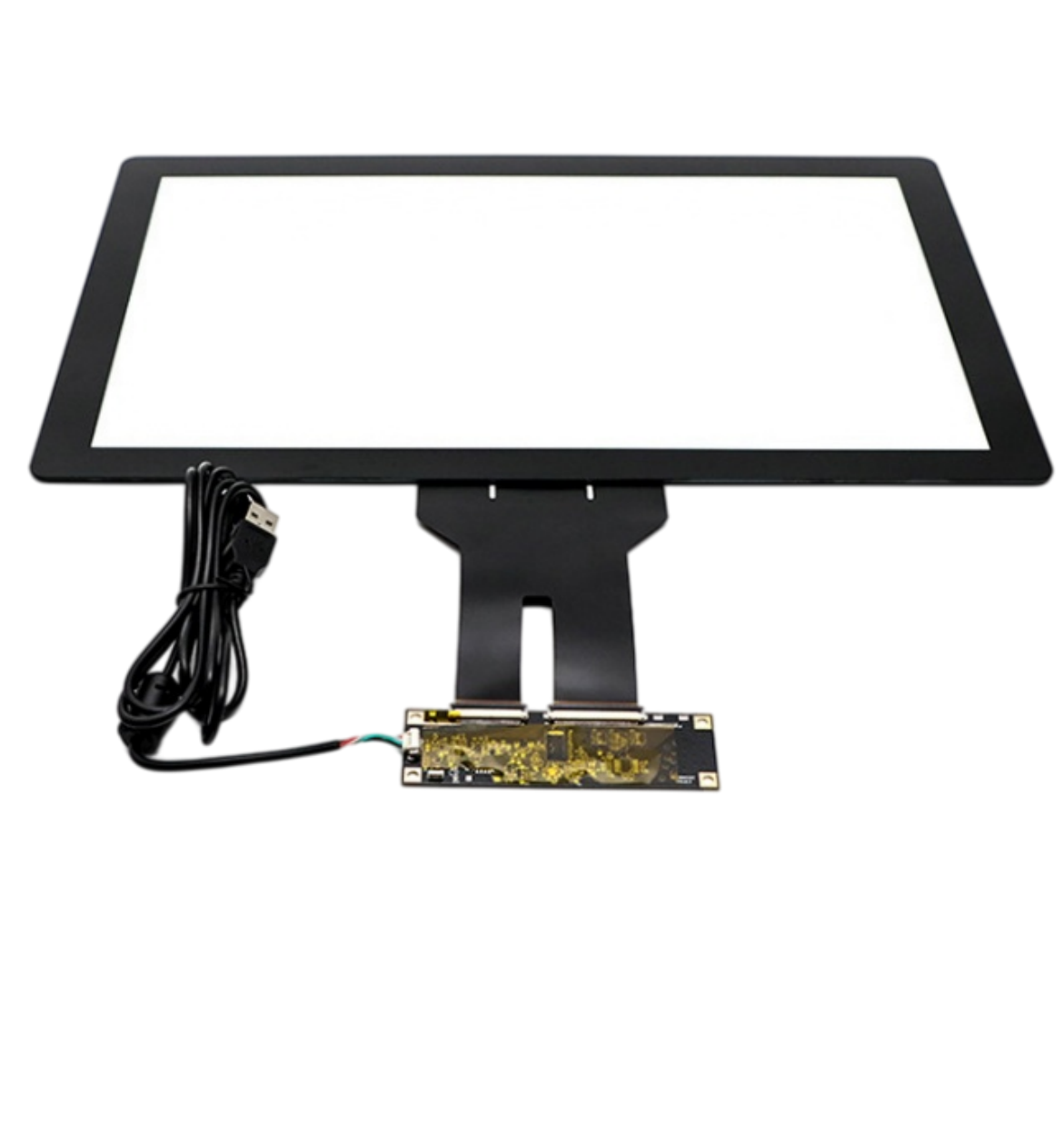
This 32-inch projected capacitive touch screen with USB and 10 points touch. The listing specifies a 10 ms response time, 4096 × 4096 touch resolution and >85% transmittance, with ILITEK or EETI controller options. Listed applications include Smart writing boards, information kiosks and similar terminals.
Finger works out of the box. A standard passive capacitive stylus (the rubber-tip kind) also works for annotation. Active pens with pressure sensitivity need a dedicated digitizer, which this panel doesn't have — but for whiteboard marking and menu signing, a passive stylus is enough.
That's "palm rejection" and it's partly firmware, partly app. The controller reports the large contact as a touch; we can flag palm-size contacts as ignored, but your whiteboard software also needs to honor that flag. Tell us which app (Miro, Zoom Whiteboard, proprietary), we'll match the setting.
Yes. The controller supports 0/90/180/270° coordinate rotation. Just tell us the final orientation before shipment and we'll burn it in — no on-site rotation config needed. If you plan to switch between landscape and portrait dynamically, that's handled by the host OS, not the touch firmware.
6H means a sharpened pencil-grade scratch won't mark it under normal press. Keys, a ring, a dry-erase marker cap — fine. It won't survive a dropped screwdriver or repeated steel-wool scrubbing. For school or co-working spaces, that's plenty; for vandal-prone public areas we'd add a thicker tempered overlay.
Each unit goes in an EPE-foam cradled carton with the controller box in a separate pocket (not pressing the glass). Keep storage upright, never flat-stacked beyond 3 layers. Long-distance freight: add a plywood frame. We pre-label "fragile – glass edge" on two sides.
10 points covers roughly 5 fingers per two users comfortably. For a classroom "four kids drawing together" scene, each child usually uses 1–2 fingers, so 10 points is enough. If you expect 4 full-hand palms + drawing, we can move to an EETI high-point build with more headroom.
| Screen size | 32 inches |
|---|---|
| Touch screen type | Projected capacitive (PCAP) . |
| Touch points | 10 points |
| Interface and driver | USB . |
| Response time | 10 ms |
| Touch resolution | 4096 × 4096 . |
| Transmittance | >85 % |
| Surface hardness | 6 H |
| Controller options | ILITEK or EETI controller options . |
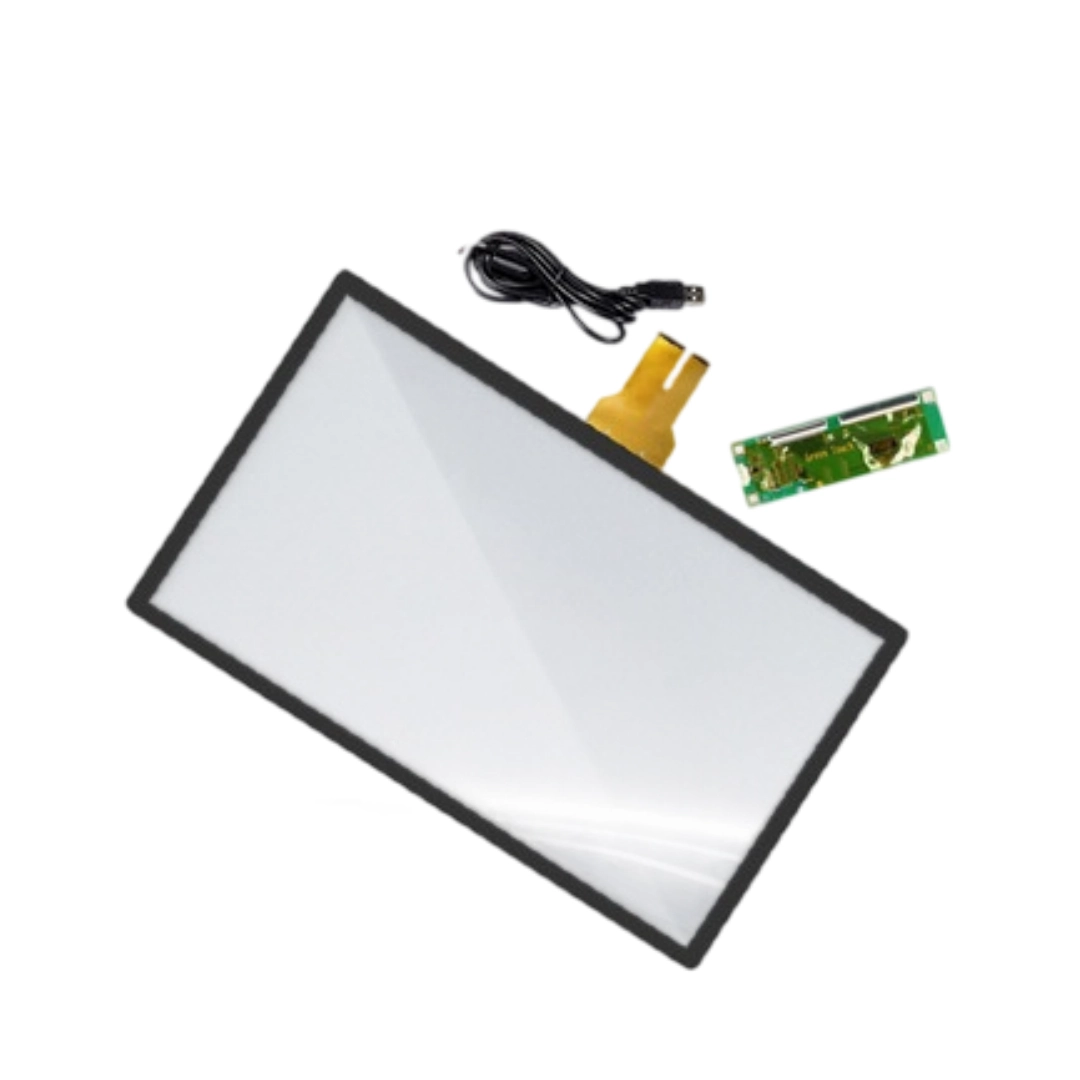
| Package contents | Capacitive touch panel ×1, USB cable ×1, controller ×1 . |