GT-CTS-Y10.4
View model →
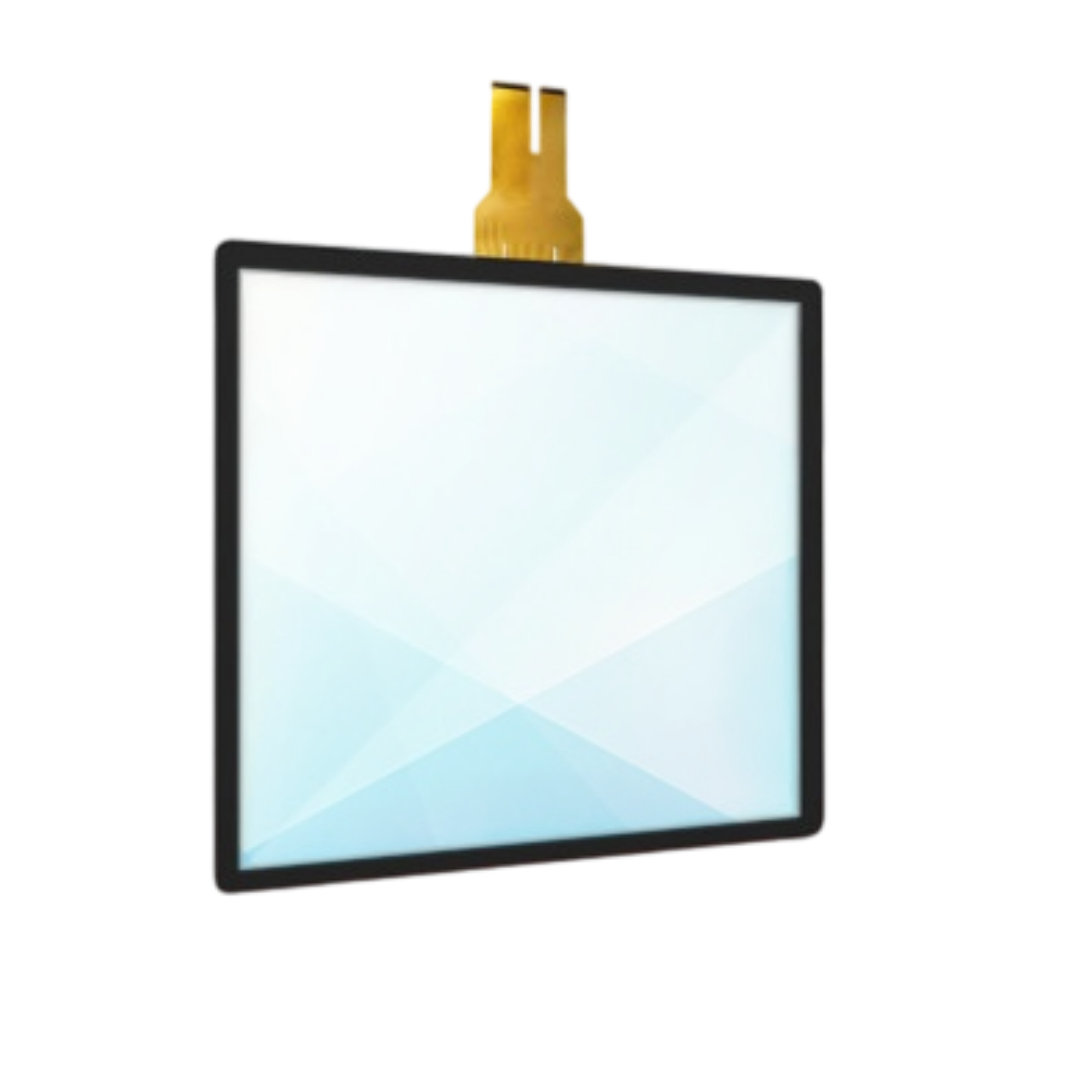
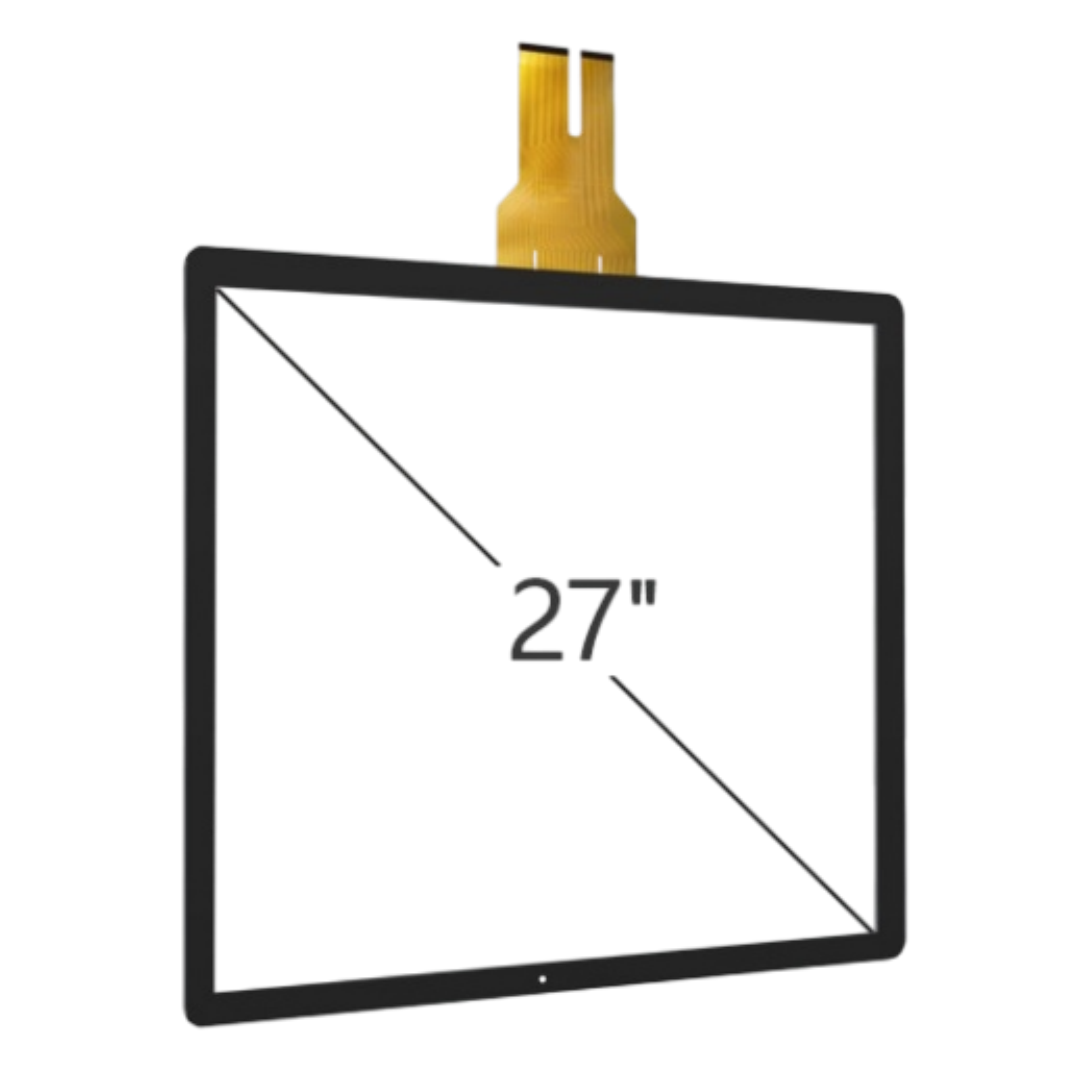
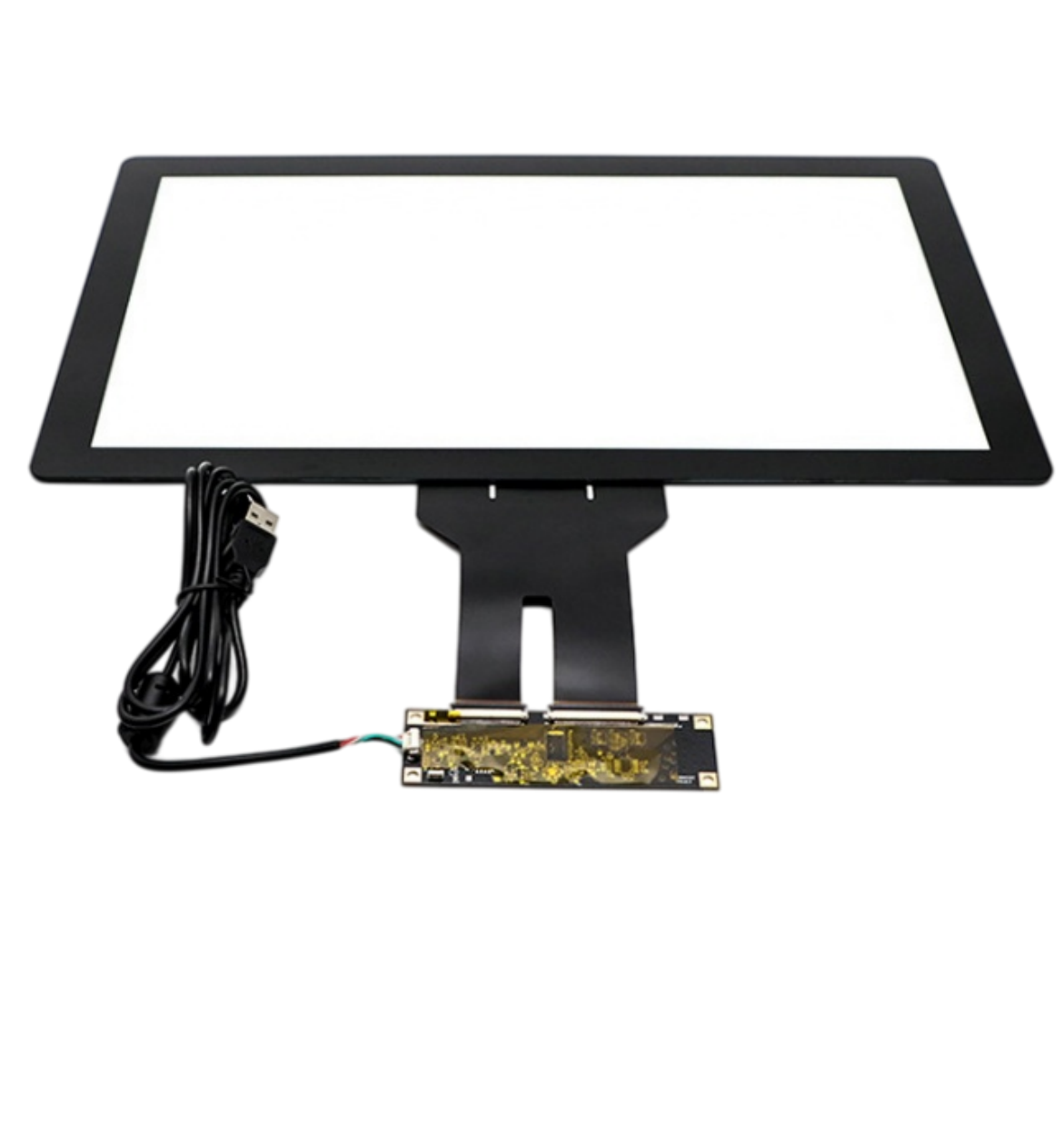
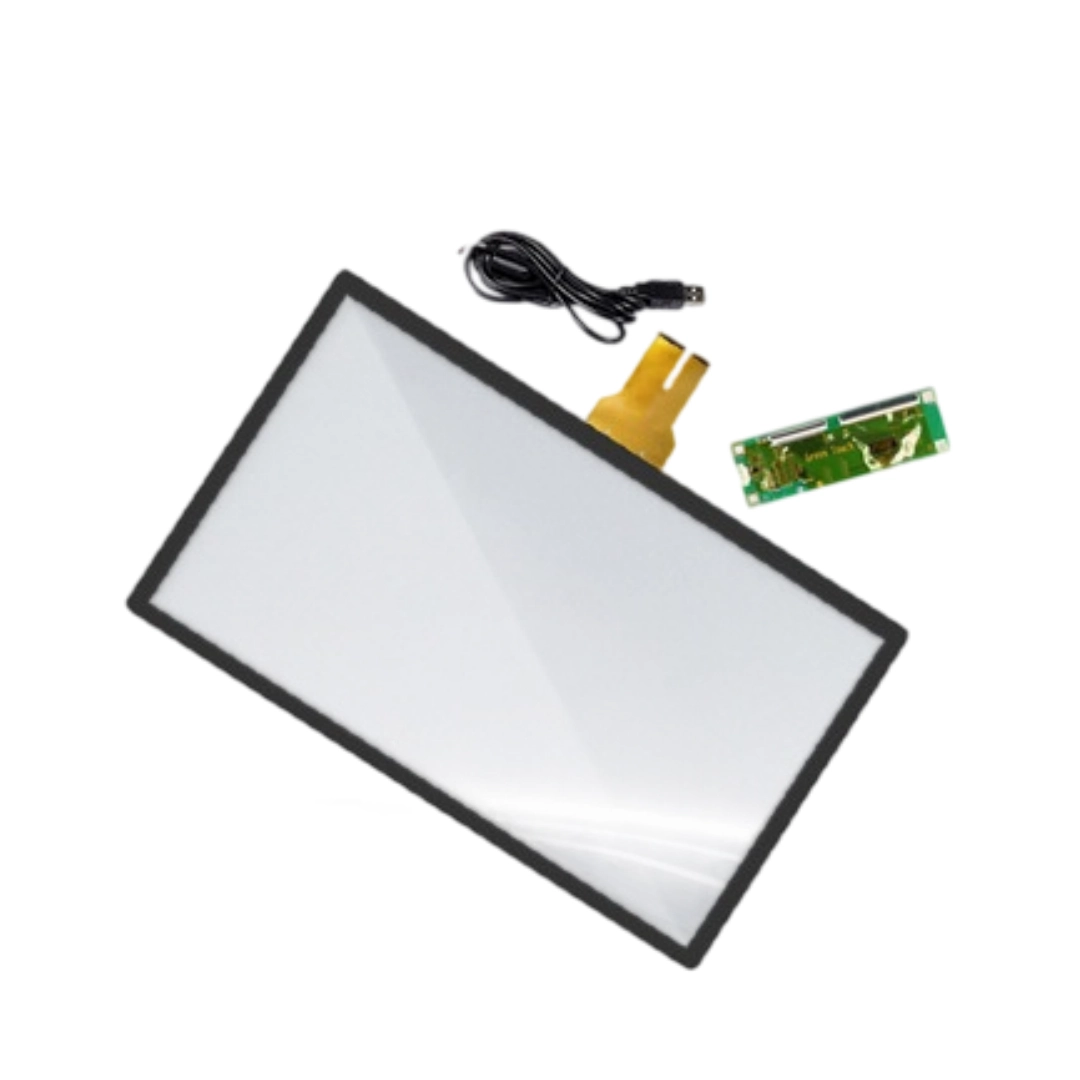
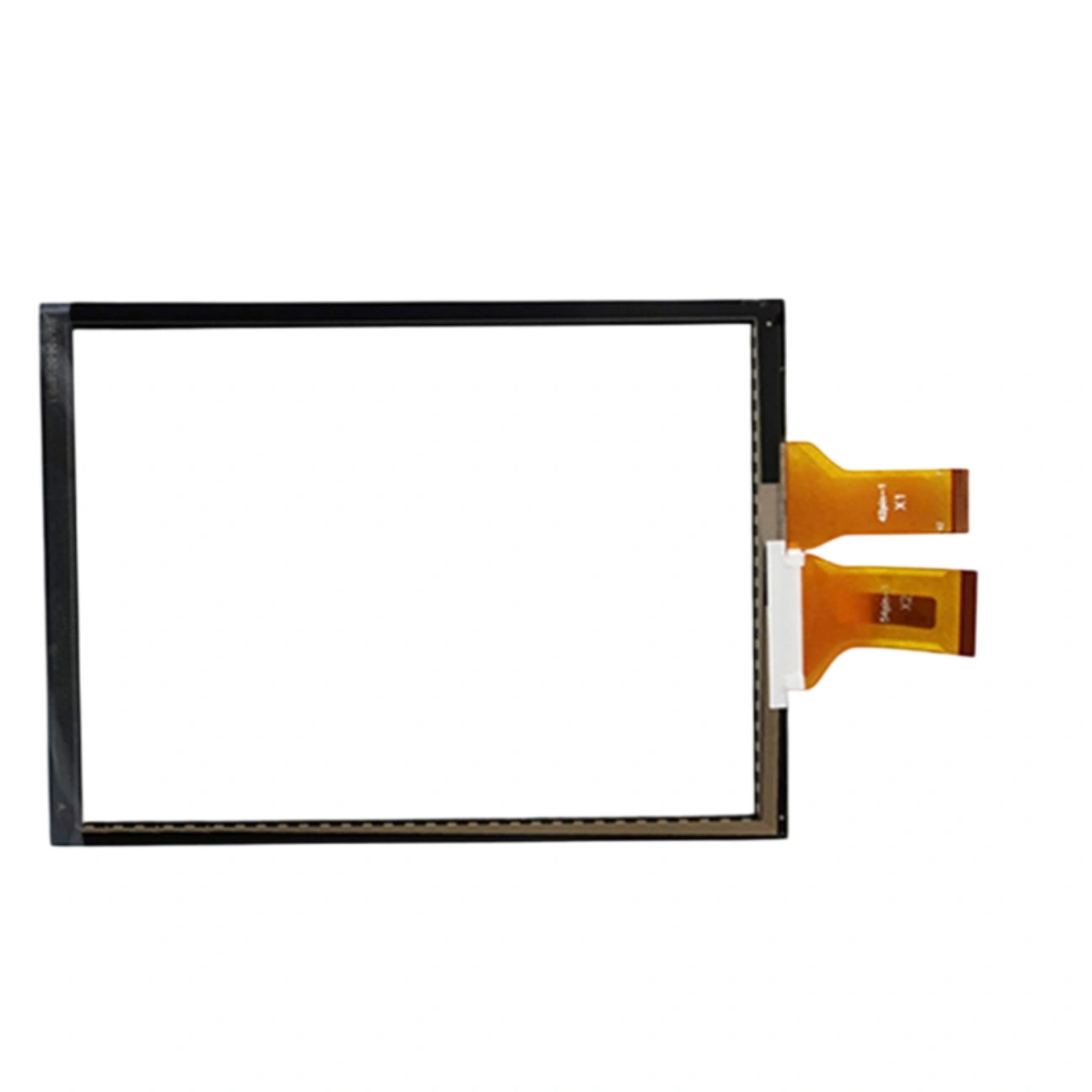
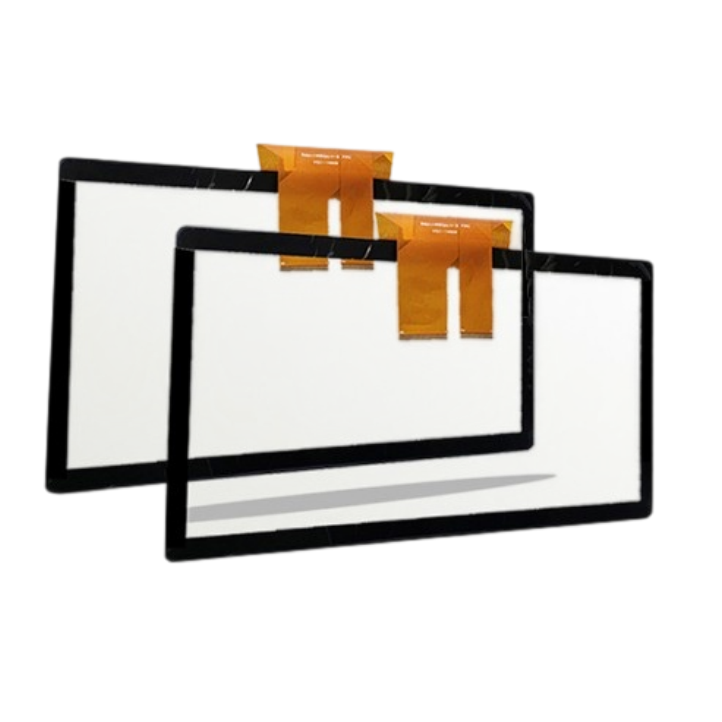
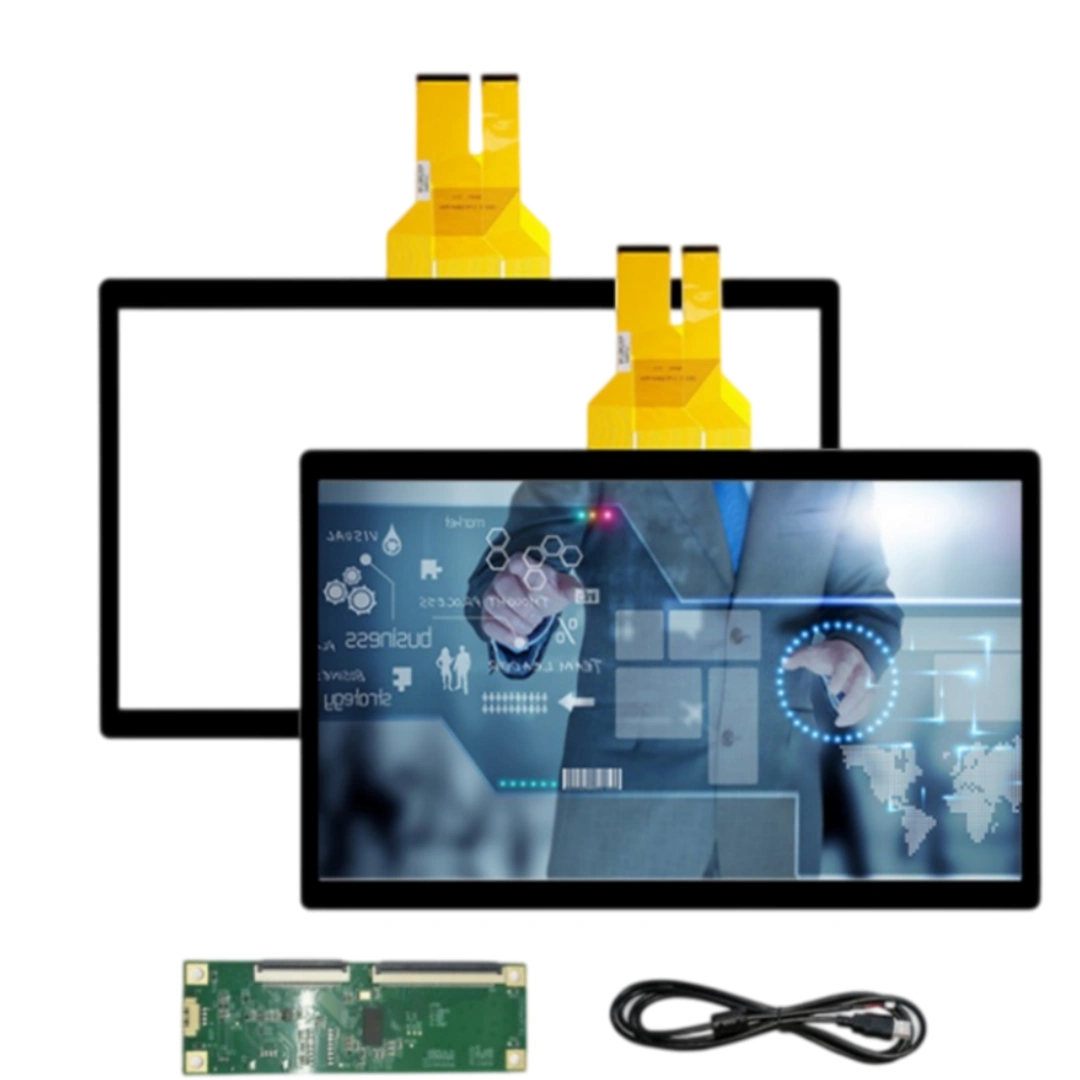
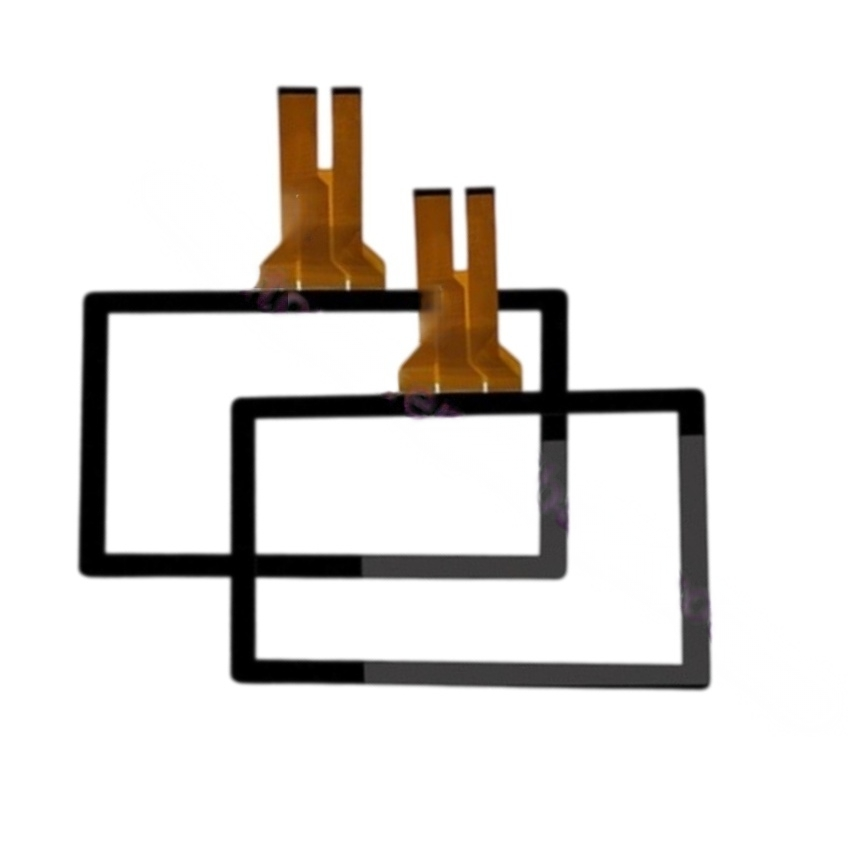
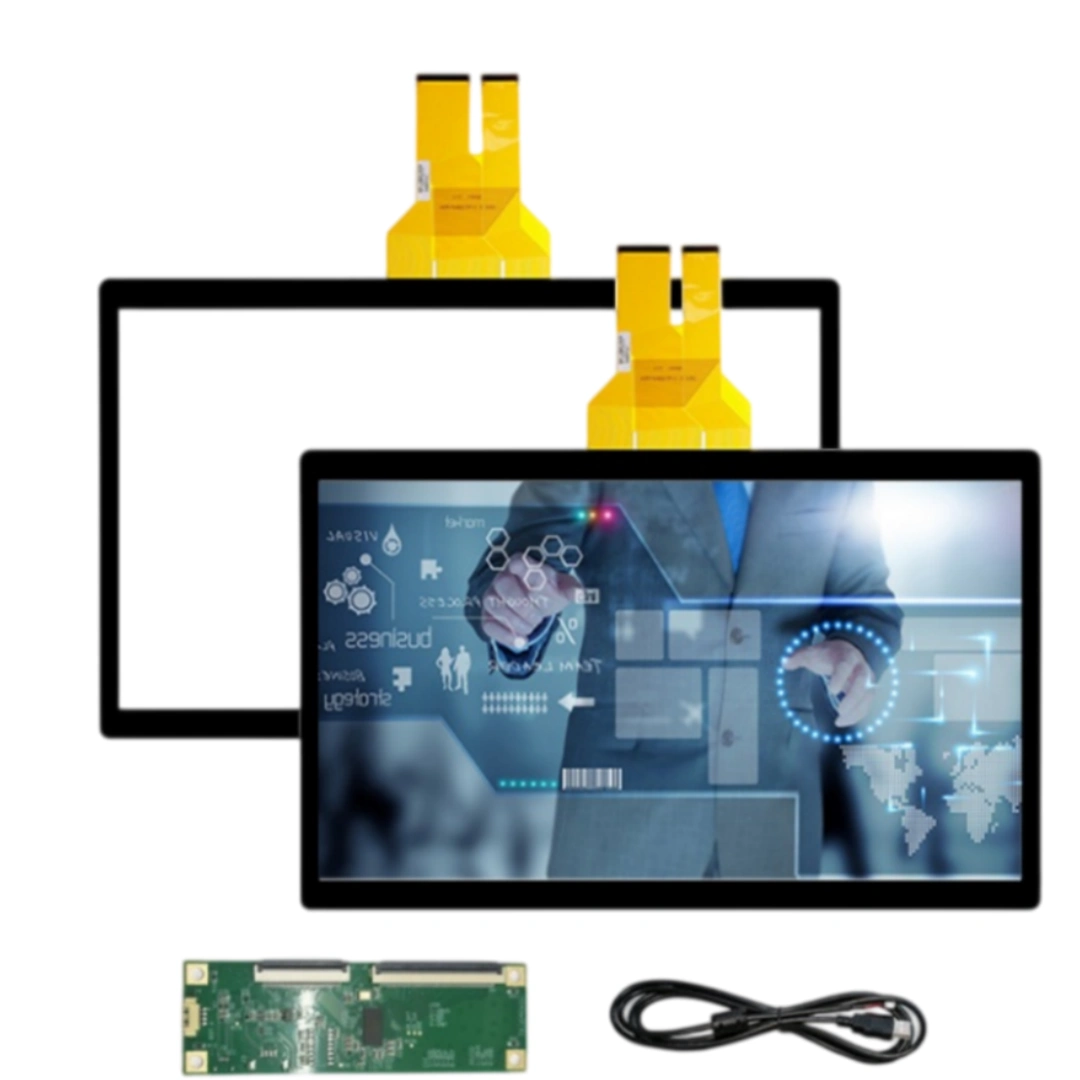
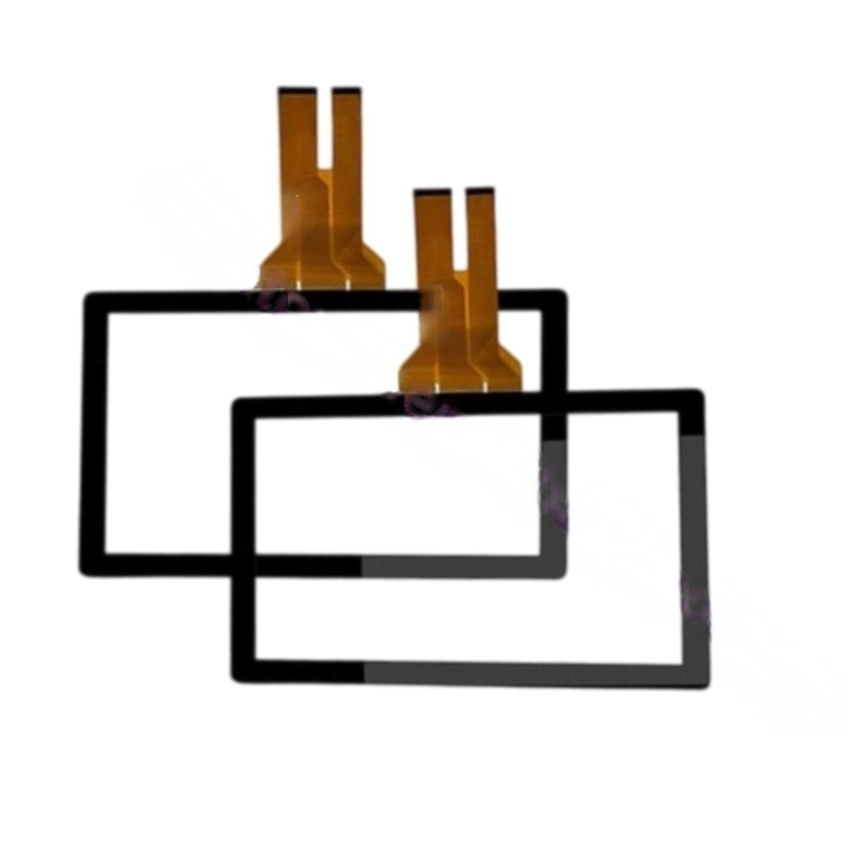
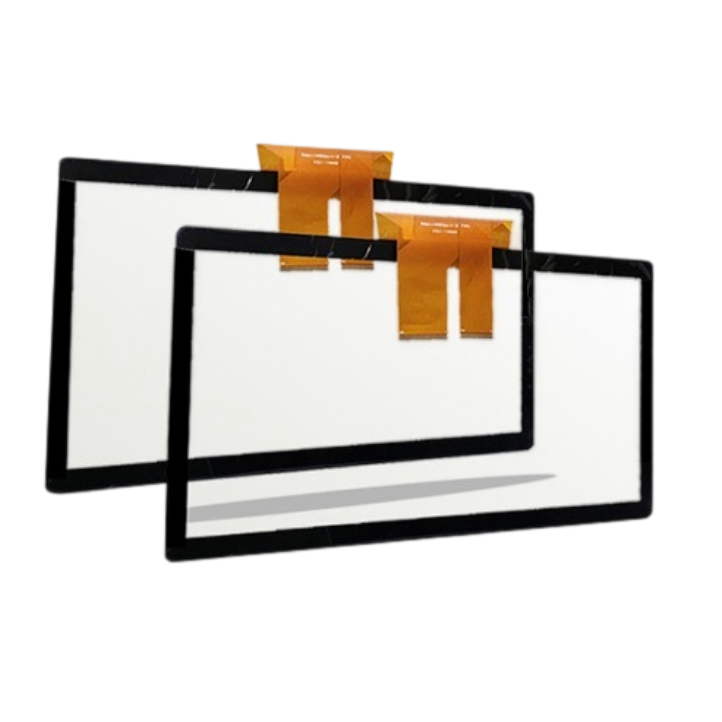
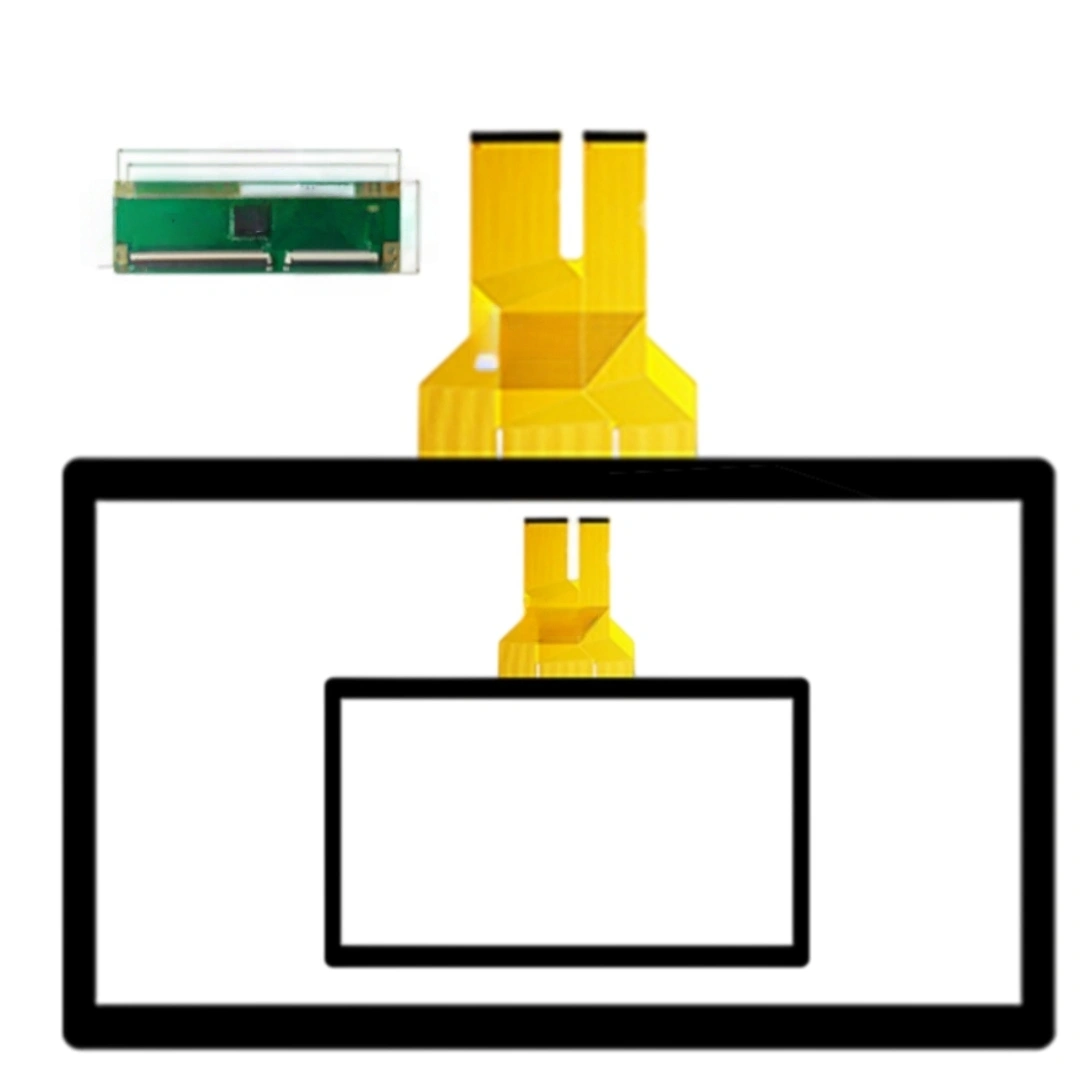
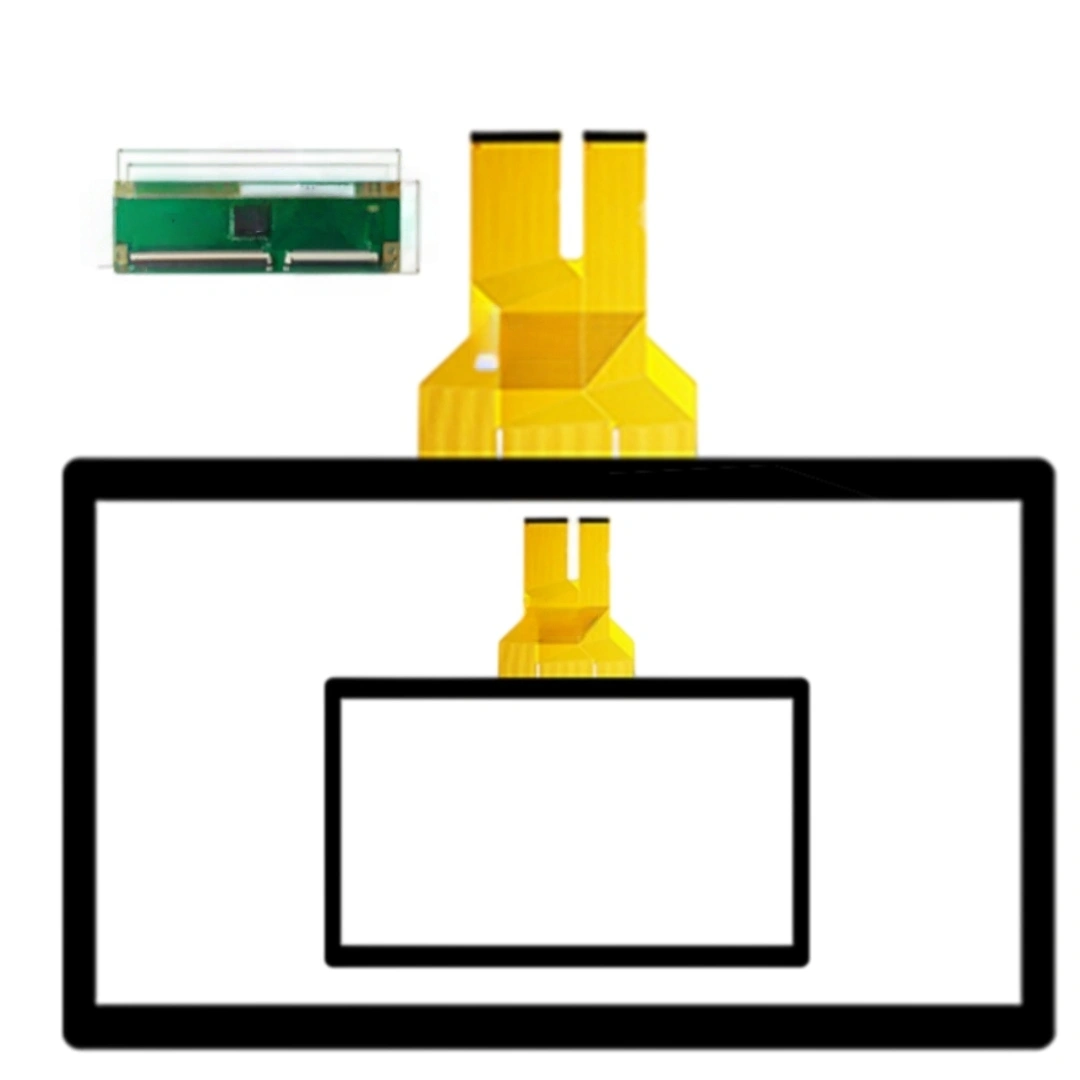
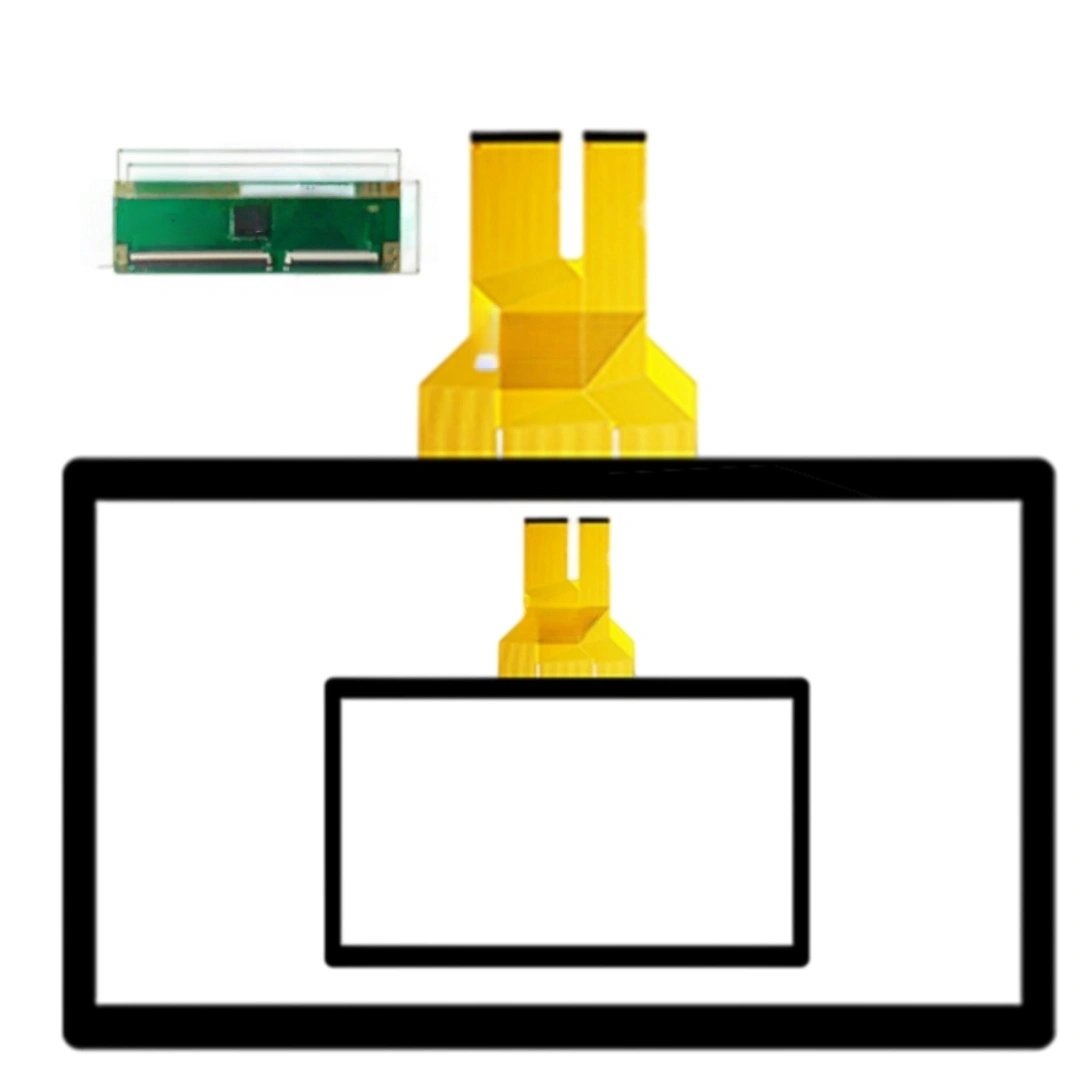
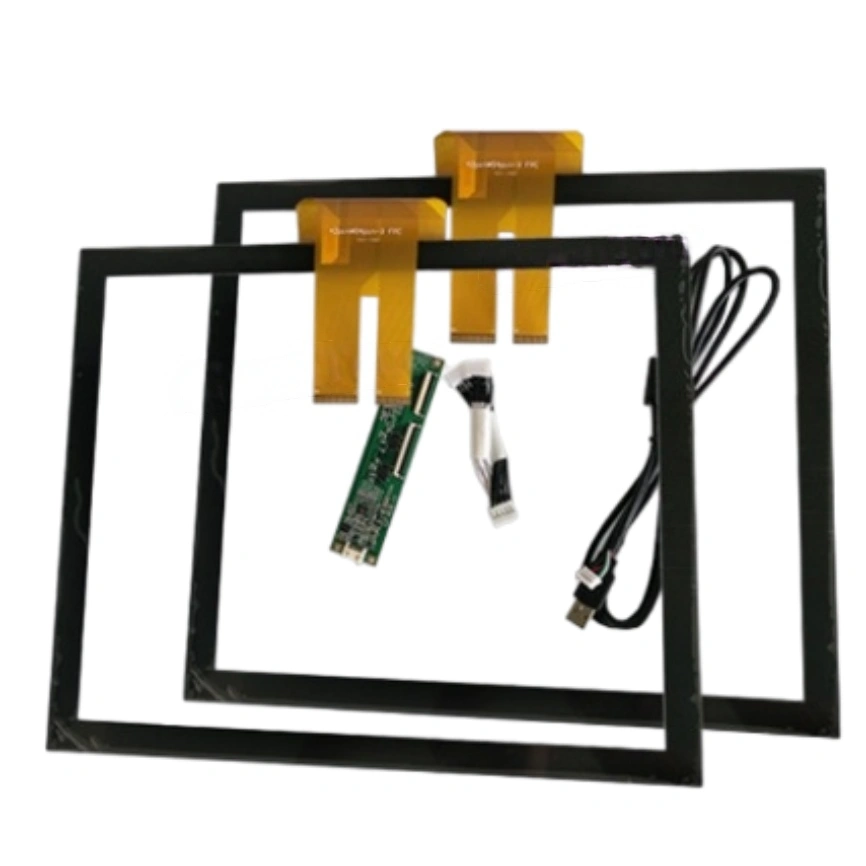
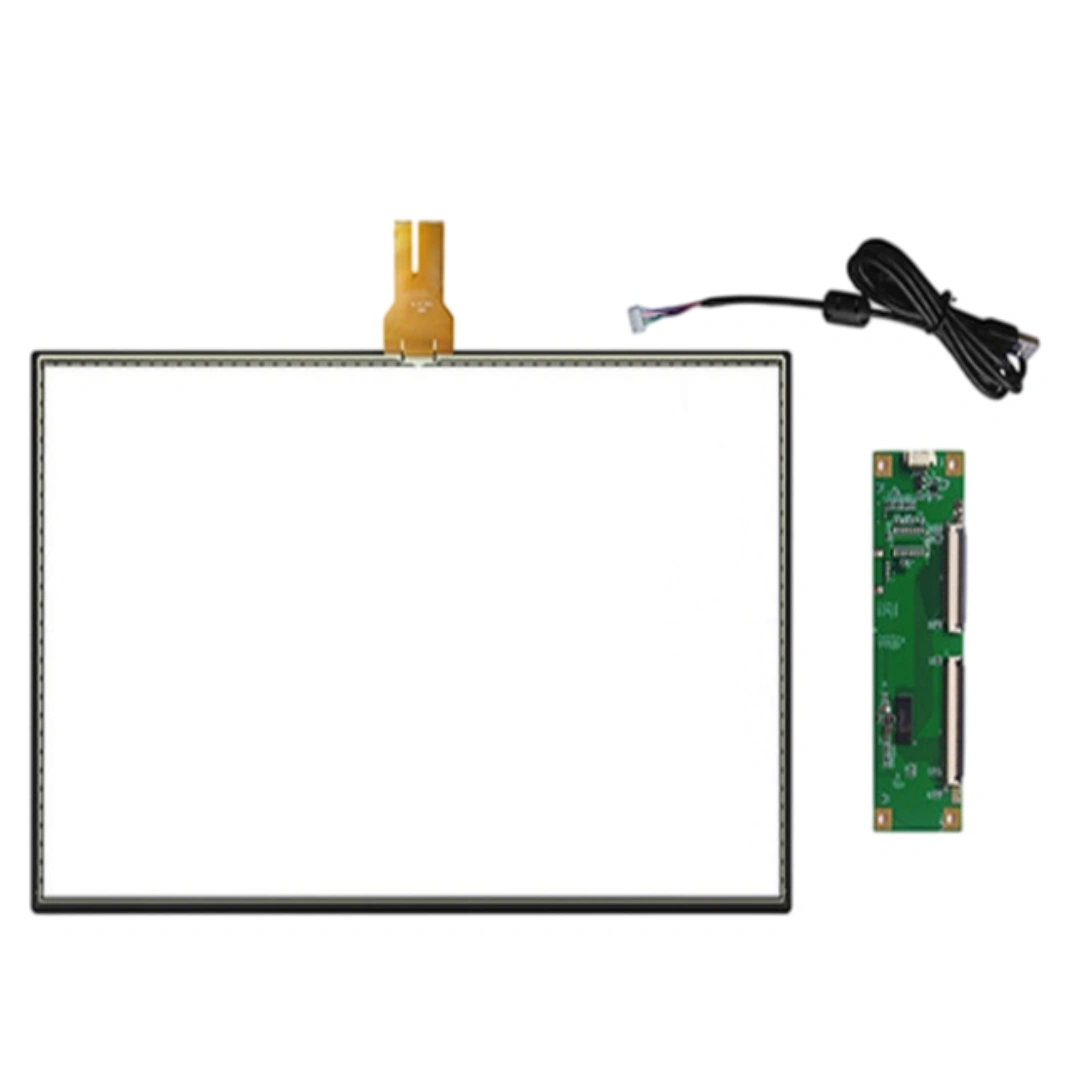
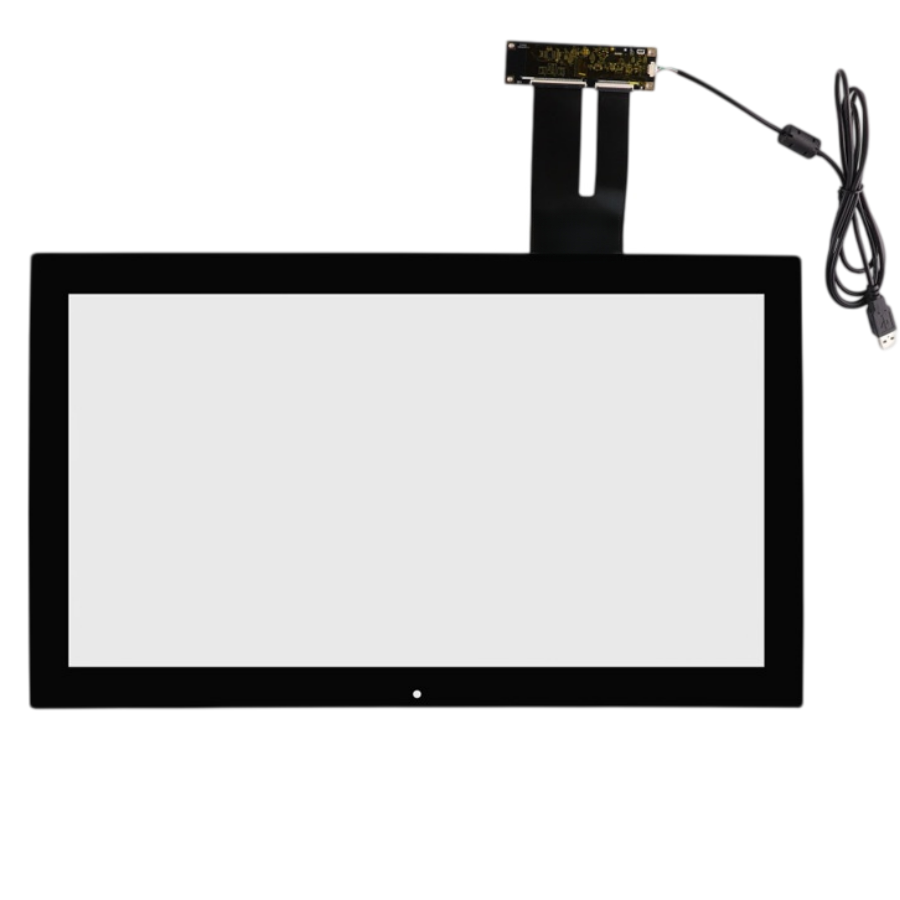
This 21.5-inch projected capacitive touch screen with USB. The listing specifies a 10 ms response time, 4096 × 4096 touch resolution and >85% transmittance, with Weida, EETI or ILITEK controller options. Listed applications include Infotainment, advertising displays and ordering terminals.
For finger touch it stays comfortable up to about 50–70 cm viewing distance, which fits counter-top ordering terminals and wall-mounted infotainment. If users reach across the whole panel, we tune the controller gain so edge accuracy doesn't drop.
Yes. The panel itself is rated for continuous operation within -20 to 60°C working temperature. For enclosed advertising players, just make sure the internal airflow keeps the touch module under 60°C — the controller is the part that cares most about heat, not the sensor.
Standard firmware handles 10 simultaneous touch points, enough for two users tapping menu items together. If your app needs more hands-on interaction (e.g. collaborative games), we can enable higher multi-touch counts on the ILITEK/EETI builds.
Yes. With USB PCAP and tuned firmware, 3–4 mm cover glass is normal. Just tell us the exact glass thickness and whether it's tempered/AG-coated before production, so we set the sensing threshold correctly. Too-thin glass actually causes oversensitivity.
On 21.5" and larger, slight parallax appears if the touch sensor and LCD aren't optically bonded. A 1–2 mm air gap is fine for finger use; if you see corner drift, we re-center the AA zone or suggest OCA bonding for zero parallax.
The >80% transmittance cover glass can take an AF (anti-fingerprint) coating so smudges wipe off easily. We also raise the touch threshold slightly so heavy fingerprint oil doesn't create ghost taps. Recommend a daily wipe, not a sealed unit.
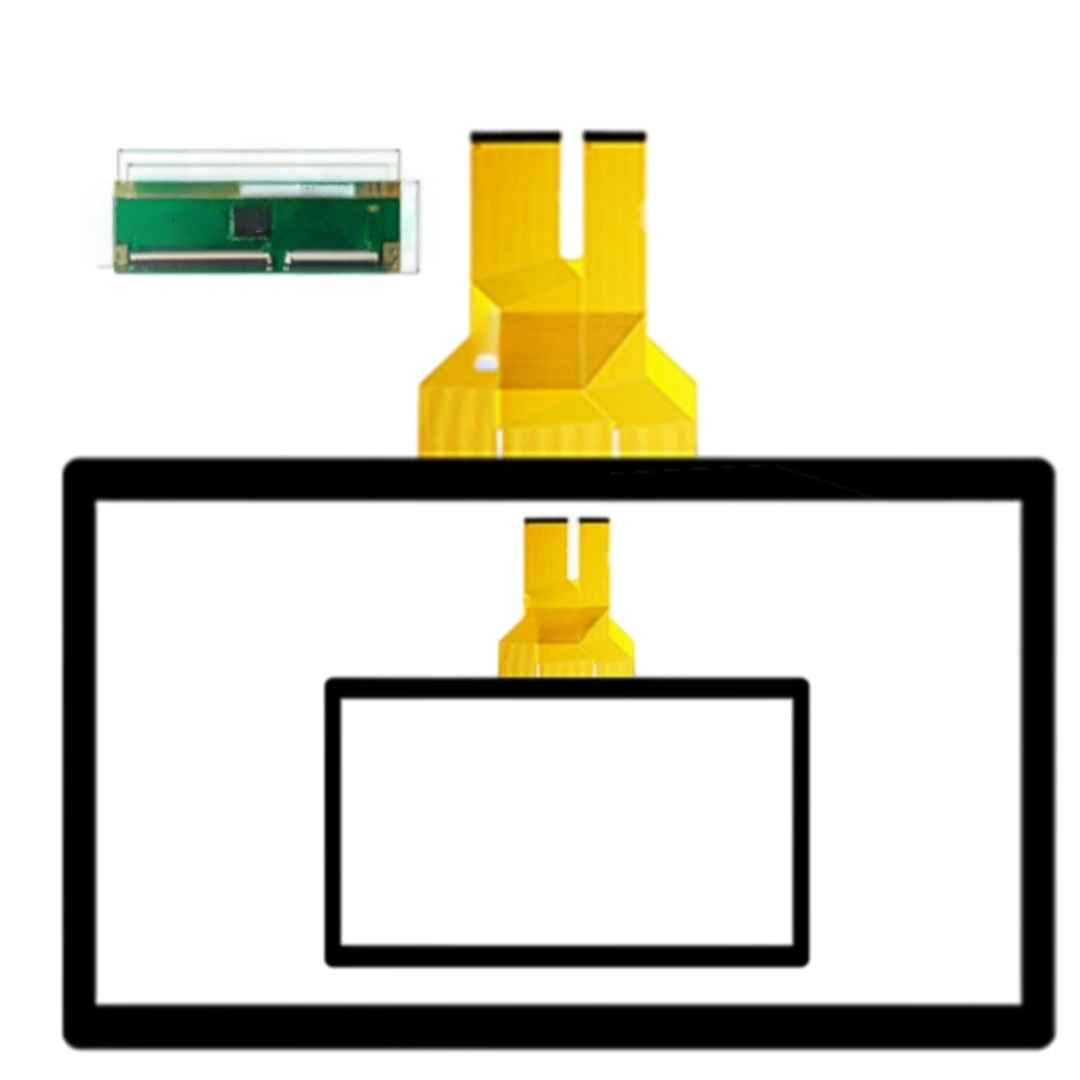
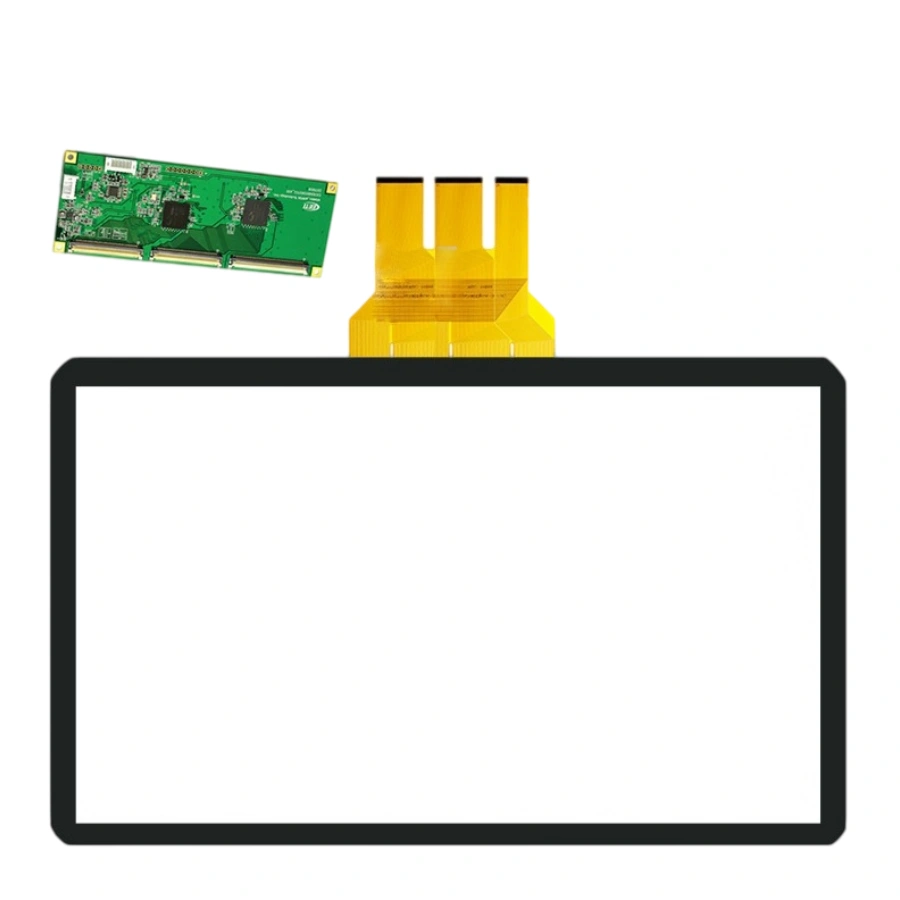
The USB FPC exits from a fixed side — keep a 150 mm service loop before the controller box, don't fold the FPC under the panel, and place the controller where it gets some airflow. We'll mark the exact exit direction on the drawing.
| Screen size | 21.5 inches |
|---|---|
| Touch screen type | Projected capacitive (PCAP) . |
| Interface and driver | USB . |
| Response time | 10 ms |
| Touch resolution | 4096 × 4096 . |
| Transmittance | >80 % |
| Controller options | Weida, EETI or ILITEK controller options . |
| Operating/storage temperature | Operating: -20 to 60°C; storage: -30 to 70°C . |
| Listed applications | Infotainment, advertising displays and ordering terminals . |