GT-CTS-Y10.4
View model →
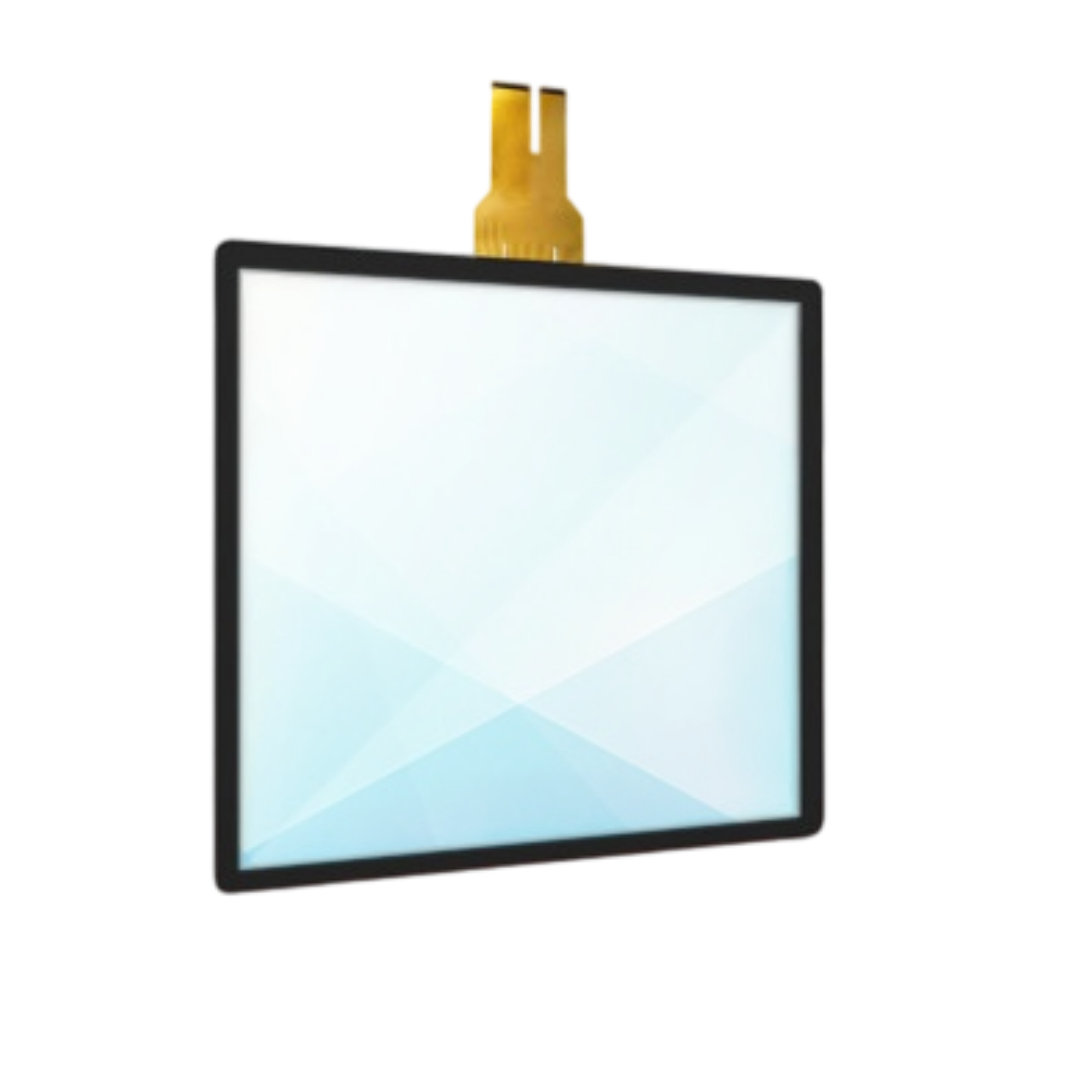
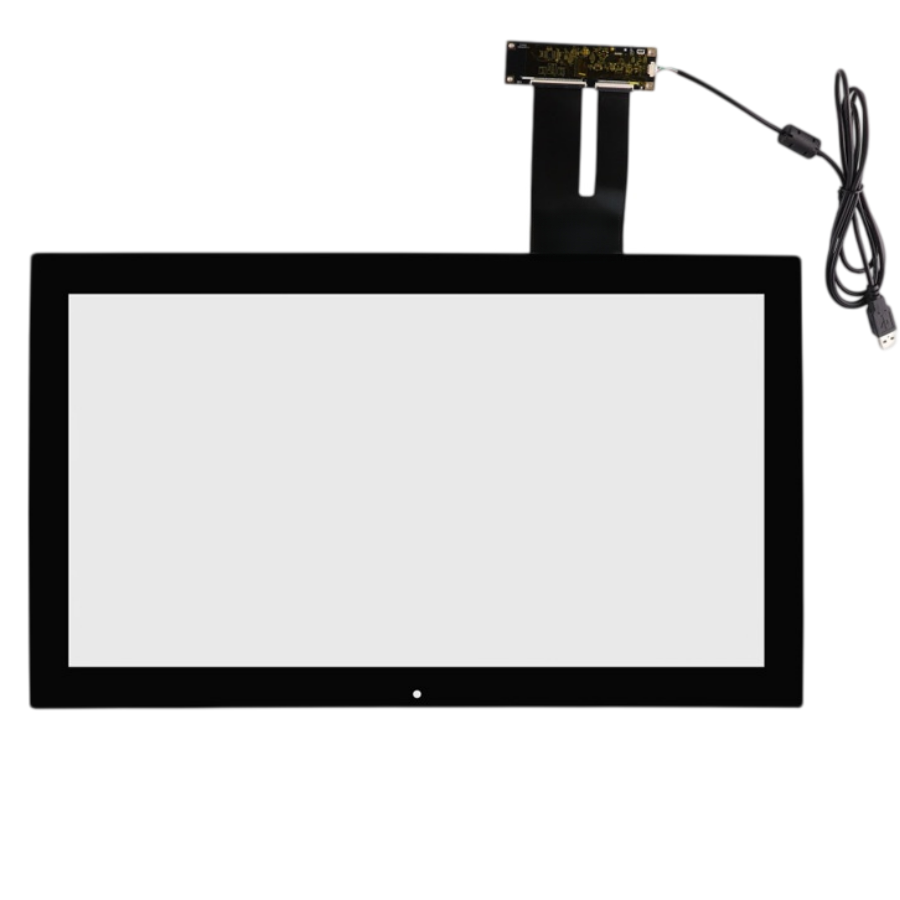
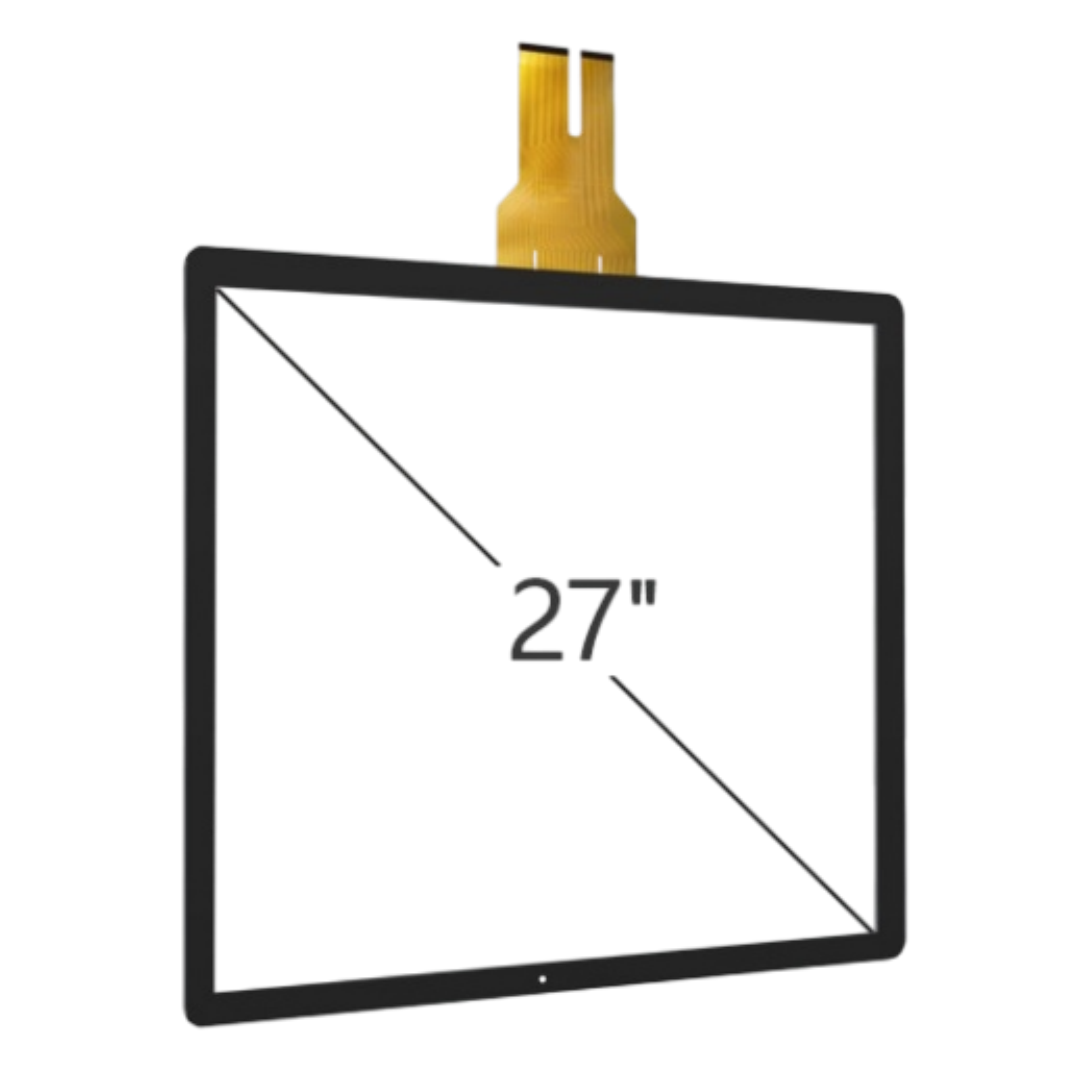
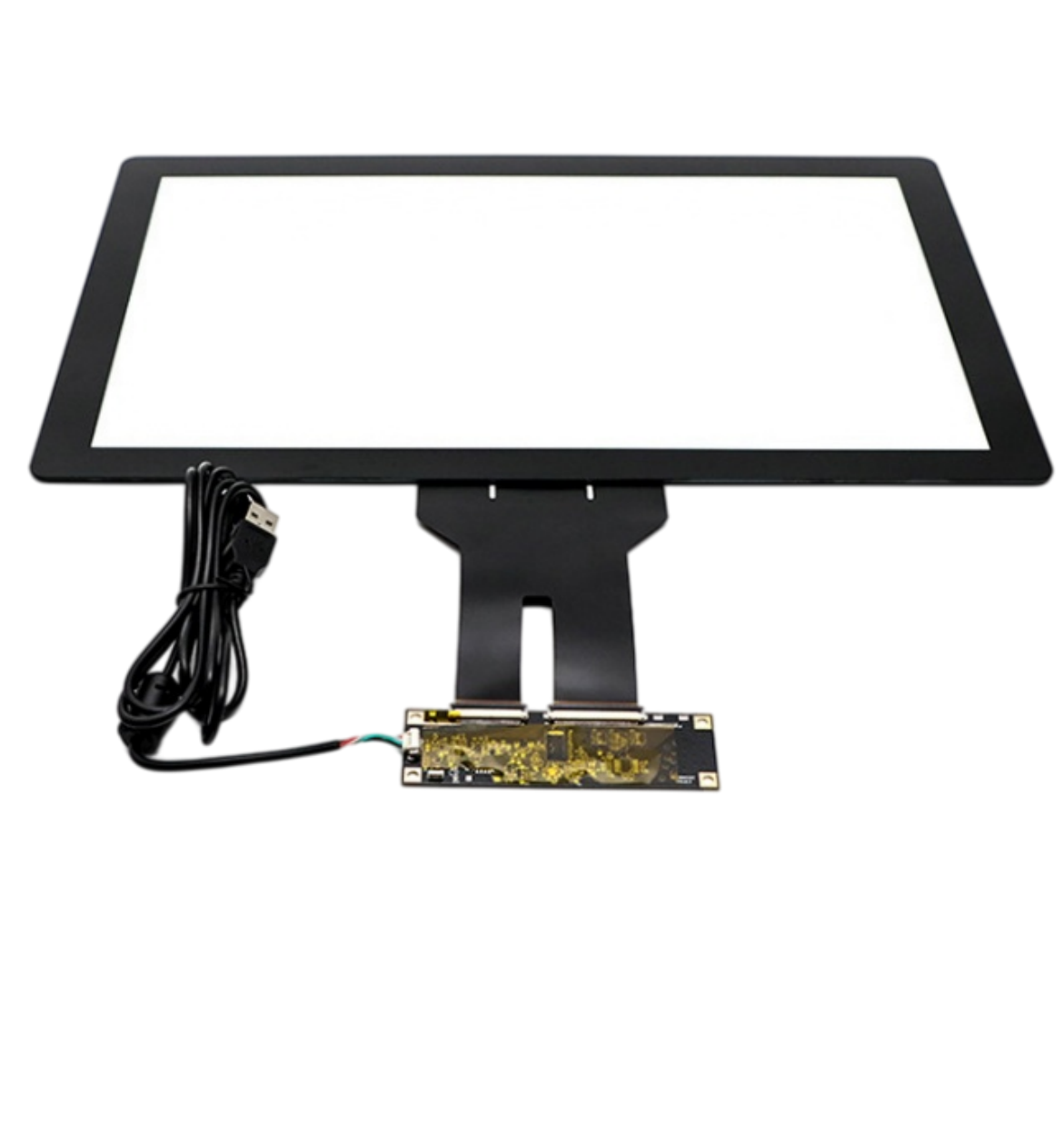
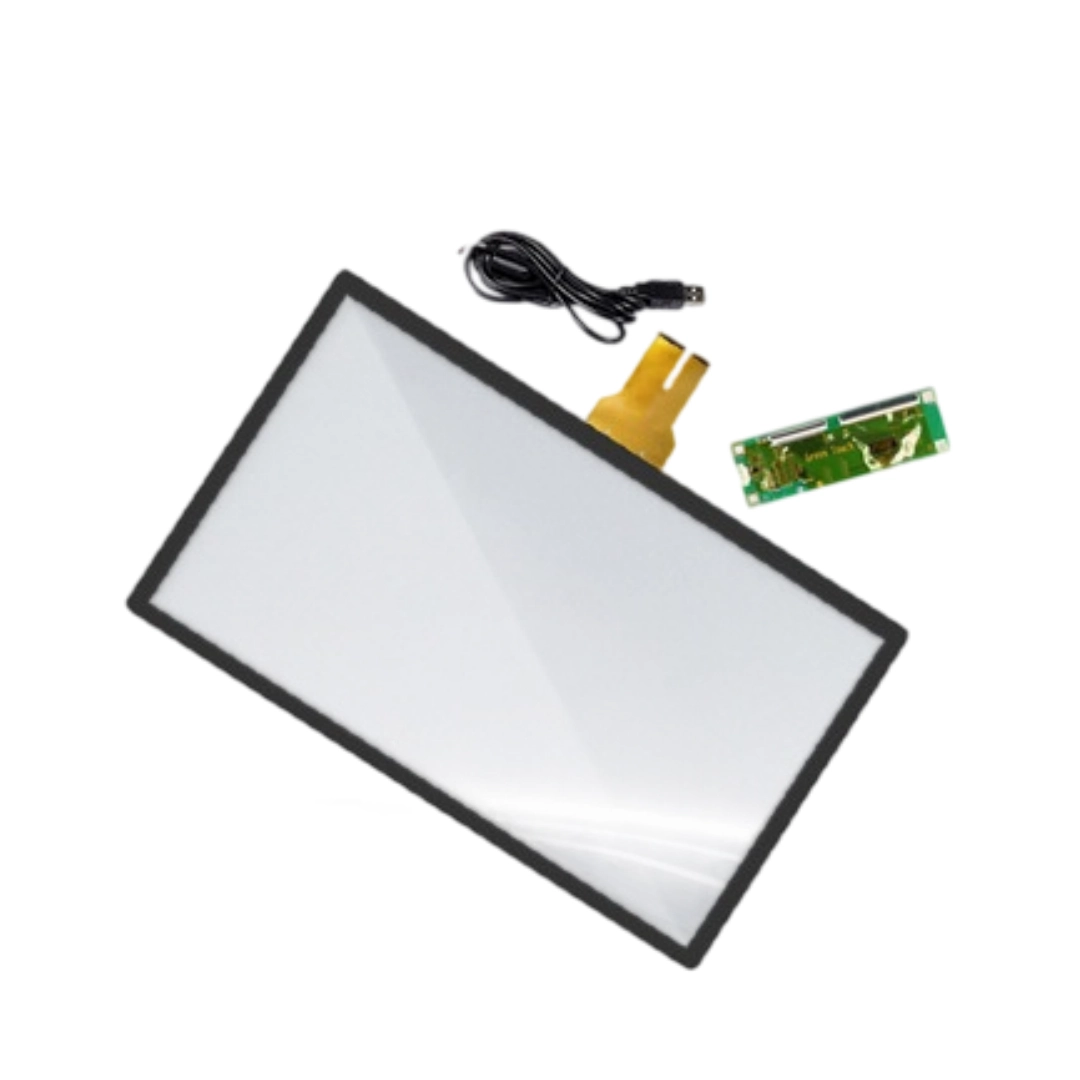
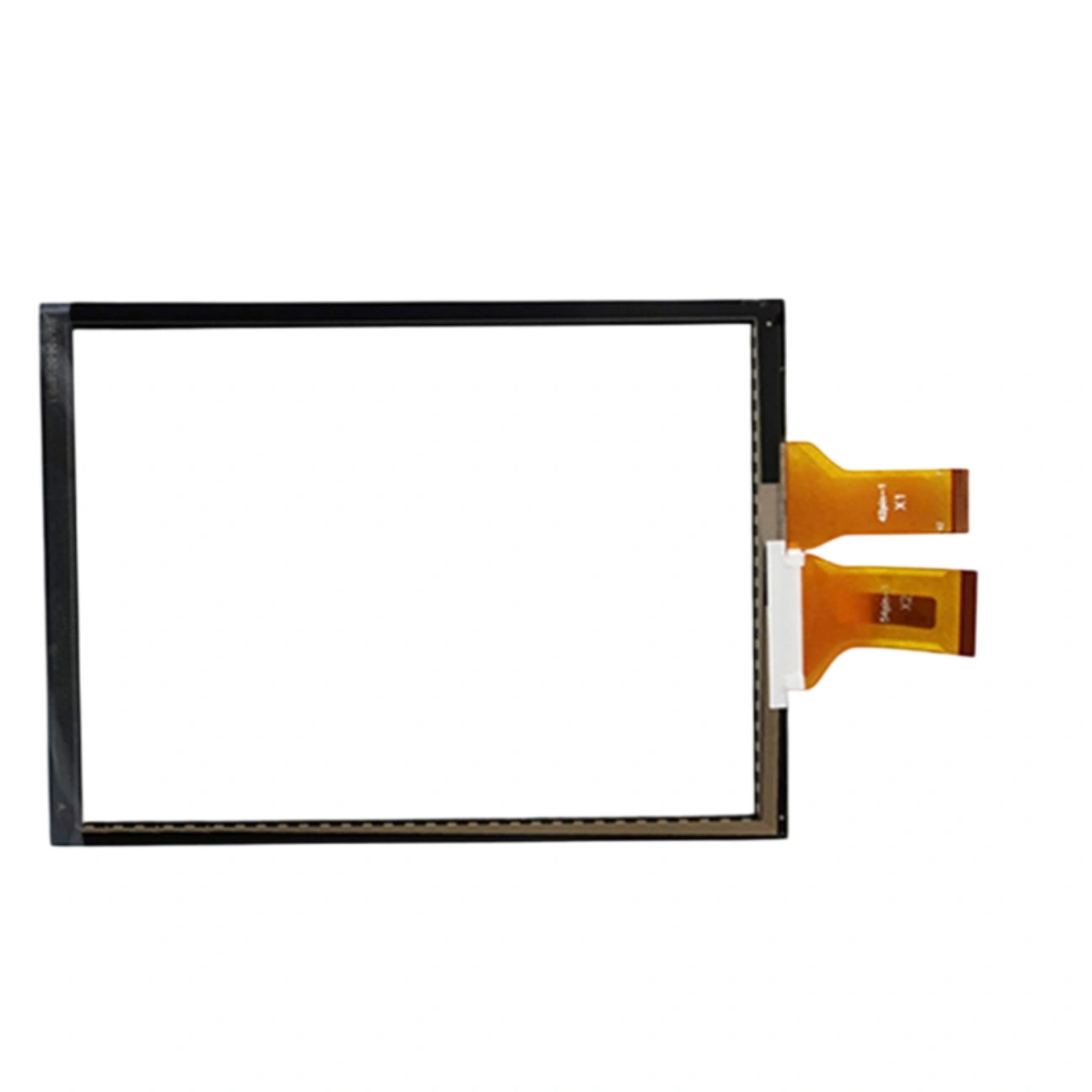
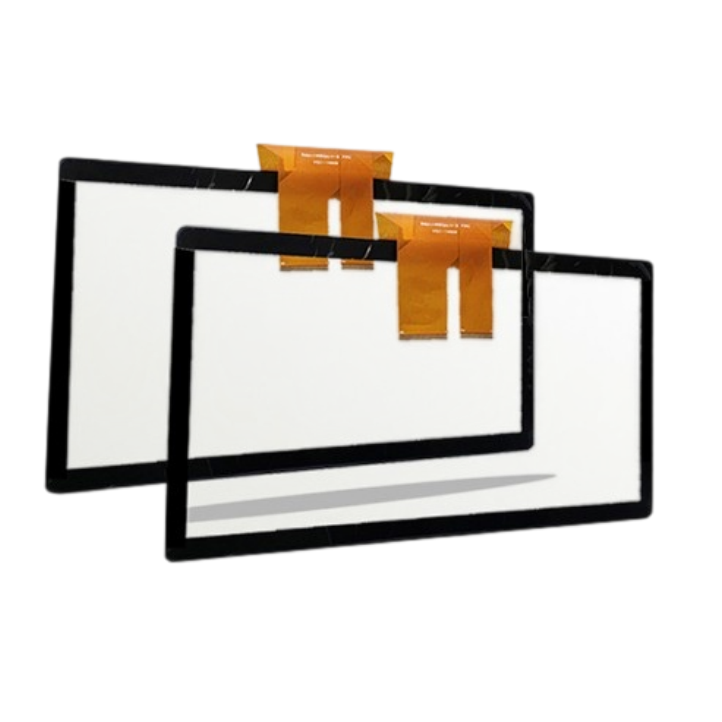
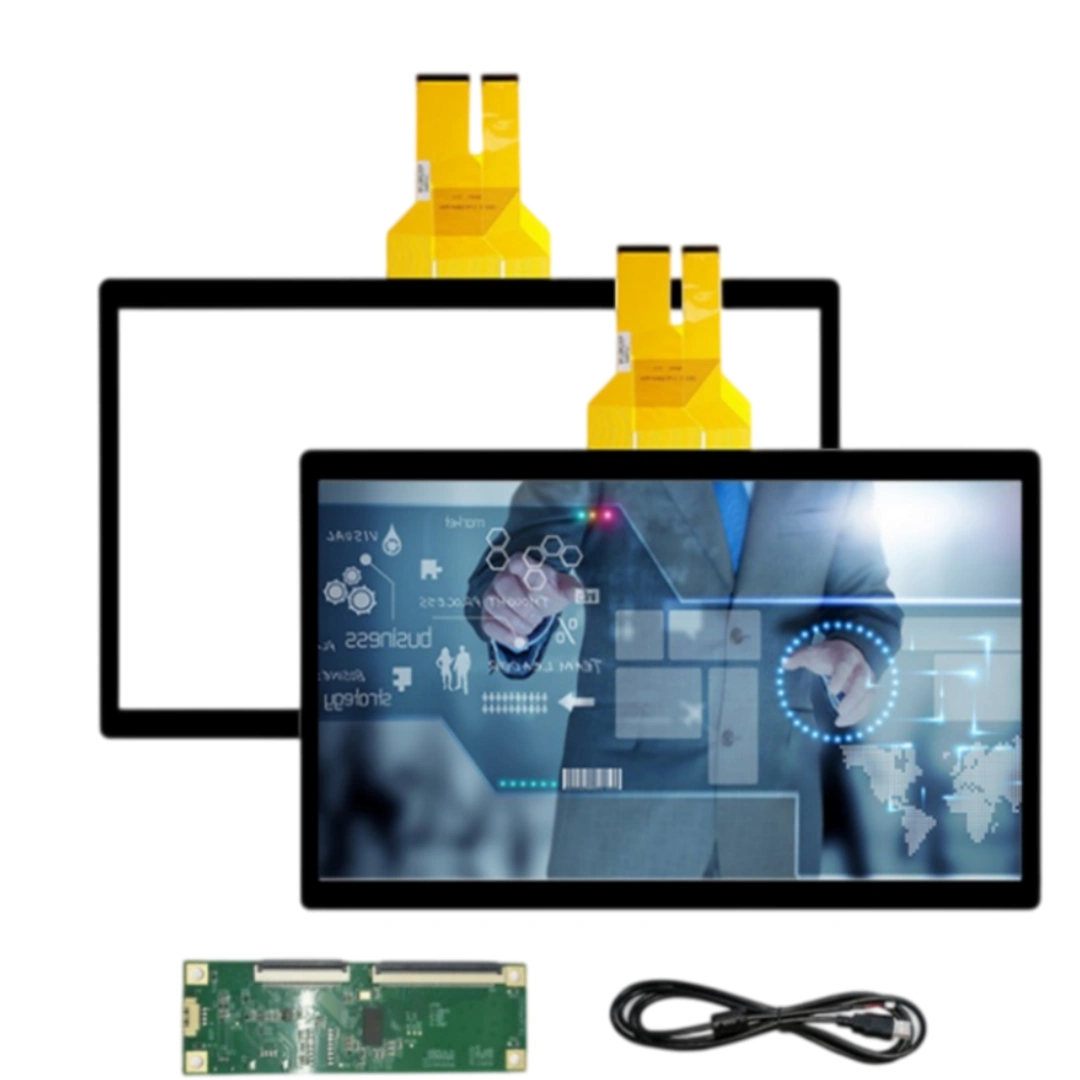
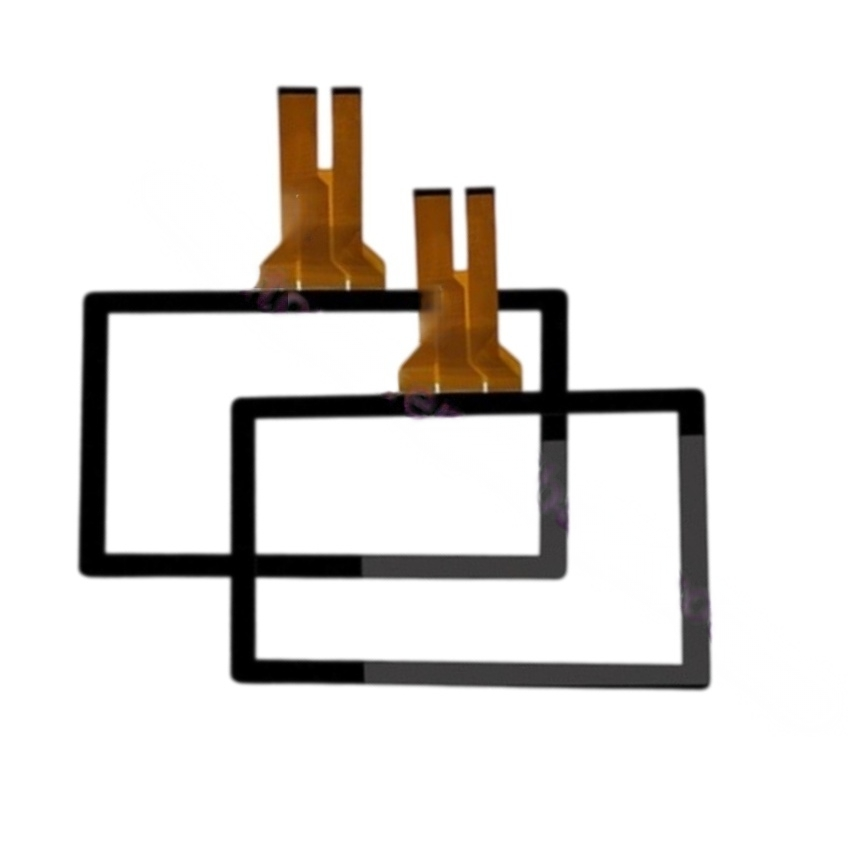
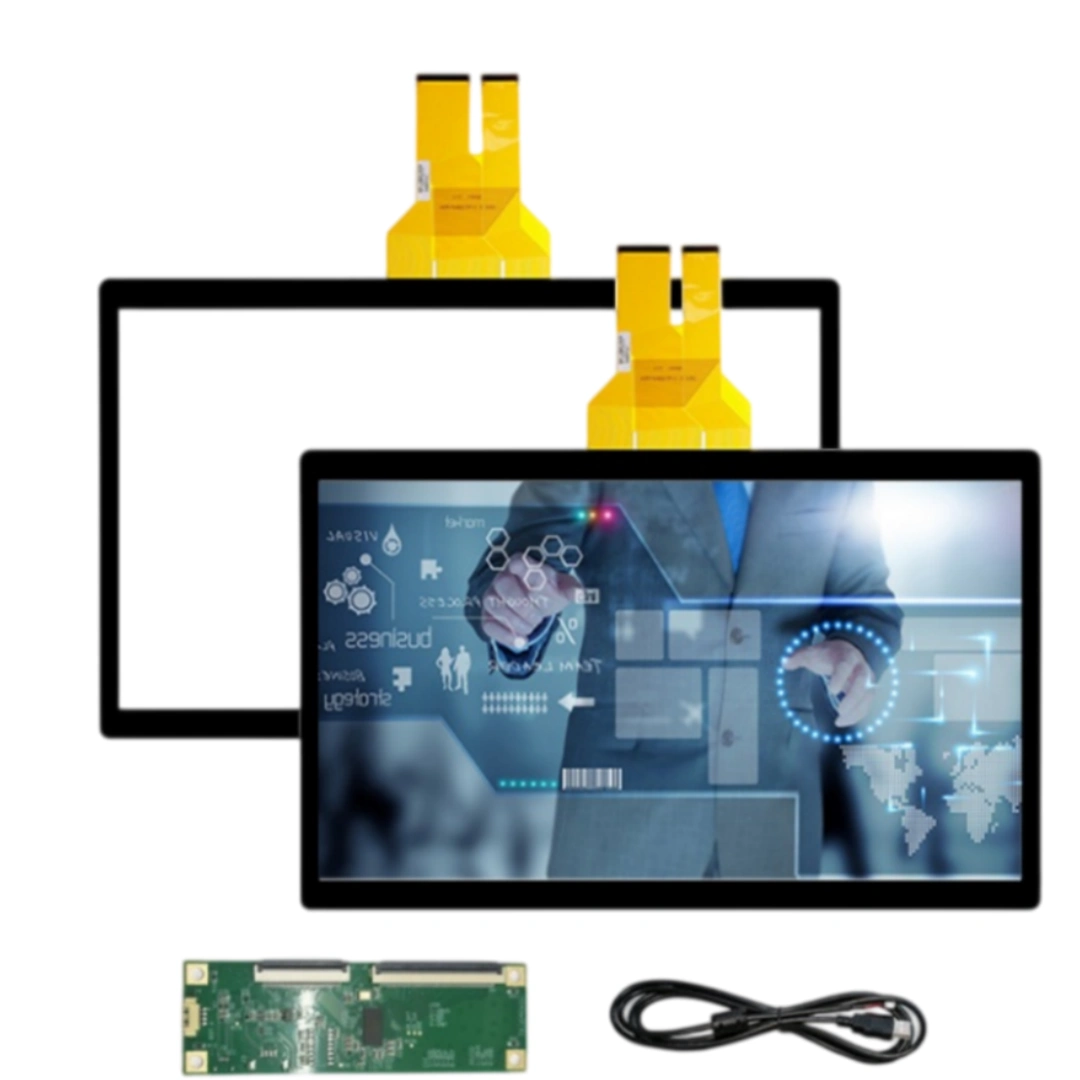
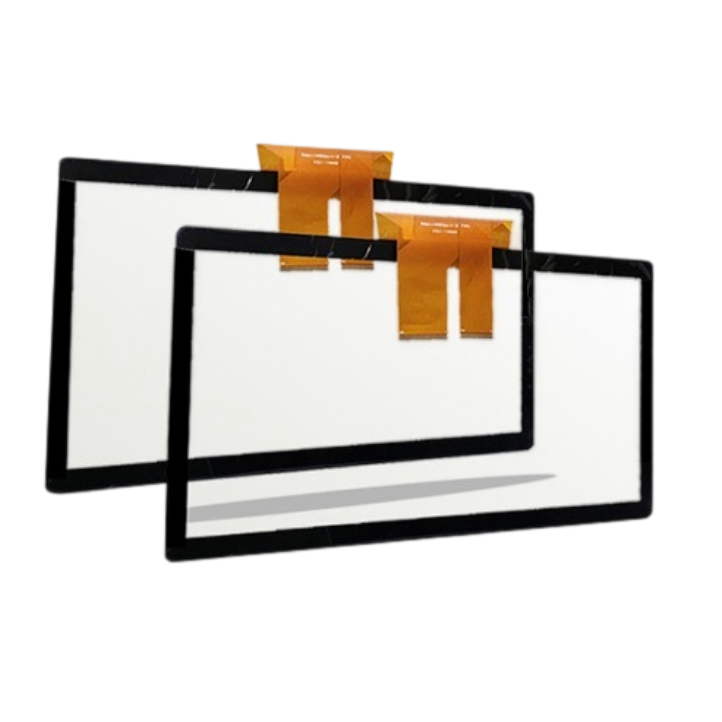
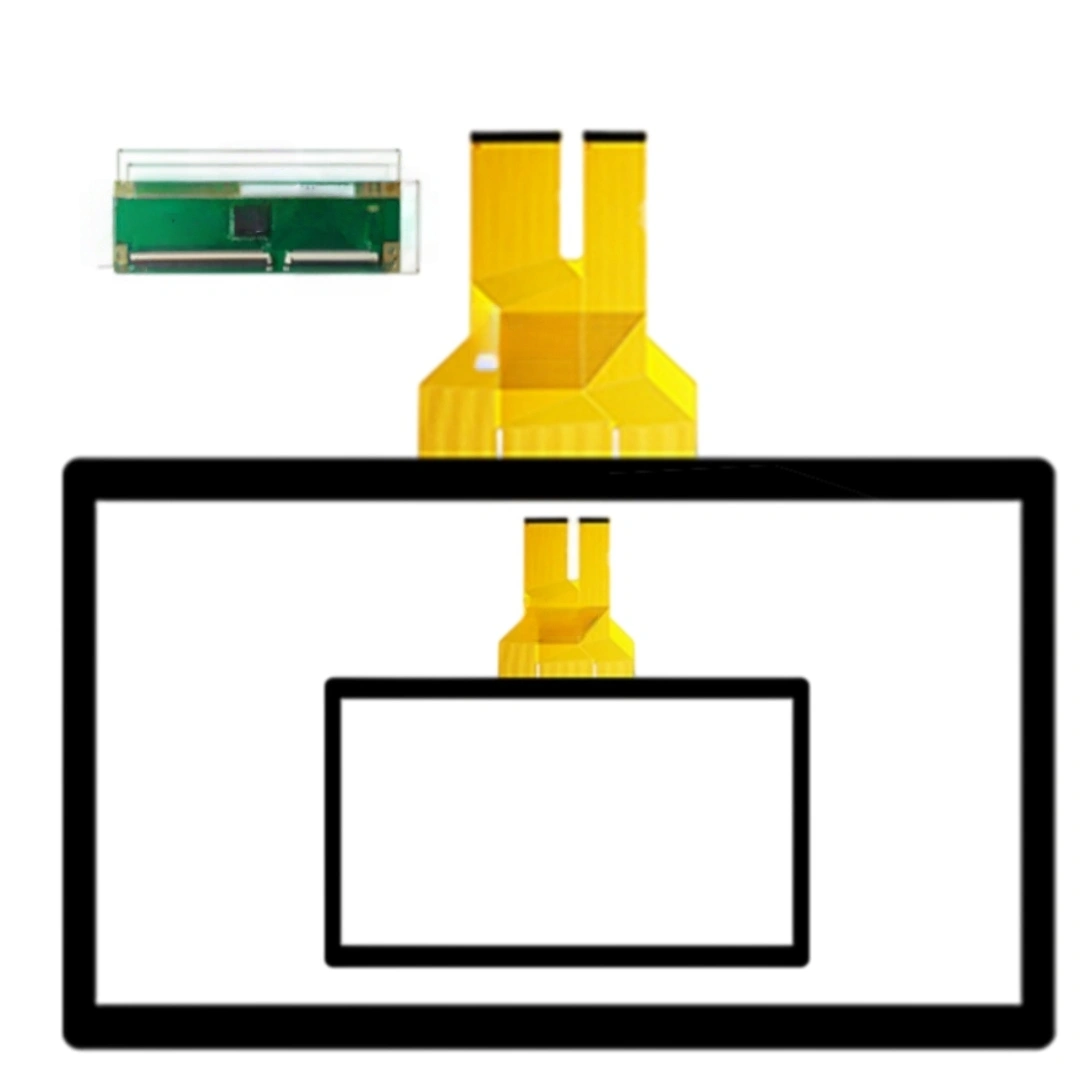
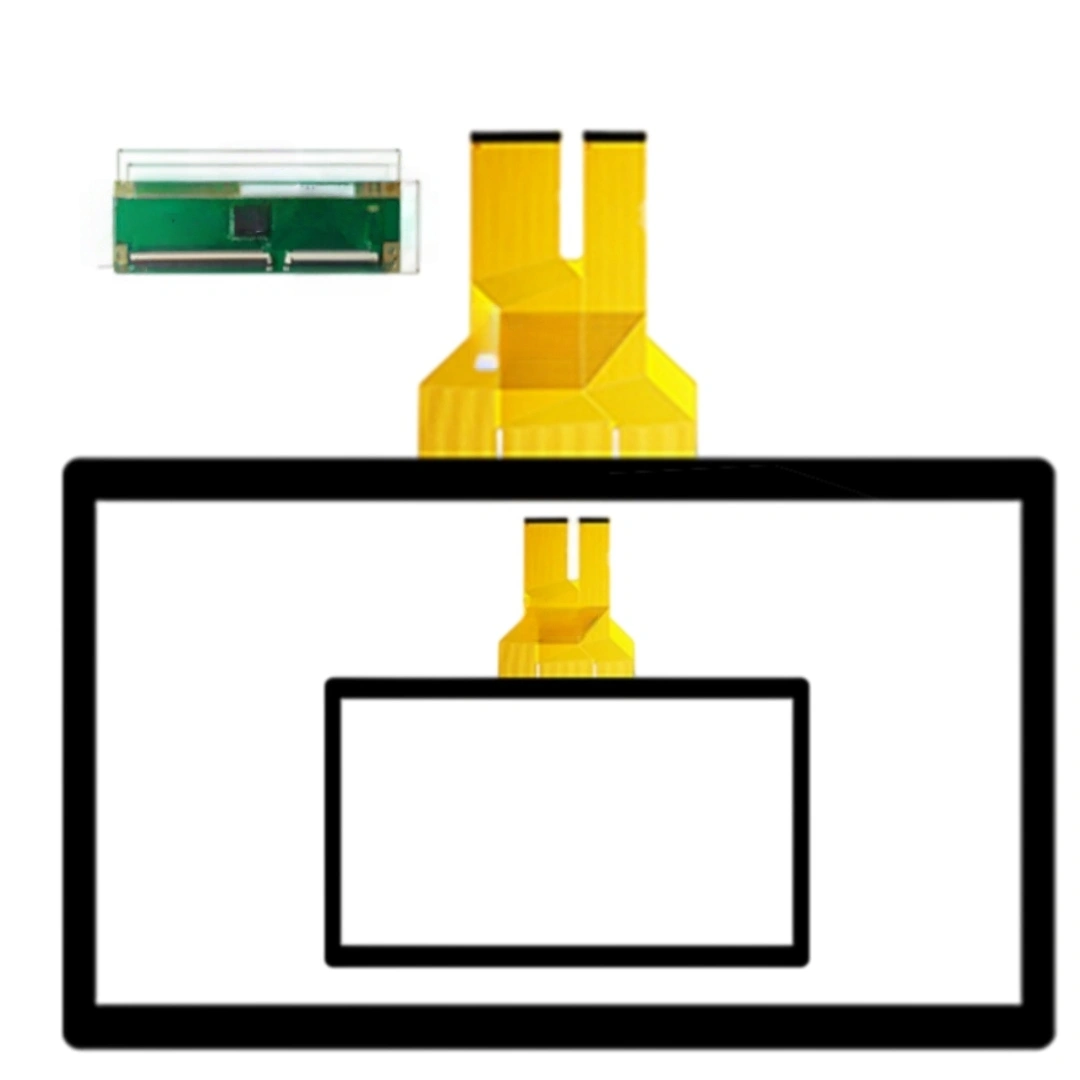
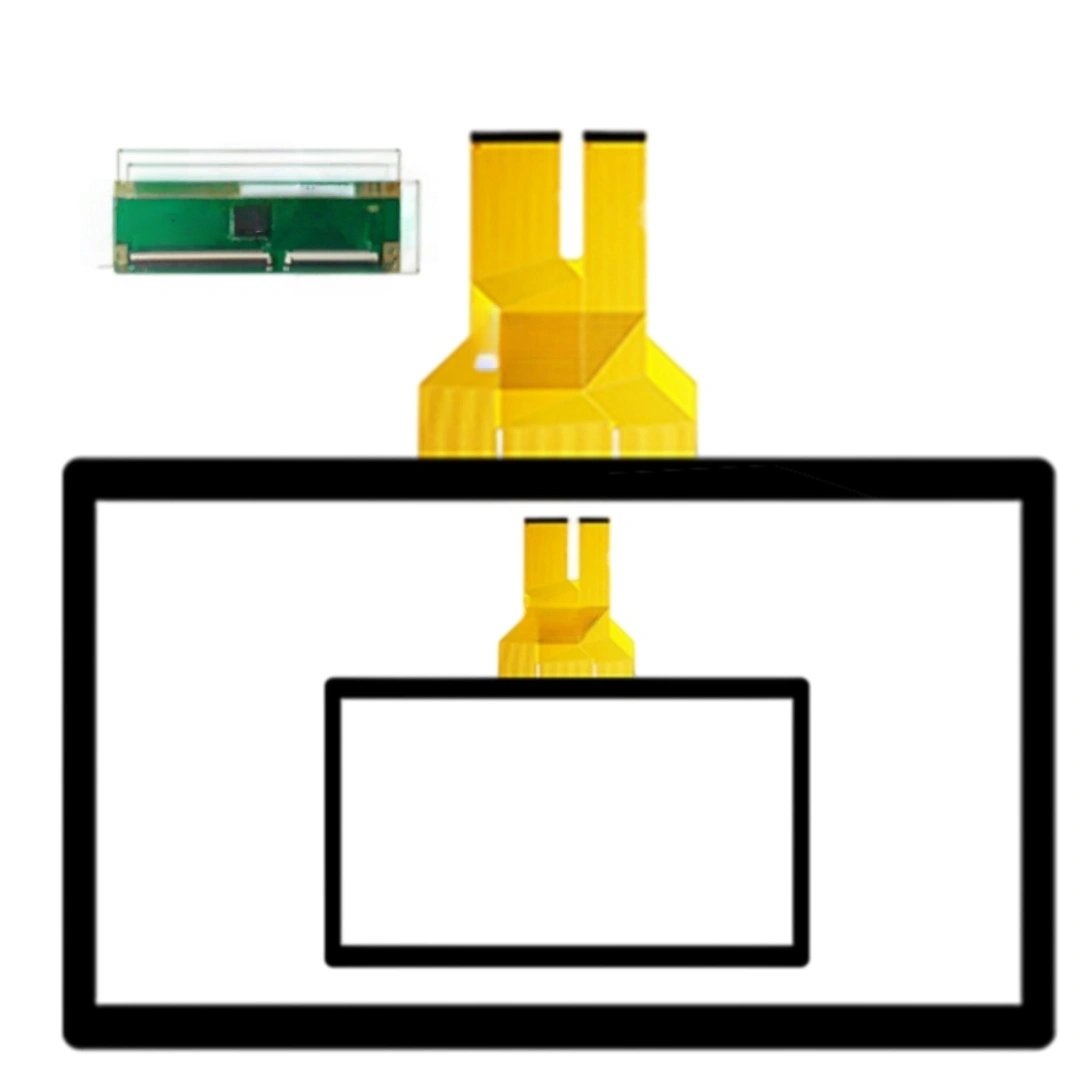
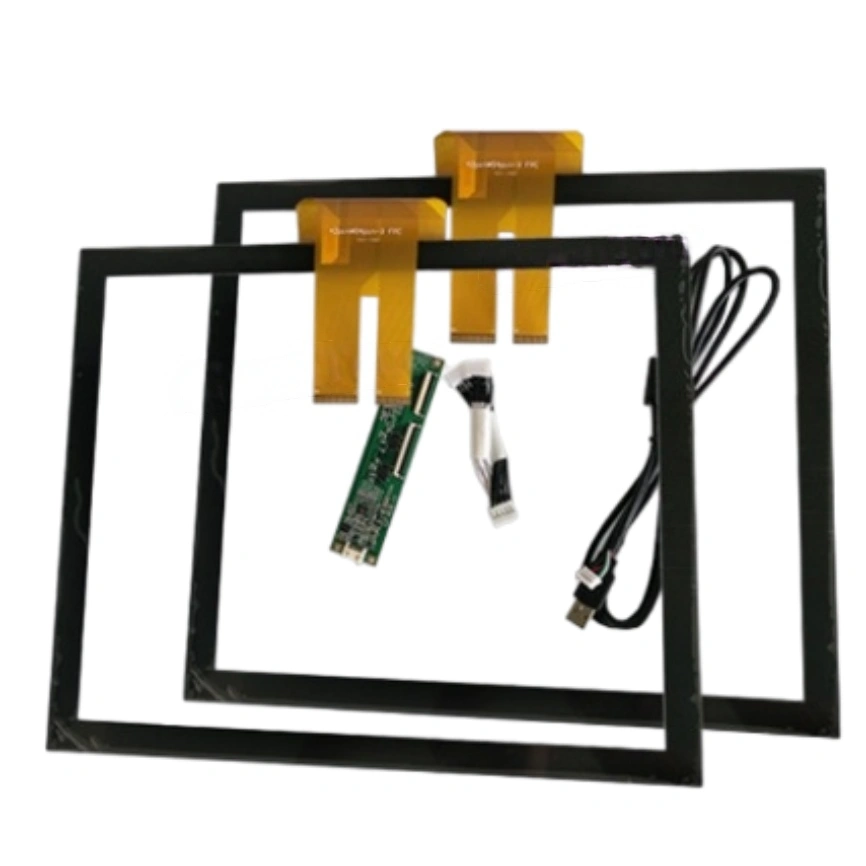
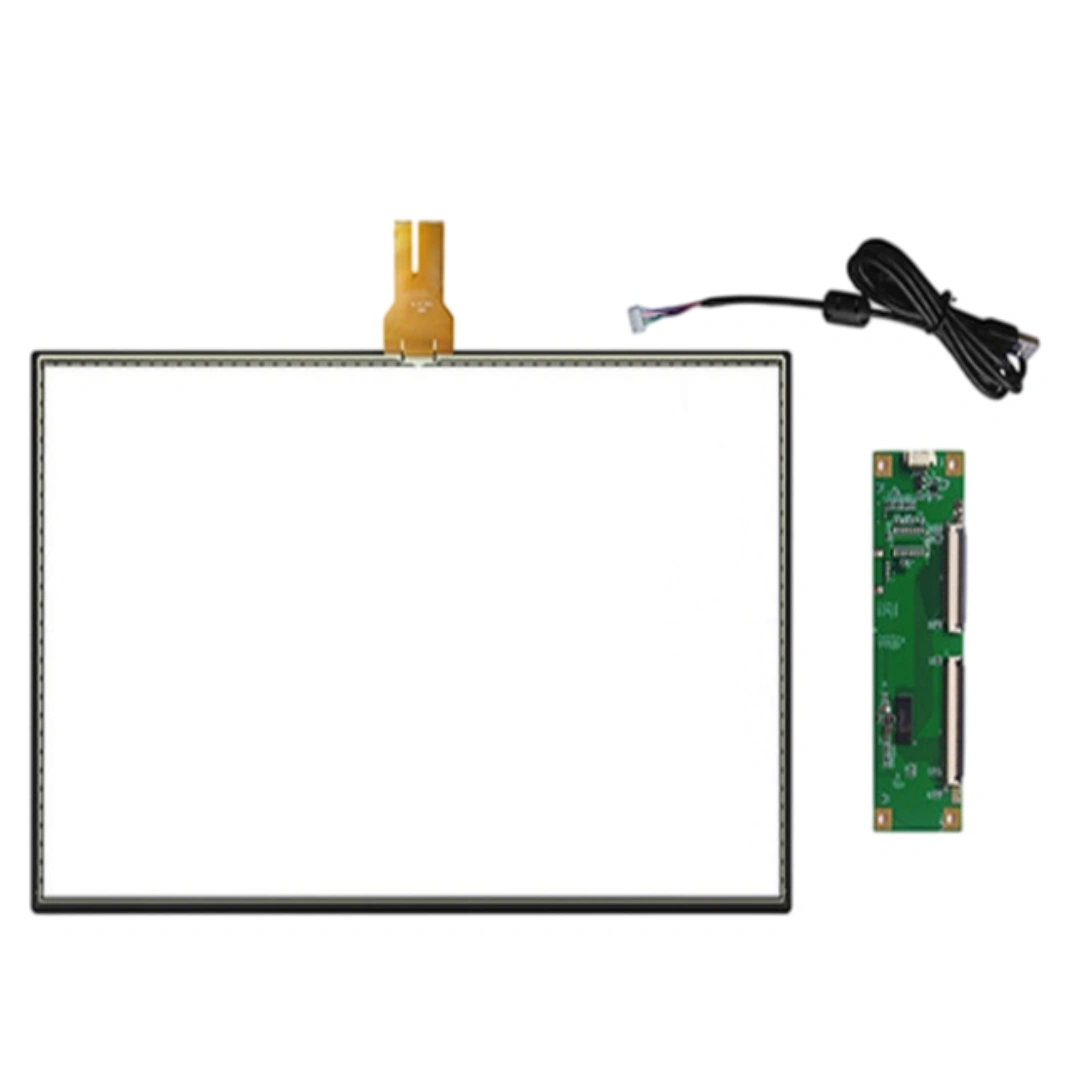
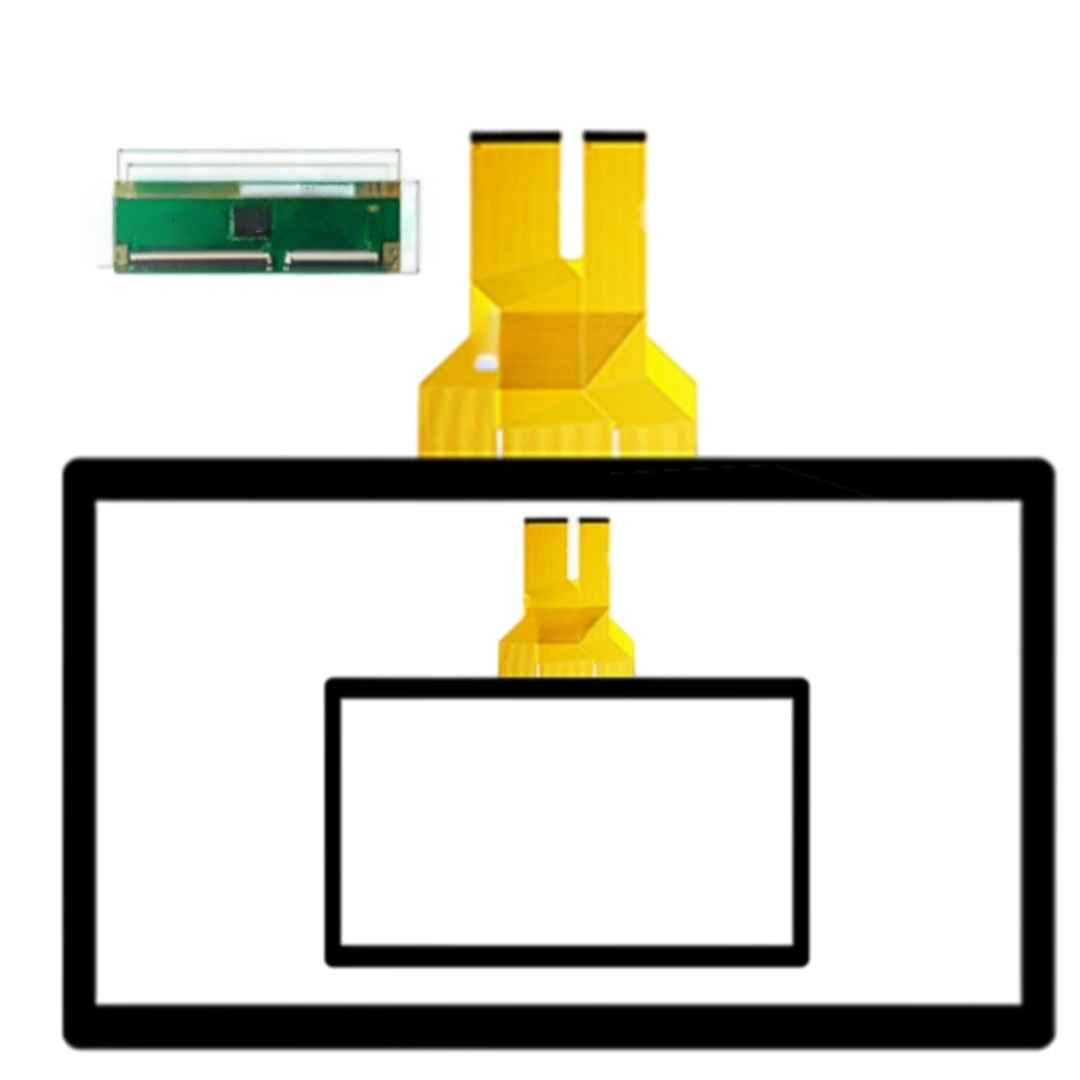
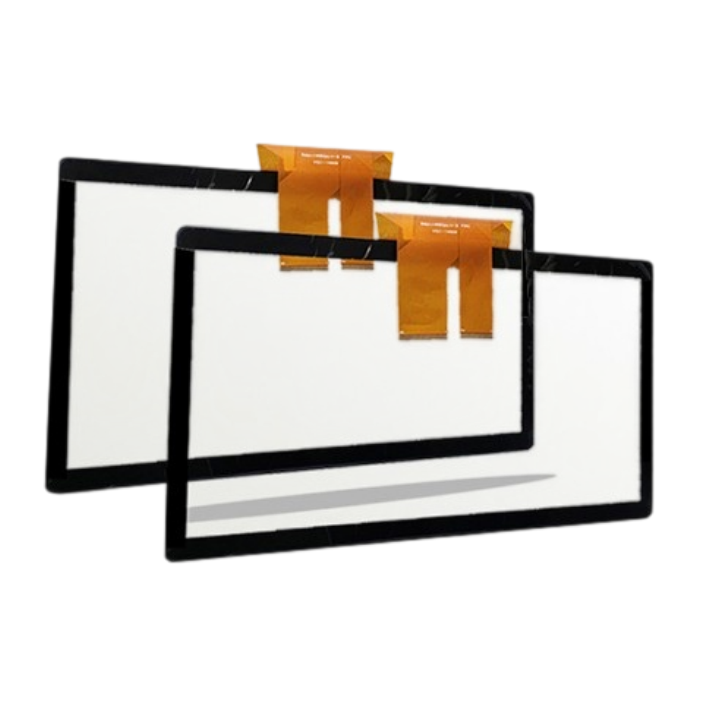
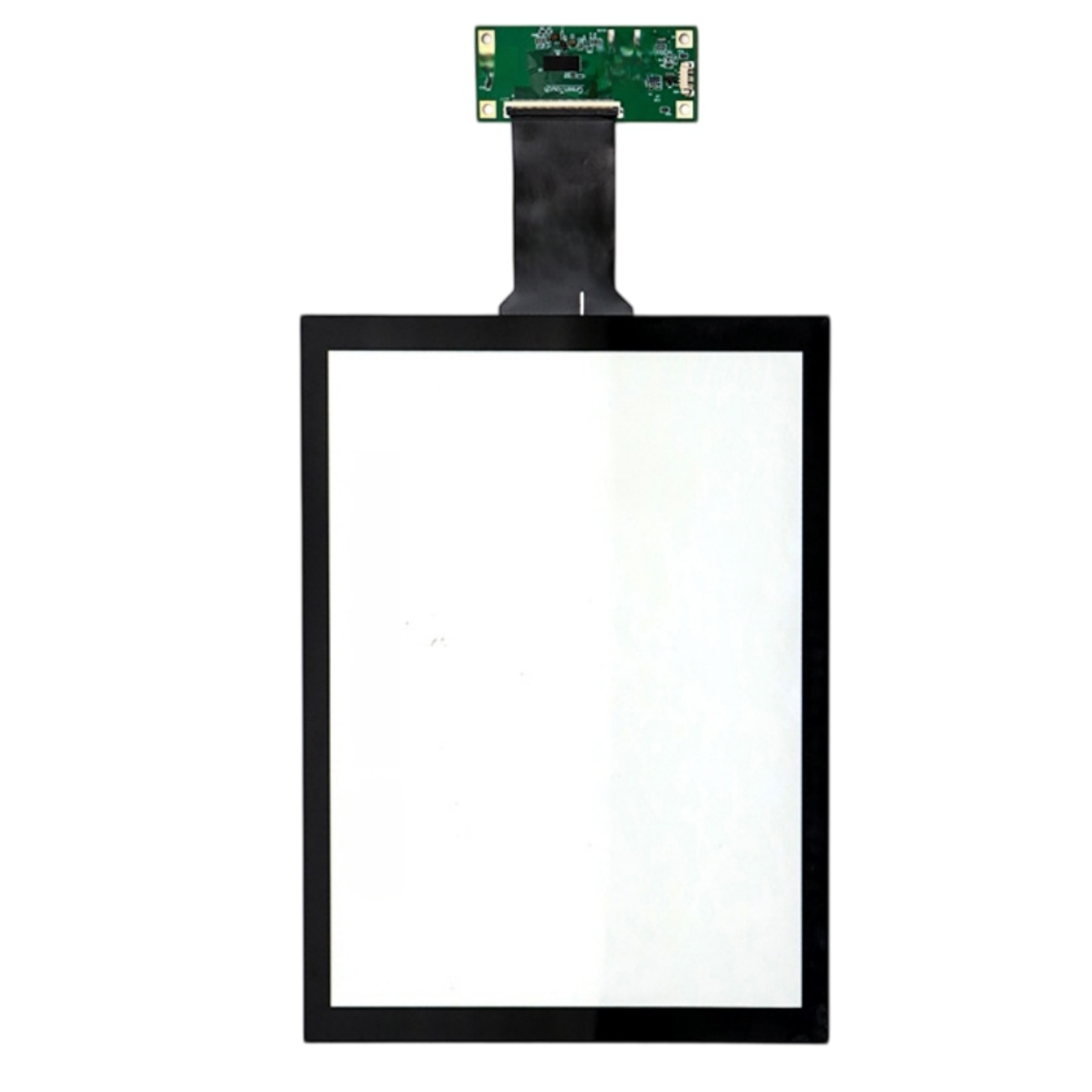
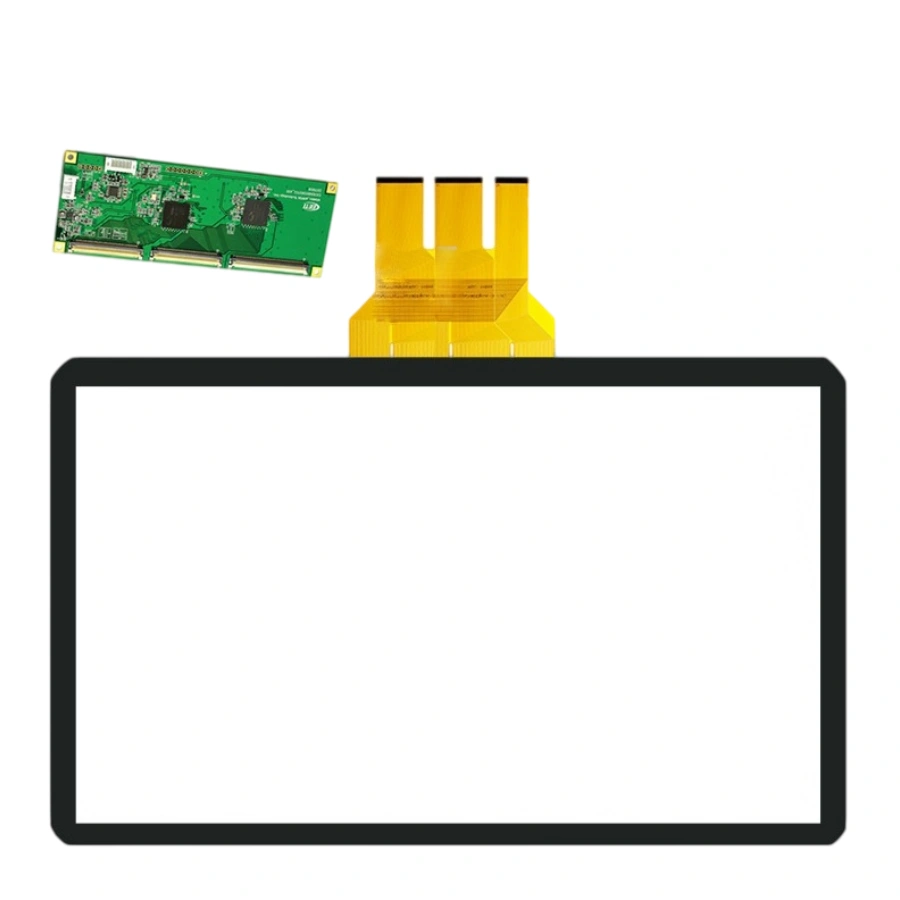
This 65-inch projected capacitive touch screen uses a G+G structure with USB. The listing specifies a <20 ms response time, 4096 × 4096 touch resolution and >85% transmittance. Listed applications include Writing overlays, industrial computers, advertising displays and information kiosks.
At 65", an air gap creates a visible double-image and washes out contrast under lobby lighting. Optical bonding fixes that, but large-format bonding has real yield risk: dust, uneven pressure, edge delamination. We prototype with your exact LCD, inspect under raking light for bubbles/haze, and only then freeze the process. Don't treat bonding as a checkbox — validate a sample in your real ambient light first.
Yes, but only with controller re-tuning for the stack. Thick glass weakens the capacitive field; out-of-the-box settings will miss light taps. Send us the exact glass thickness, dielectric, and air gap, and we tune sensitivity per zone — stronger near the center, trimmed at edges to avoid false triggers. Never ship thick-glass installs on default firmware.
PCAP reads micro-capacitance, so system-level EMI is the real test. We validate with everything powered on: payment terminal active, wireless transmitting, speakers at full volume, cabinet lights on. Look for ghost touches and jitter during a 30-minute stress run. Fixes are grounding points, separated cable routes, shielded FPC — not just "better firmware".
Passive USB at that length is borderline for HID. Use an active extender, or put the controller near the host and run only the sensor tail to the panel. If you must run USB, use double-shielded cable with ferrite cores and keep it away from power lines by ≥30 cm. We can pre-test the cable you specify before MP.
Any added dielectric between finger and sensor attenuates signal. Thin PET film (≤0.125 mm) is okay only after re-calibration; thicker overlays or printed masks need controller re-tune, sometimes a different sensor gain. Rule: never approve production config without testing the exact overlay. We keep a per-model calibration file so field units stay consistent.
Freeze the BOM at MP: sensor drawing, cover glass, controller IC, firmware version, calibration recipe. Each unit ships with a stored calibration profile tagged to the serial number. When a unit is swapped, tech loads the model's profile — no on-site tuning guesswork. Also log environment (temp range, typical humidity) so we can pre-adjust baseline for site A vs site B.
| Screen size | 65 inches |
|---|---|
| Interface and driver | USB . |
| Response time | <20 ms . |
| Touch resolution | 4096 × 4096 . |
| Transmittance | >85 % |
| Interface and driver | USB . |
| Structure | G+G . |
| Touch screen type | Projected capacitive (PCAP) . |
| Transmittance | >85 % |
| Listed applications | Writing overlays, industrial computers, advertising displays and information kiosks . |
| Listed item weight | 20,000 g |