GT-CTS-Y10.4
View model →
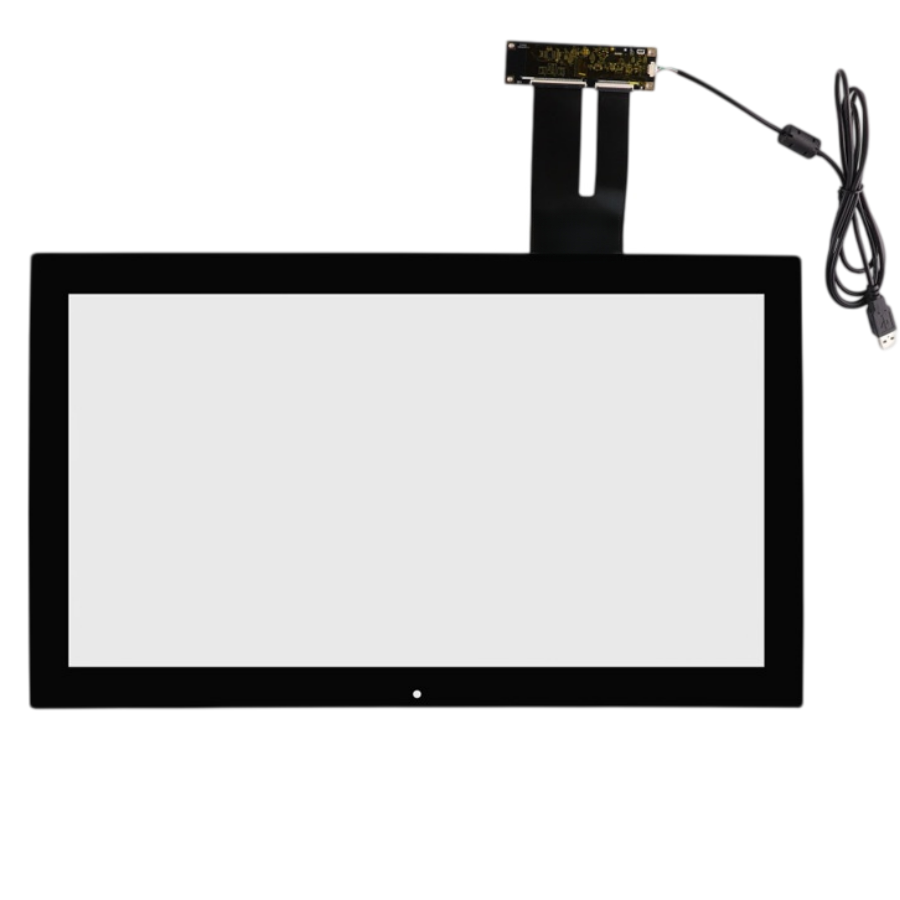
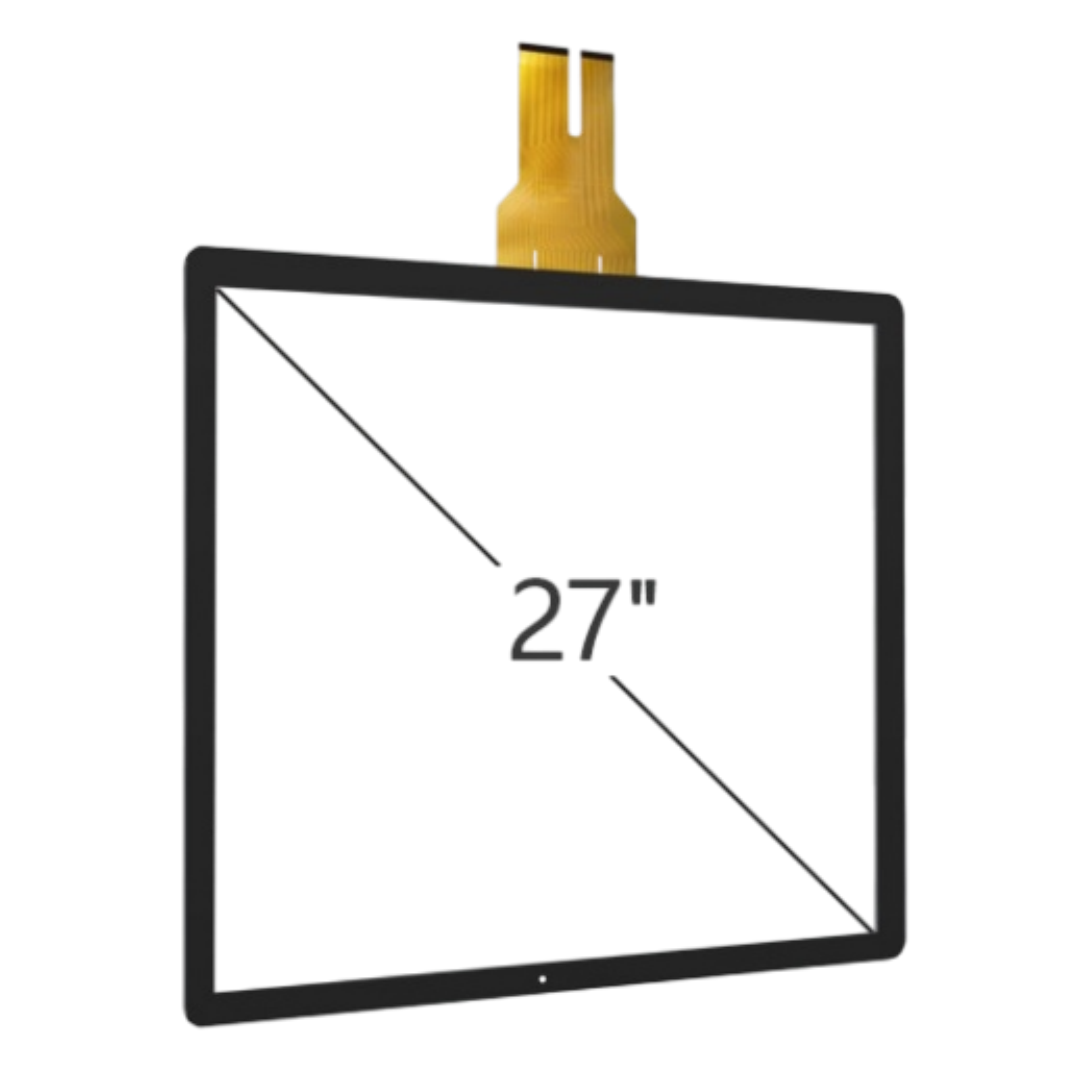
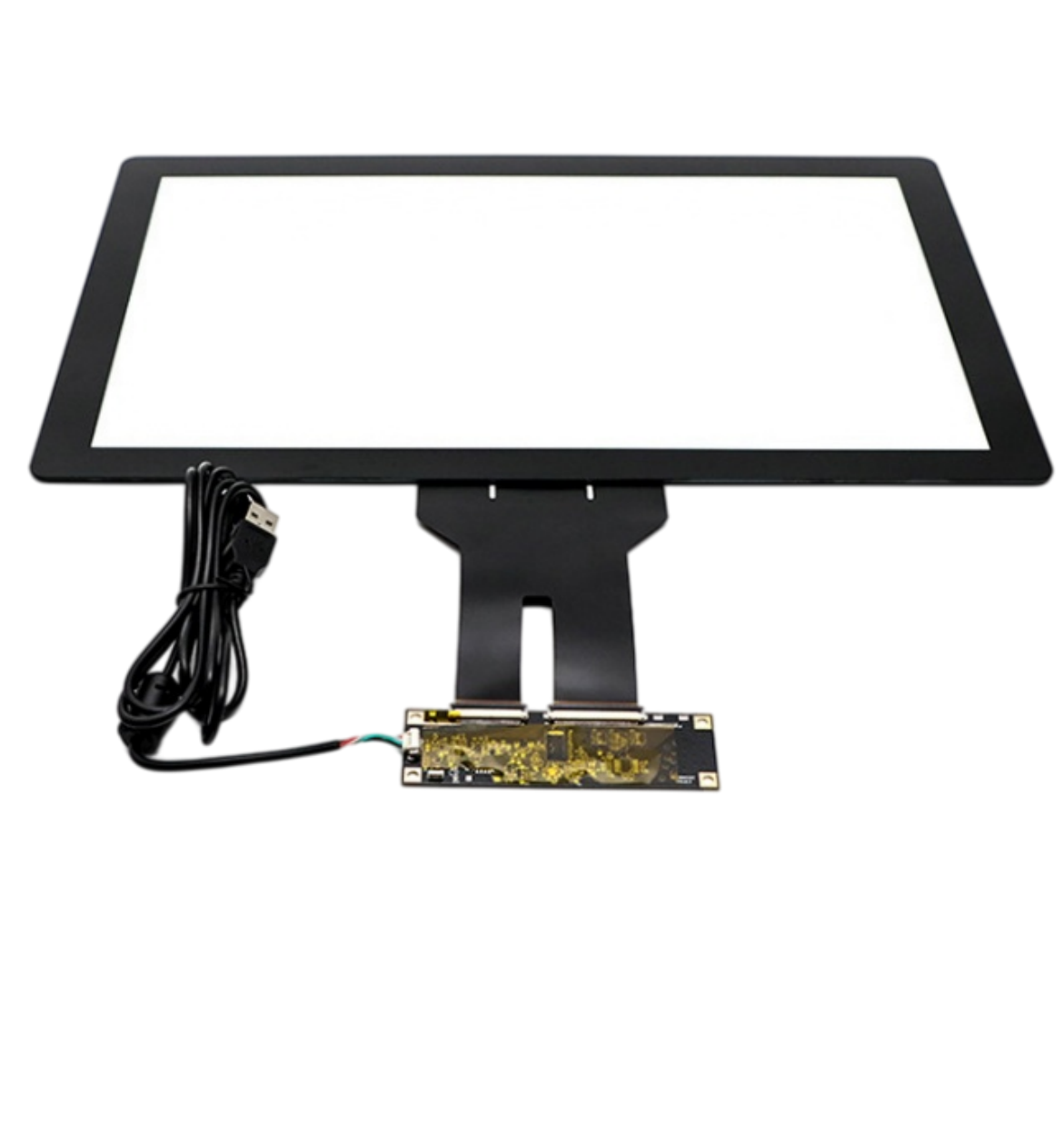
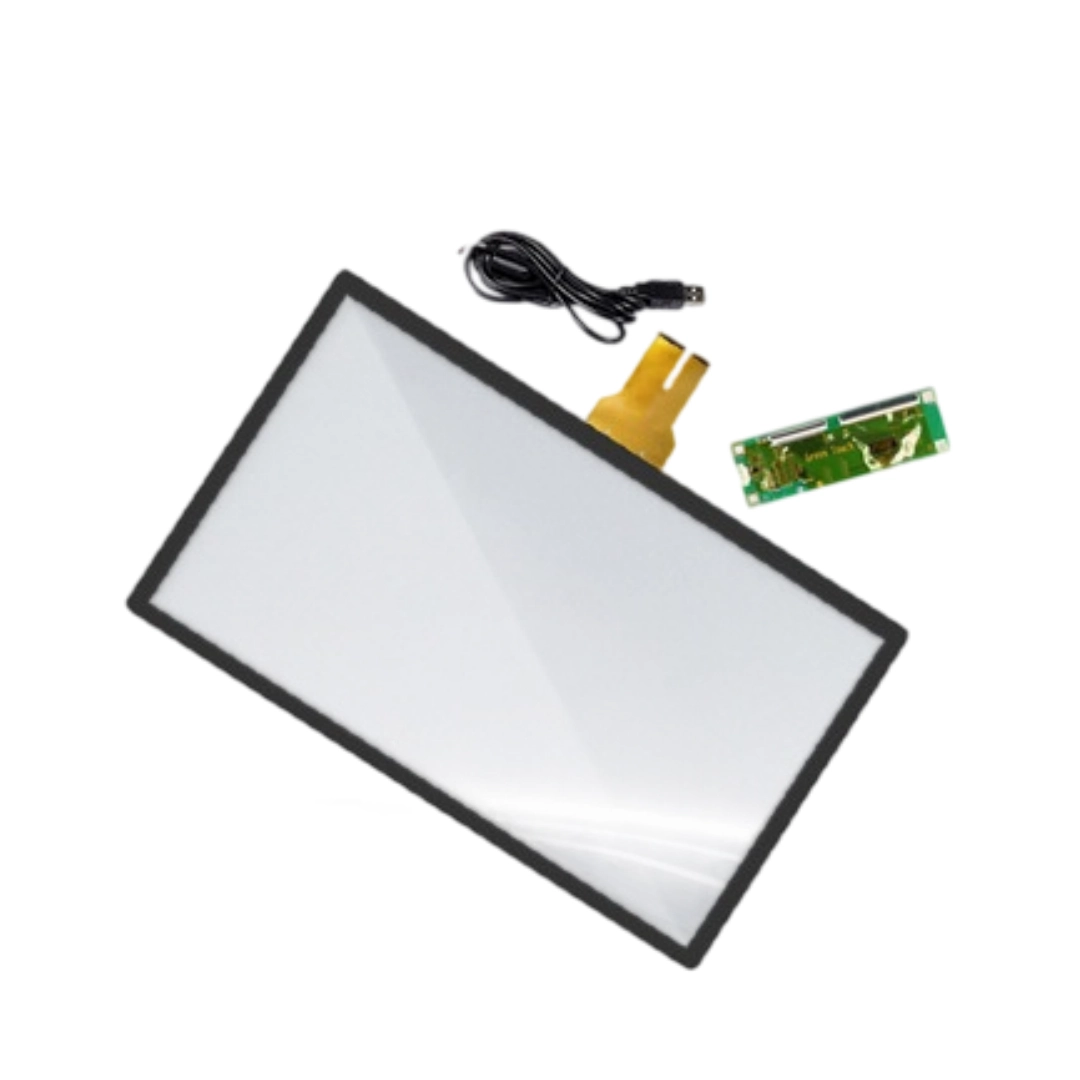
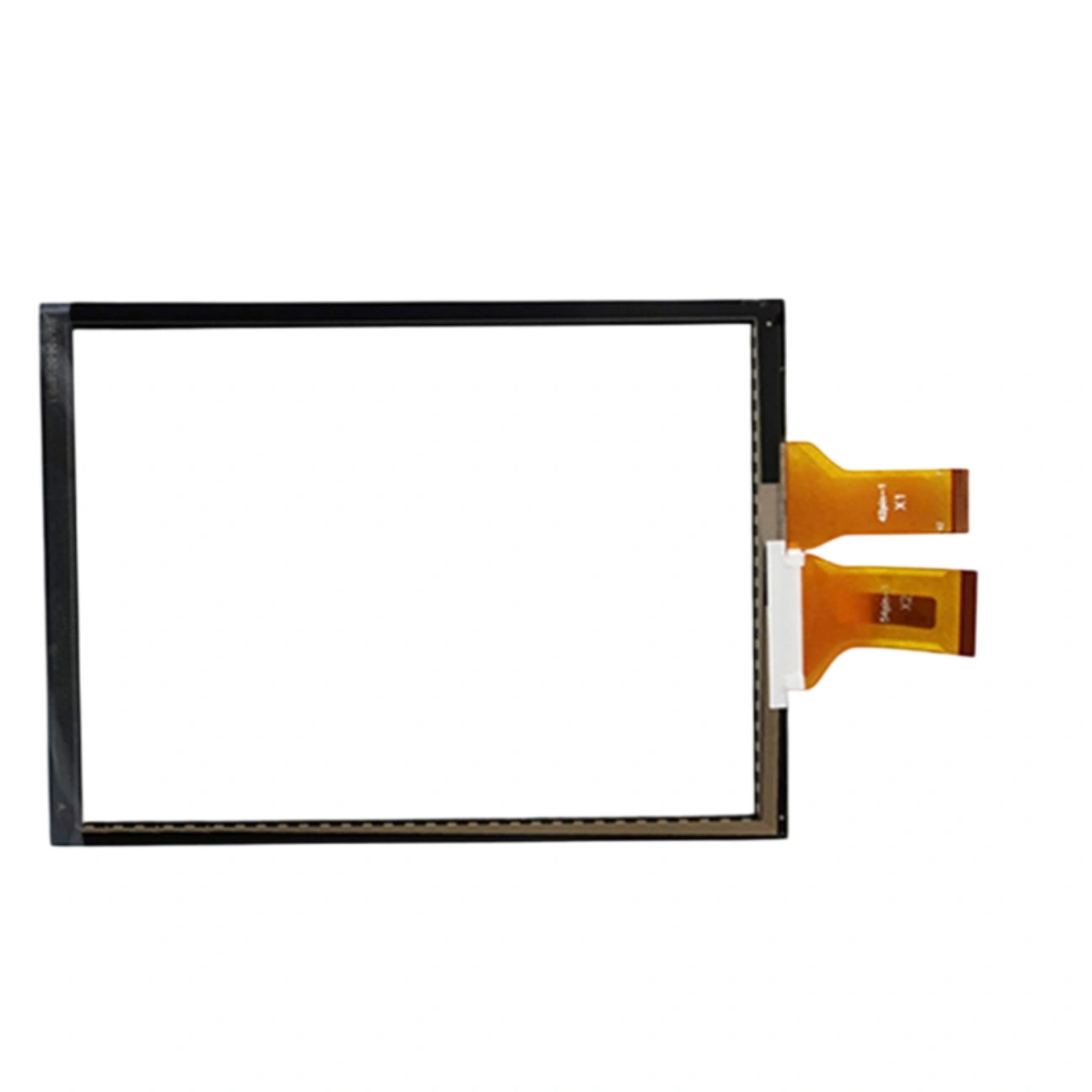
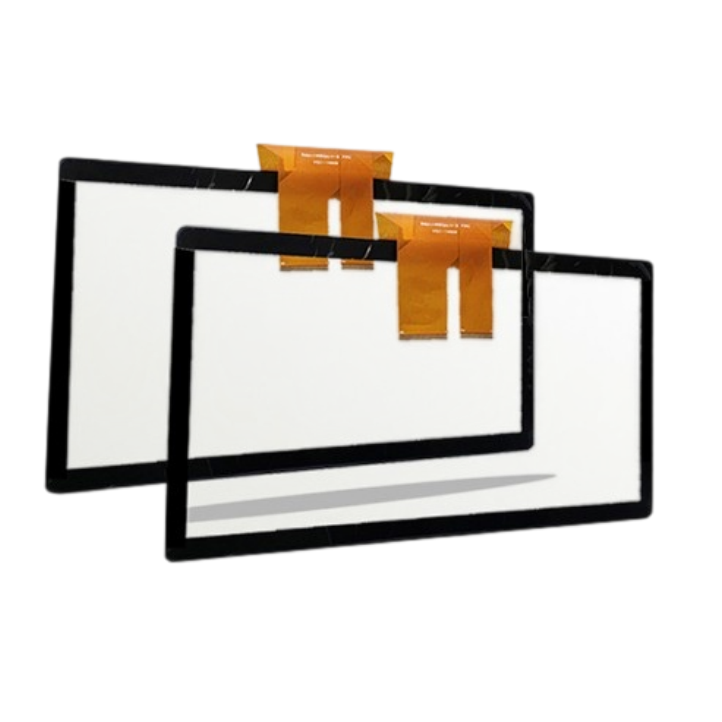
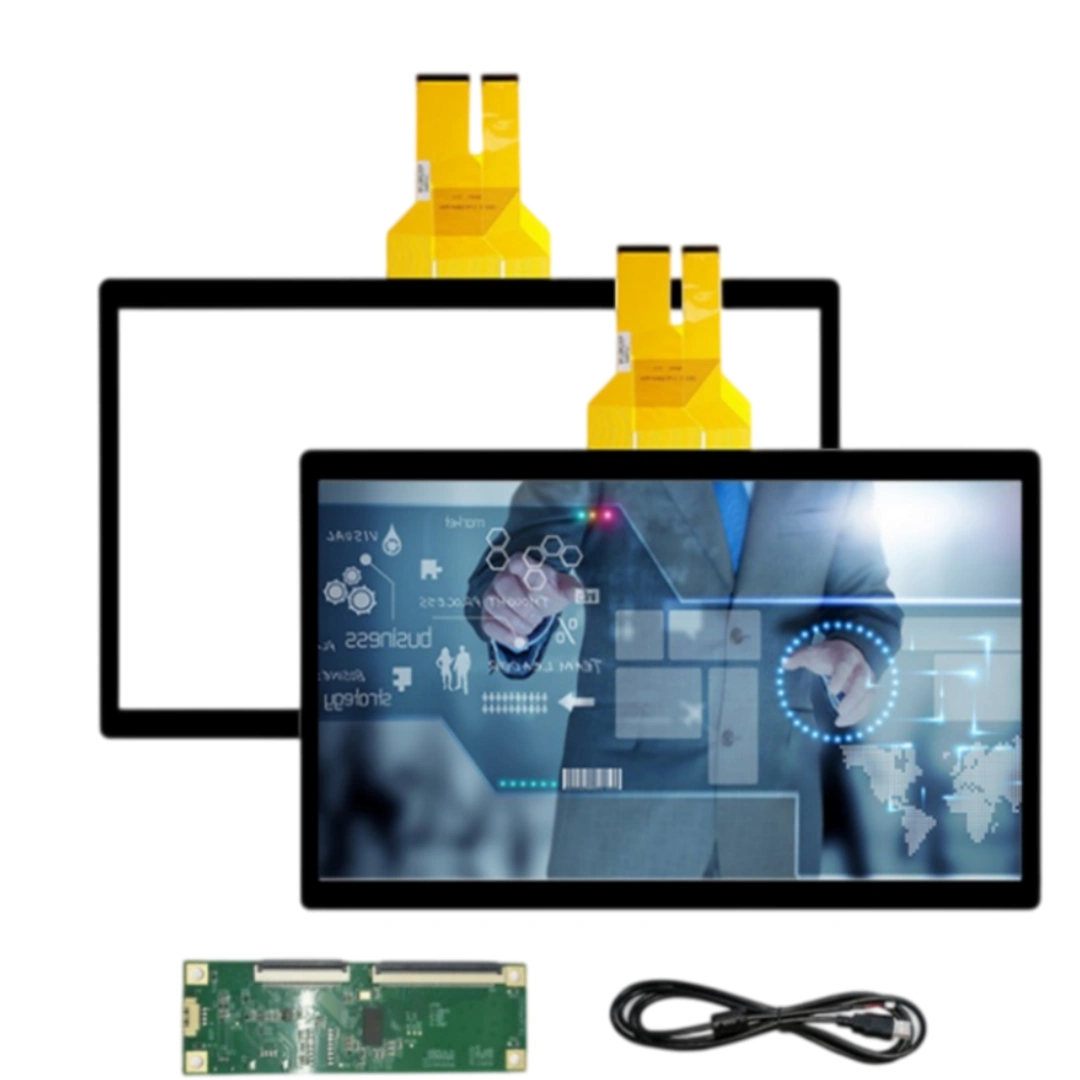
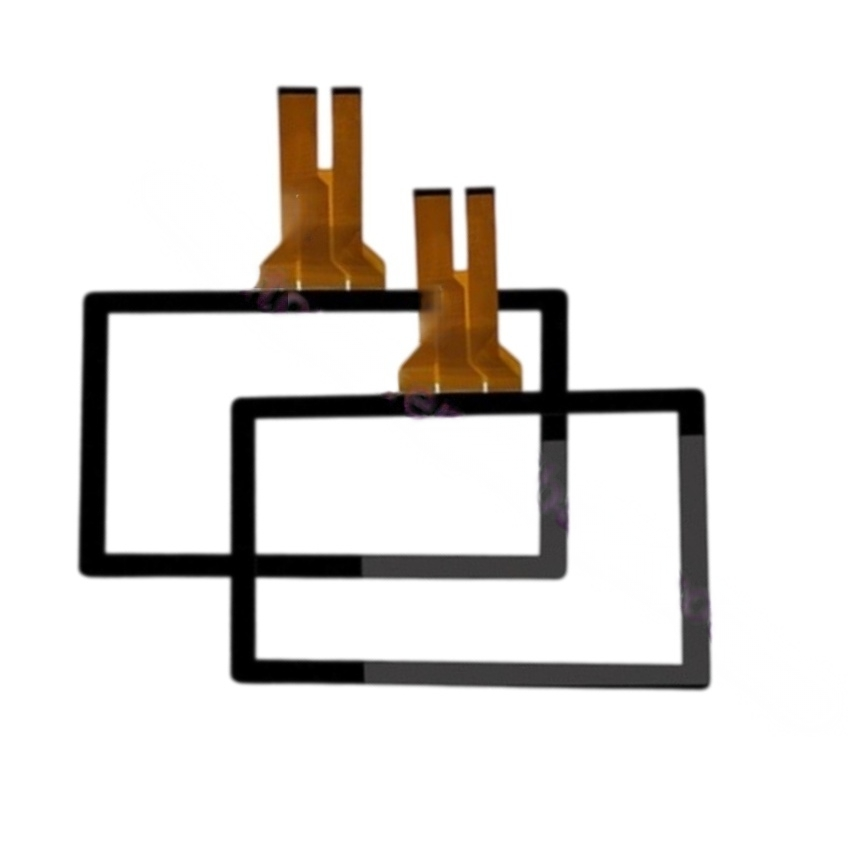
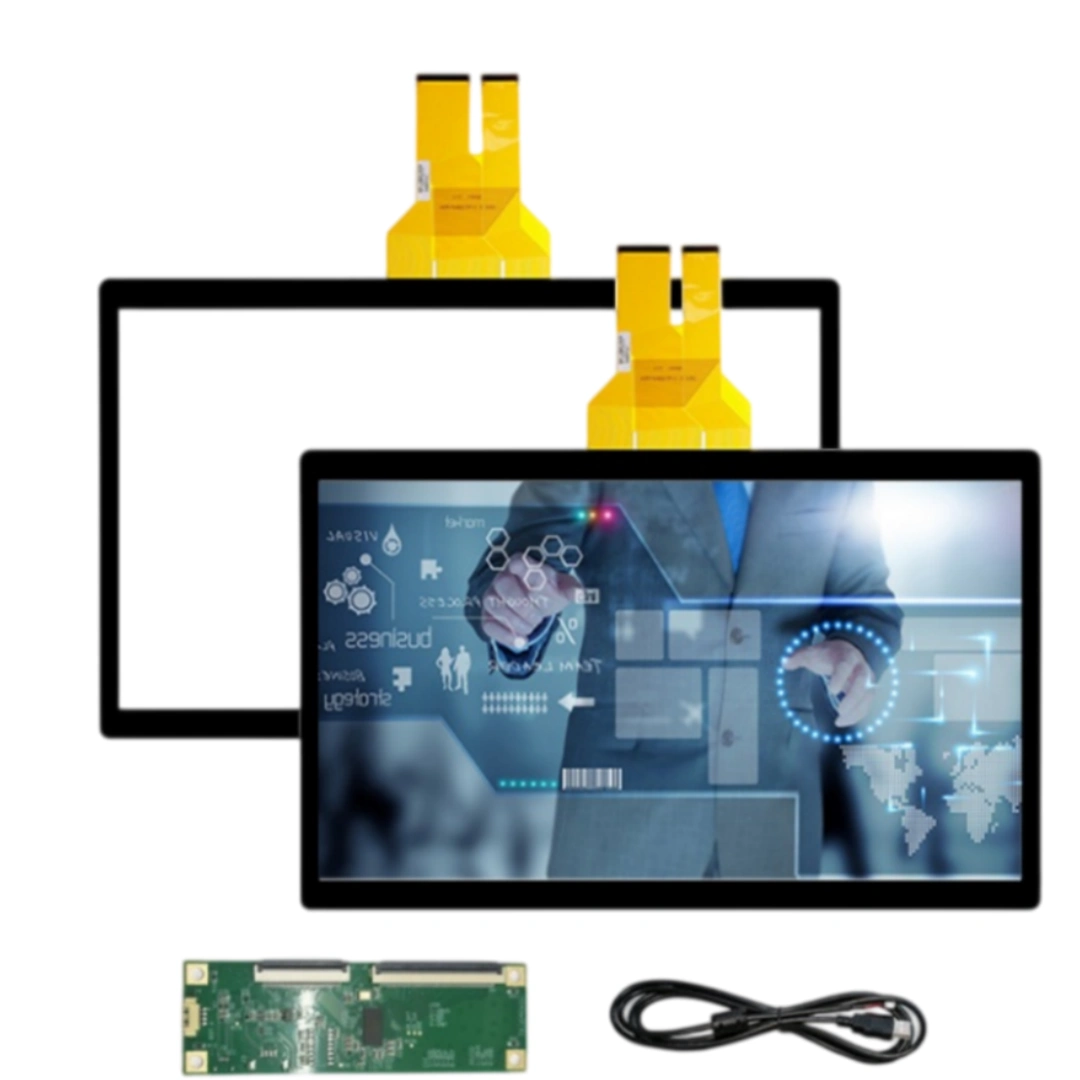
This 12.1-inch projected capacitive touch screen with USB; driver-free and 10 points touch. The listing specifies a <20 ms response time, 4096 × 4096 touch resolution and >85% transmittance, with EETI, ILITEK or Weida controller options. Listed applications include Ordering machines, industrial equipment and advertising displays.
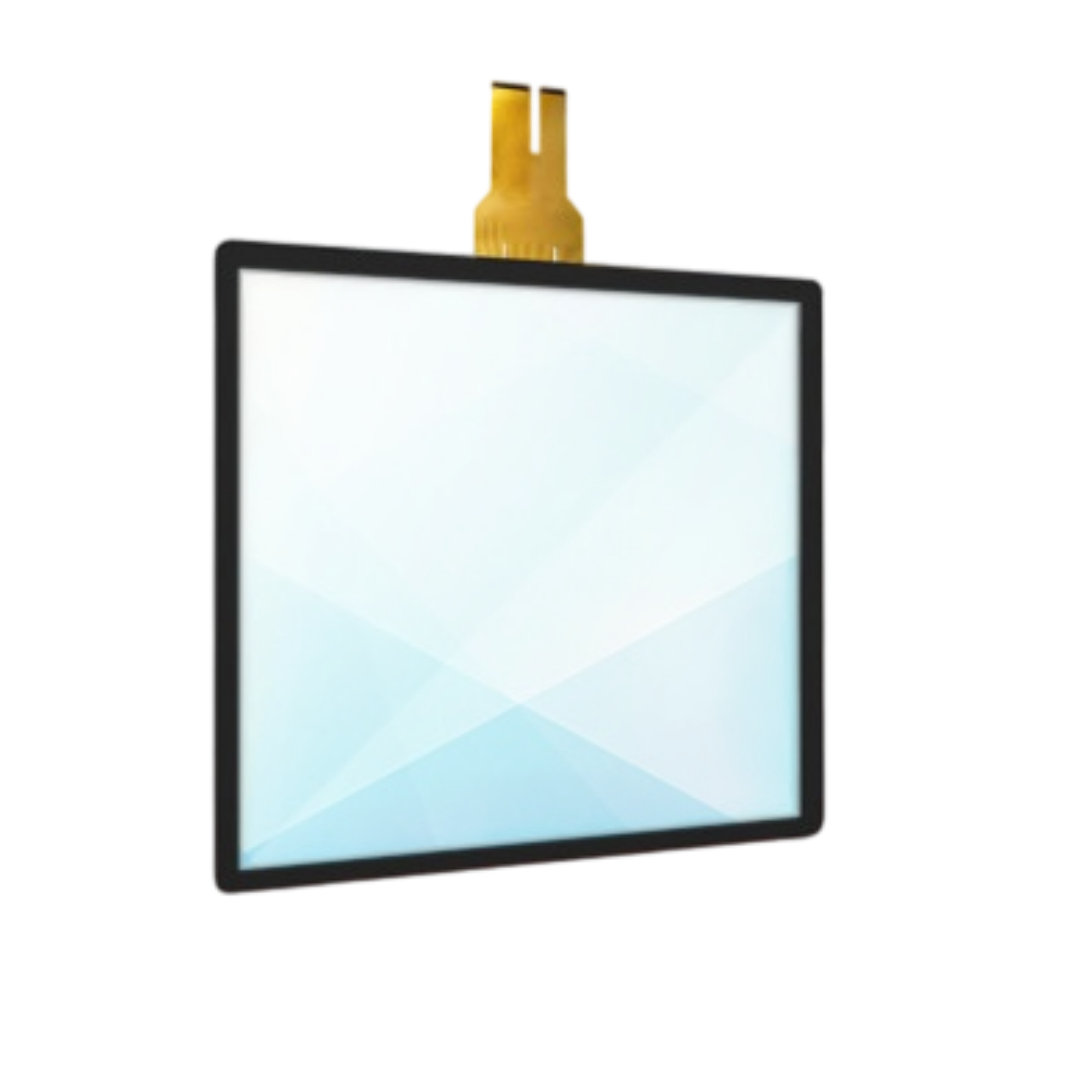
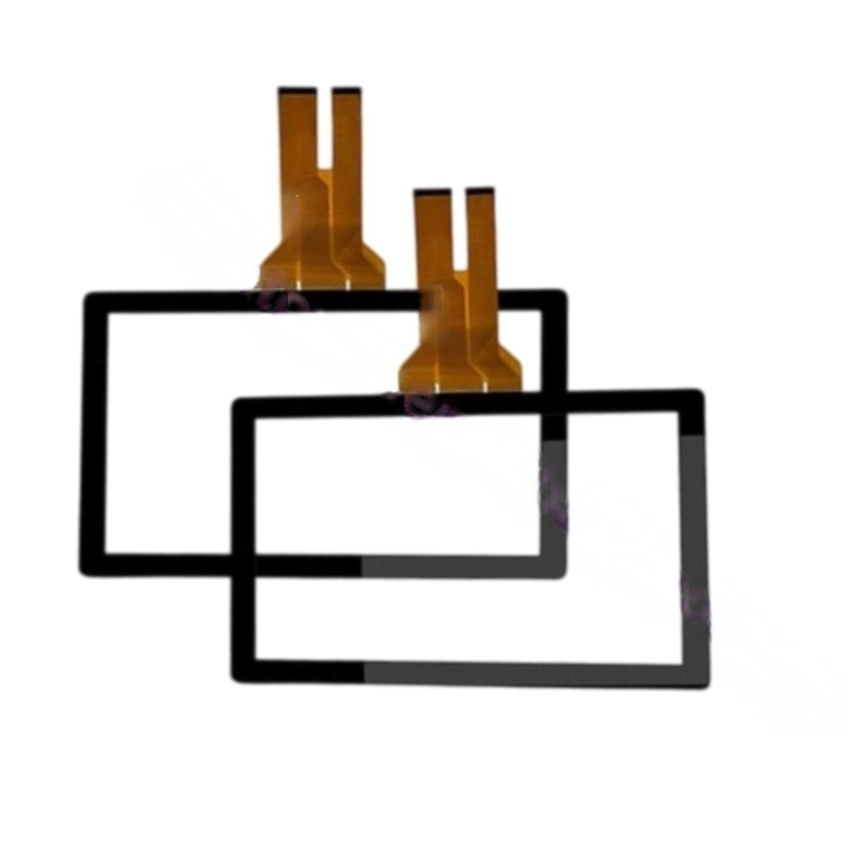
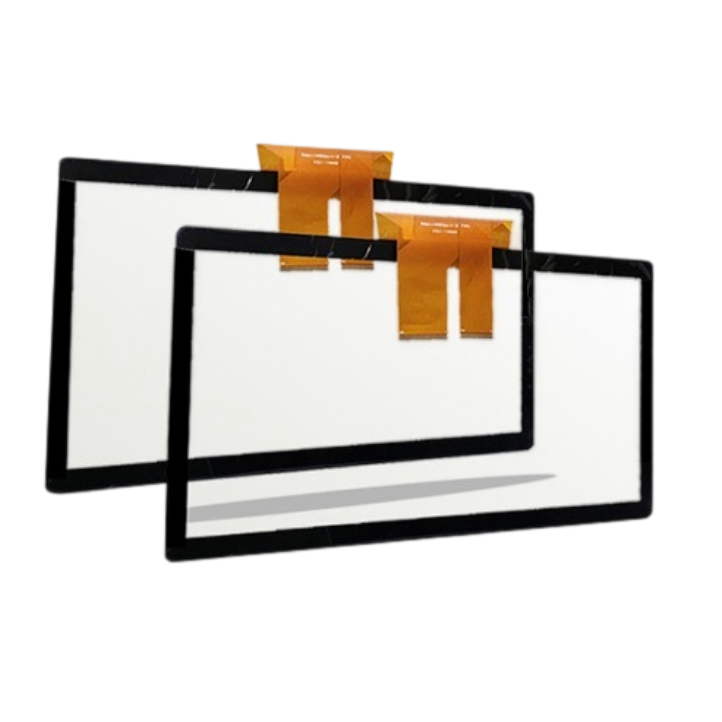
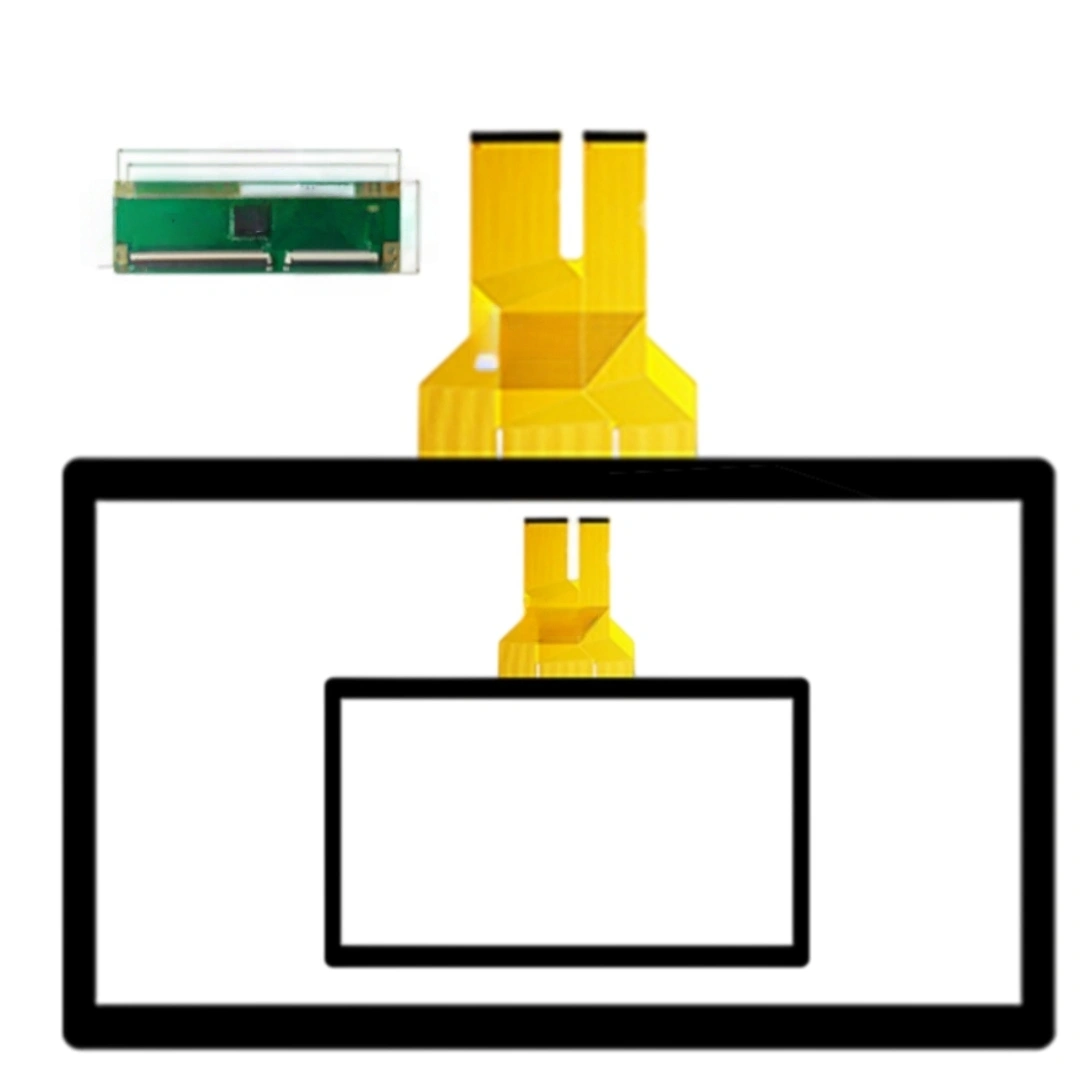
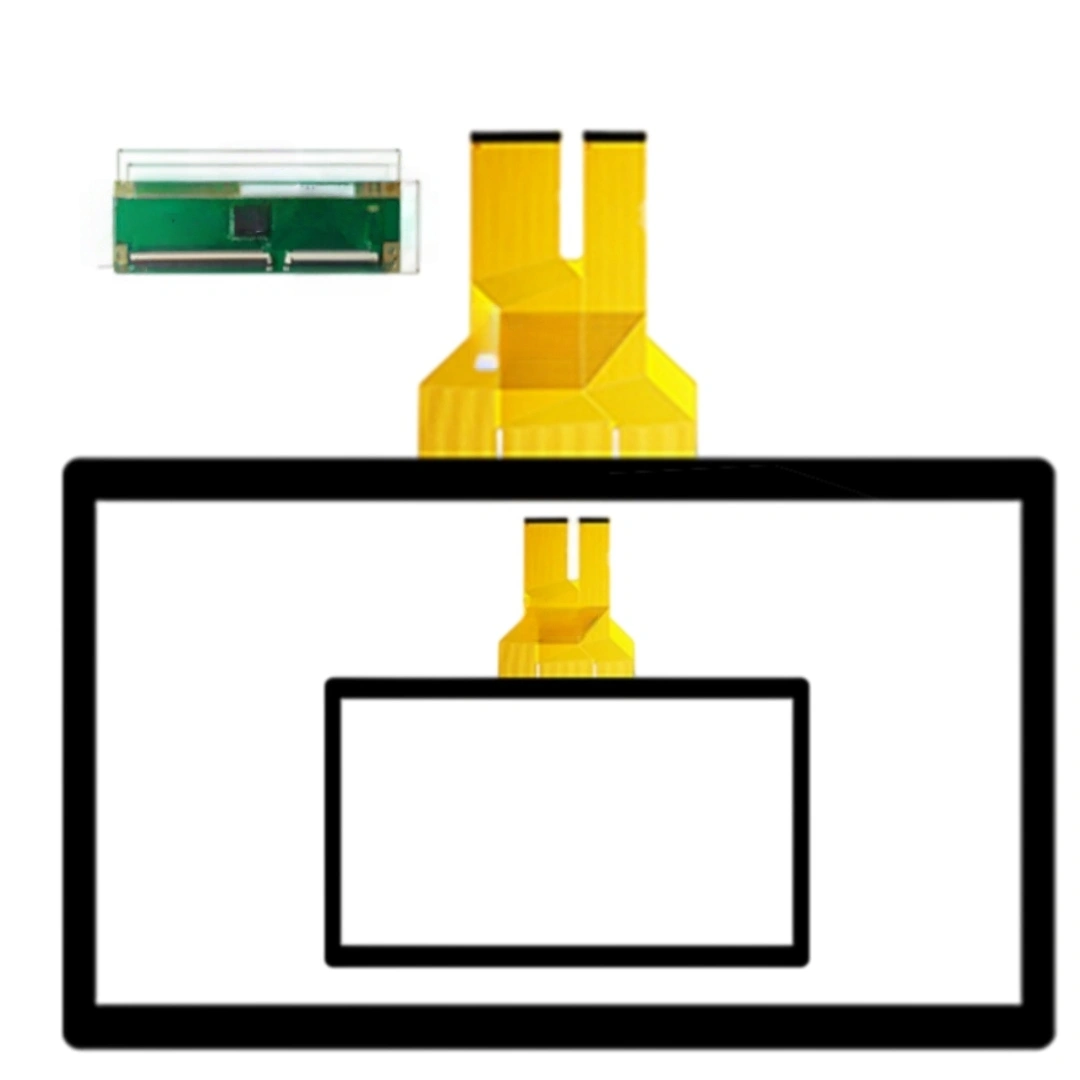
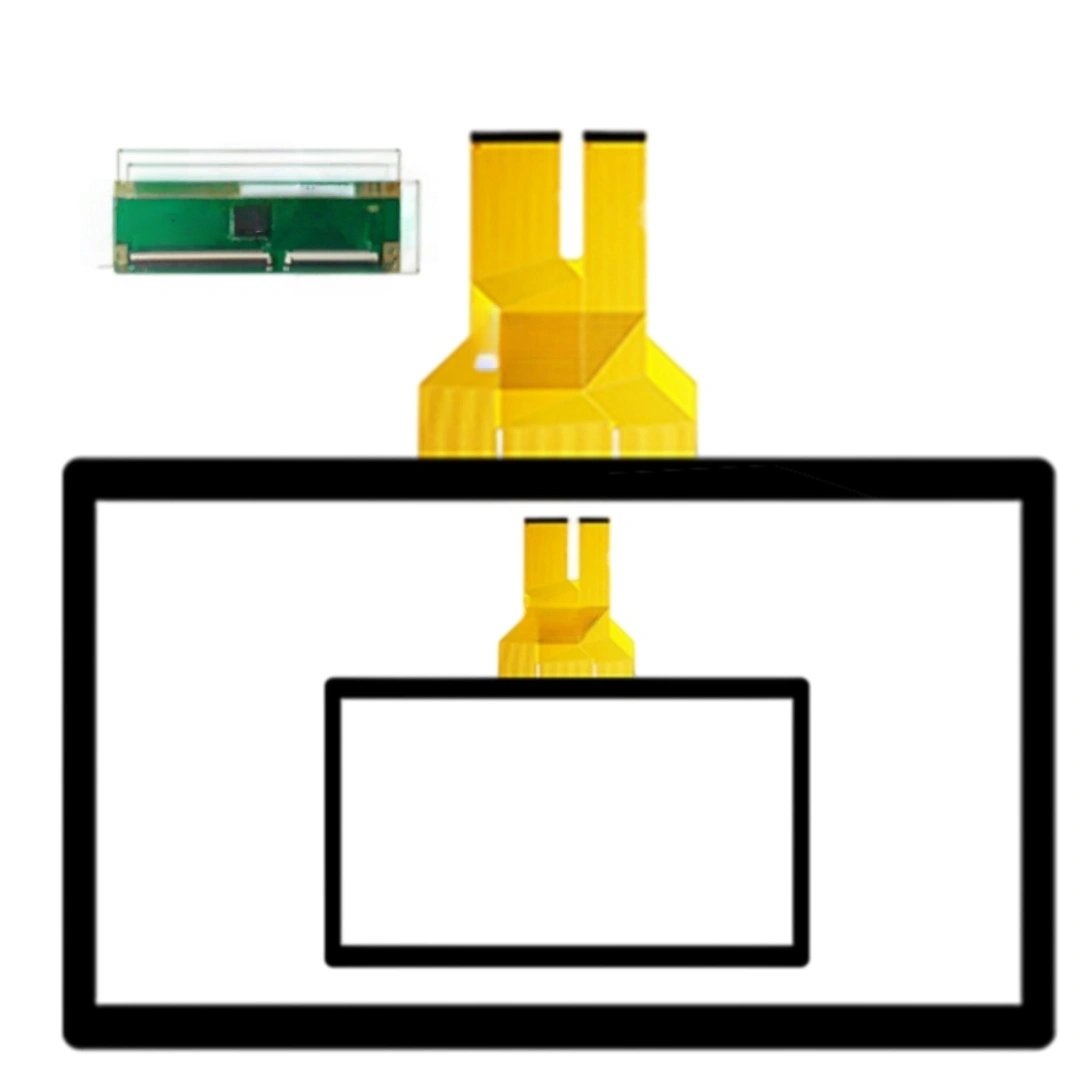
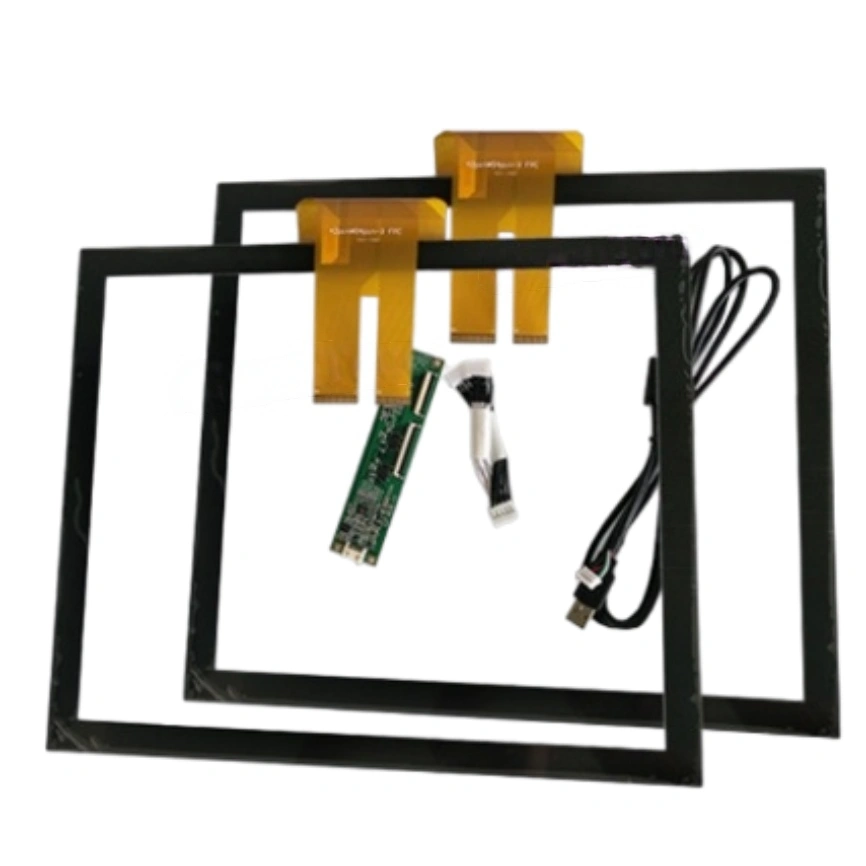
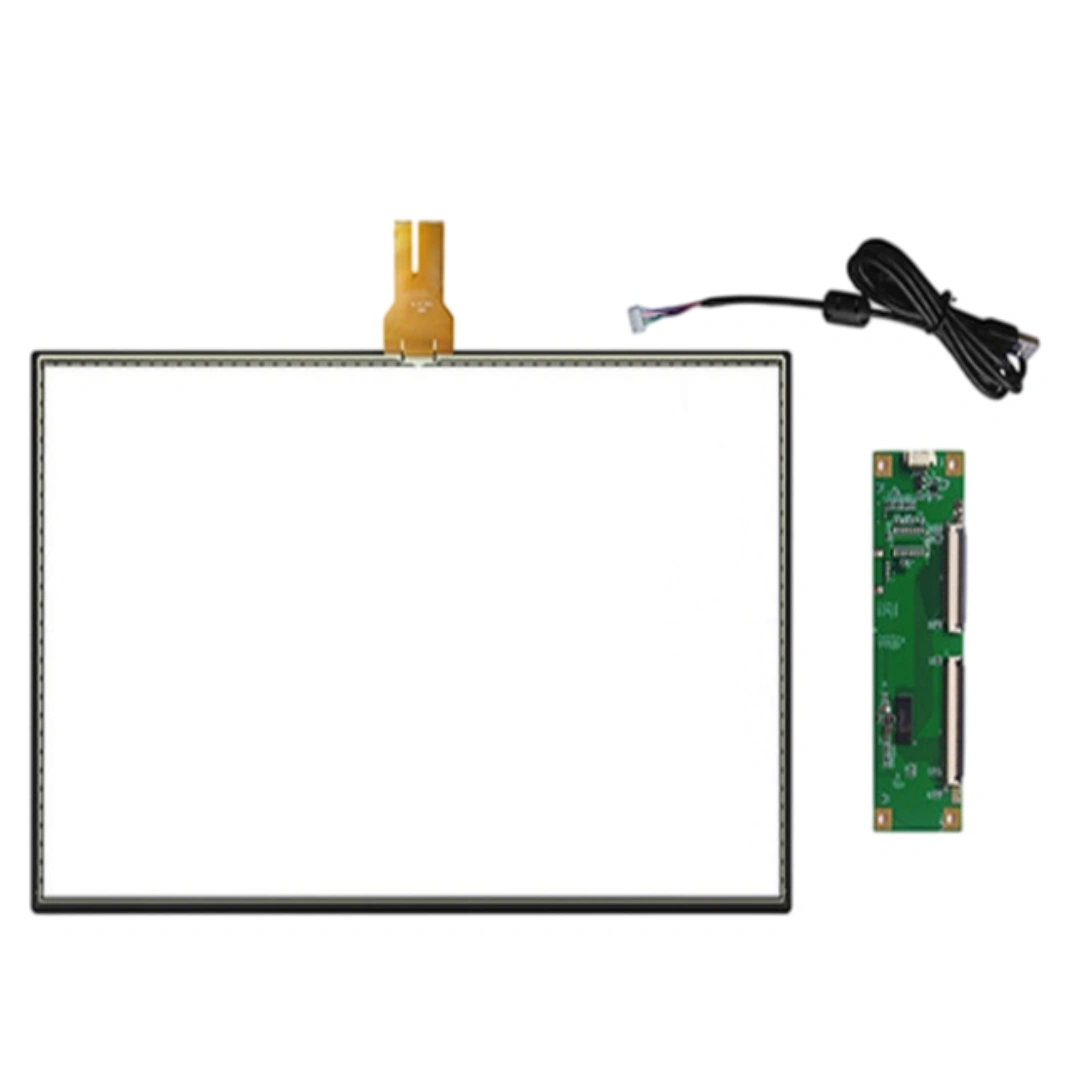
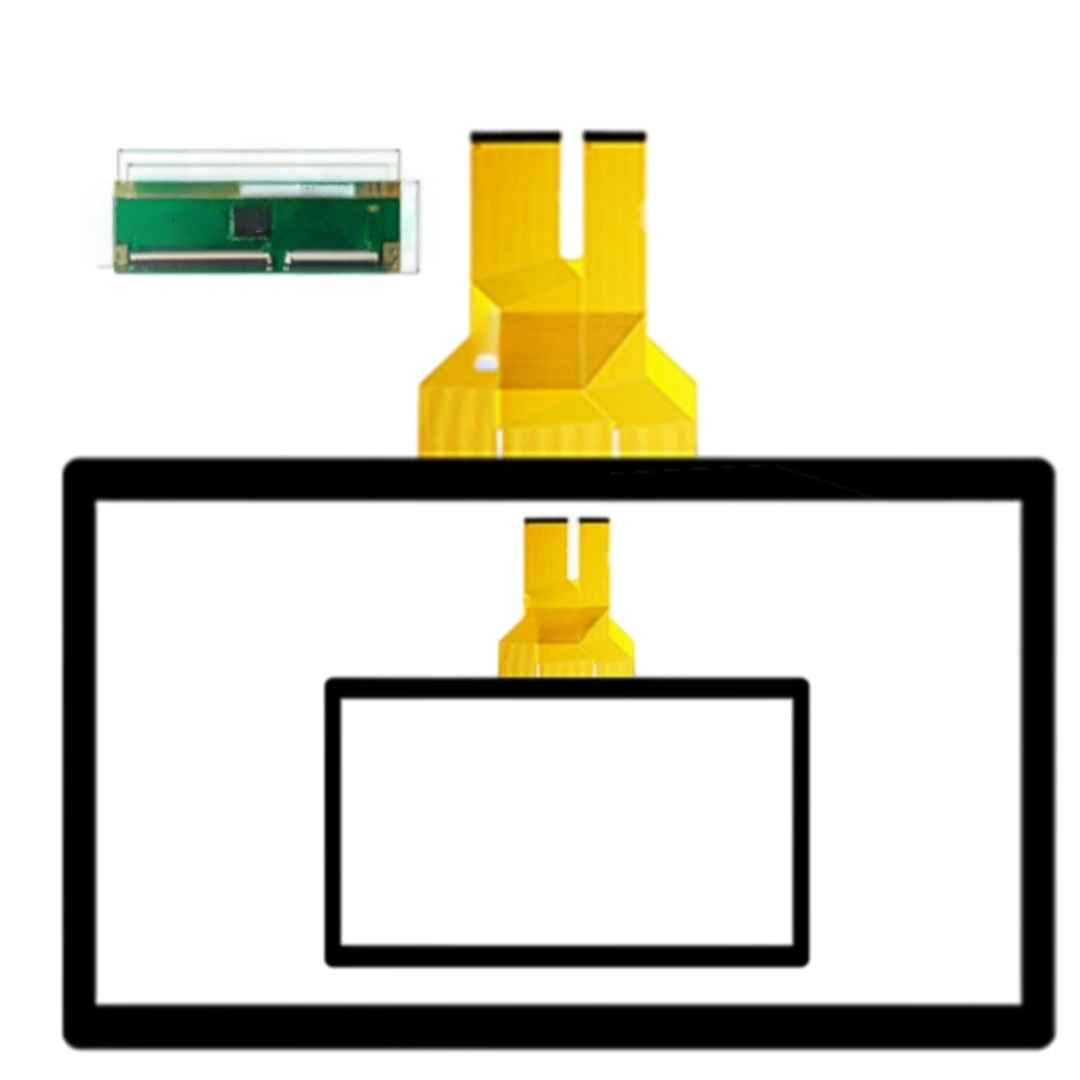
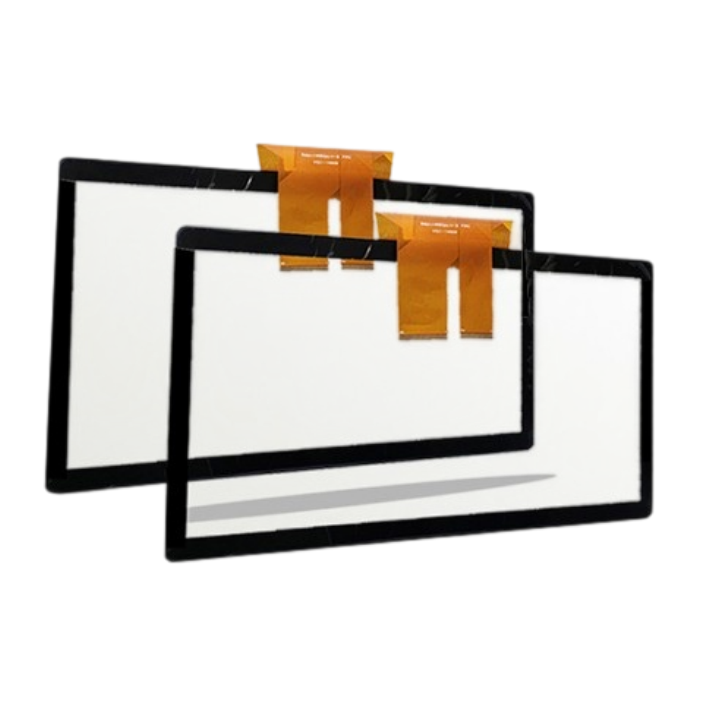
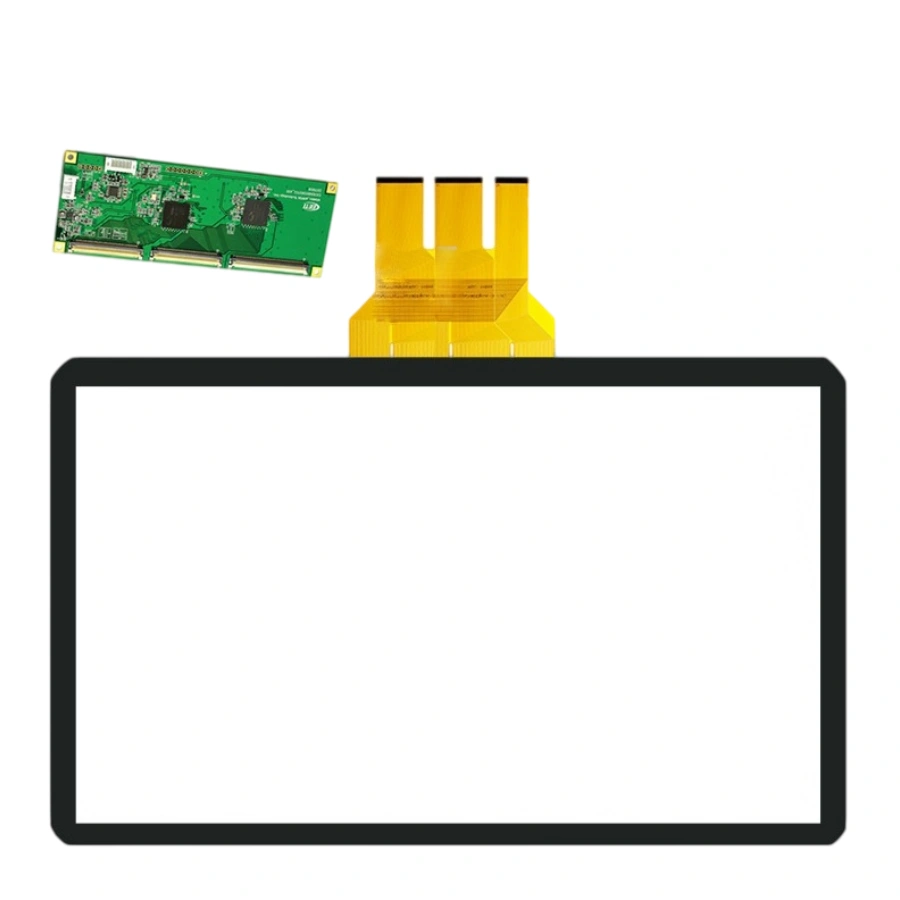
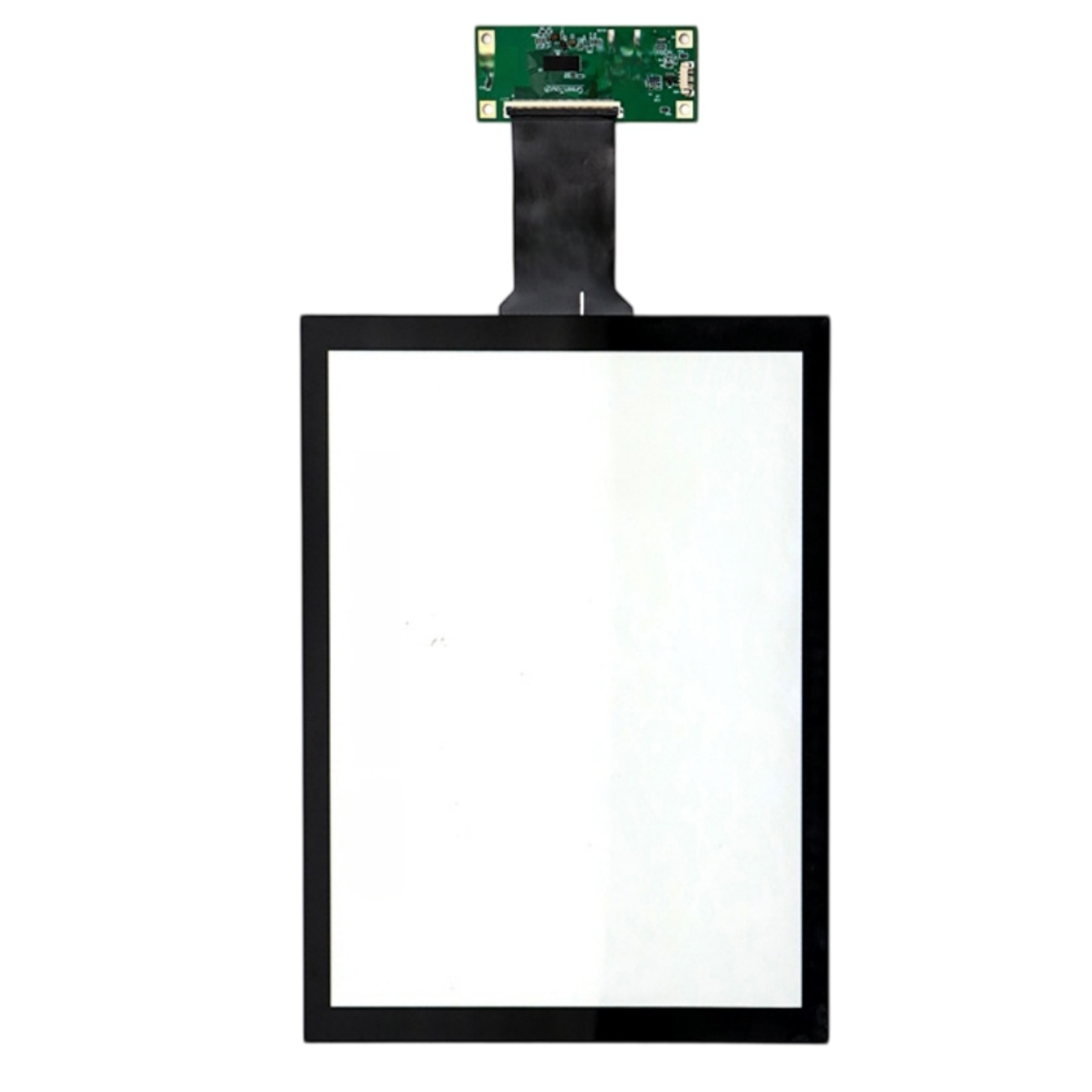
Just the touch panel kit — sensor, cover glass and controller. No LCD, no host computer. You mount it onto your own 12.1" display or integrate it into your enclosure.
Yes, if your LCD is a 4:3 XGA (1024×768) panel. The touch sensor mounts over the existing view area; we'll match the outline and AA zone to your current bezel opening. Send the old drawing or a photo with measurements.
Check three numbers: outer outline, viewable area (VA), and active touch area (AA). The AA zone should sit inside your bezel opening with a small margin — usually 1–2 mm clearance so the frame doesn't press the sensor edge.
PCAP sensors hate uneven pressure. If the bezel squeezes the glass edges, you'll get dead corners or false touches. Loosen the mounting screws slightly and retest — if it improves, the issue is mechanical stress, not the controller.
That's EMI from the VFD/servo coupling into the touch path. Keep the FPC away from power lines, don't let the sensor overlap the LCD metal frame (leave ≥1.5 mm gap), and make sure the controller, LCD frame and PSU share one ground. We can add shielding film if needed.
Light droplets can trigger ghost points on default firmware. Tell us if your environment is wet/oily (kitchen, lab, factory floor) and we'll enable water-rejection and glove mode in the controller before shipping — no extra hardware needed.
Normally no — a correctly mapped PCAP keeps coordinates without routine calibration. But if you change the OS, screen rotation, or multi-display setup, the coordinate mapping may need a one-time reset. We'll send the recalibration steps with the sample.
Four things: (1) edge + corner touch accuracy, (2) glove and wet-finger response, (3) 24-hour burn-in inside the real enclosure with the motor/relay running, (4) unplug-replug USB to check enumeration. If all four pass, mass production risk is low.
| Screen size | 12.1 inches |
|---|---|
| Touch screen type | Projected capacitive (PCAP) . |
| Touch points | 10 . |
| Interface and driver | USB; driver-free . |
| Response time | <20 ms |
| Touch resolution | 4096 × 4096 . |
| Transmittance | >85 % |
| Controller options | EETI, ILITEK or Weida controller options . |
| Listed applications | Ordering machines, industrial equipment and advertising displays . |
| Listed item weight | 2,000 g |