GT-CTS-Y10.4
View model →
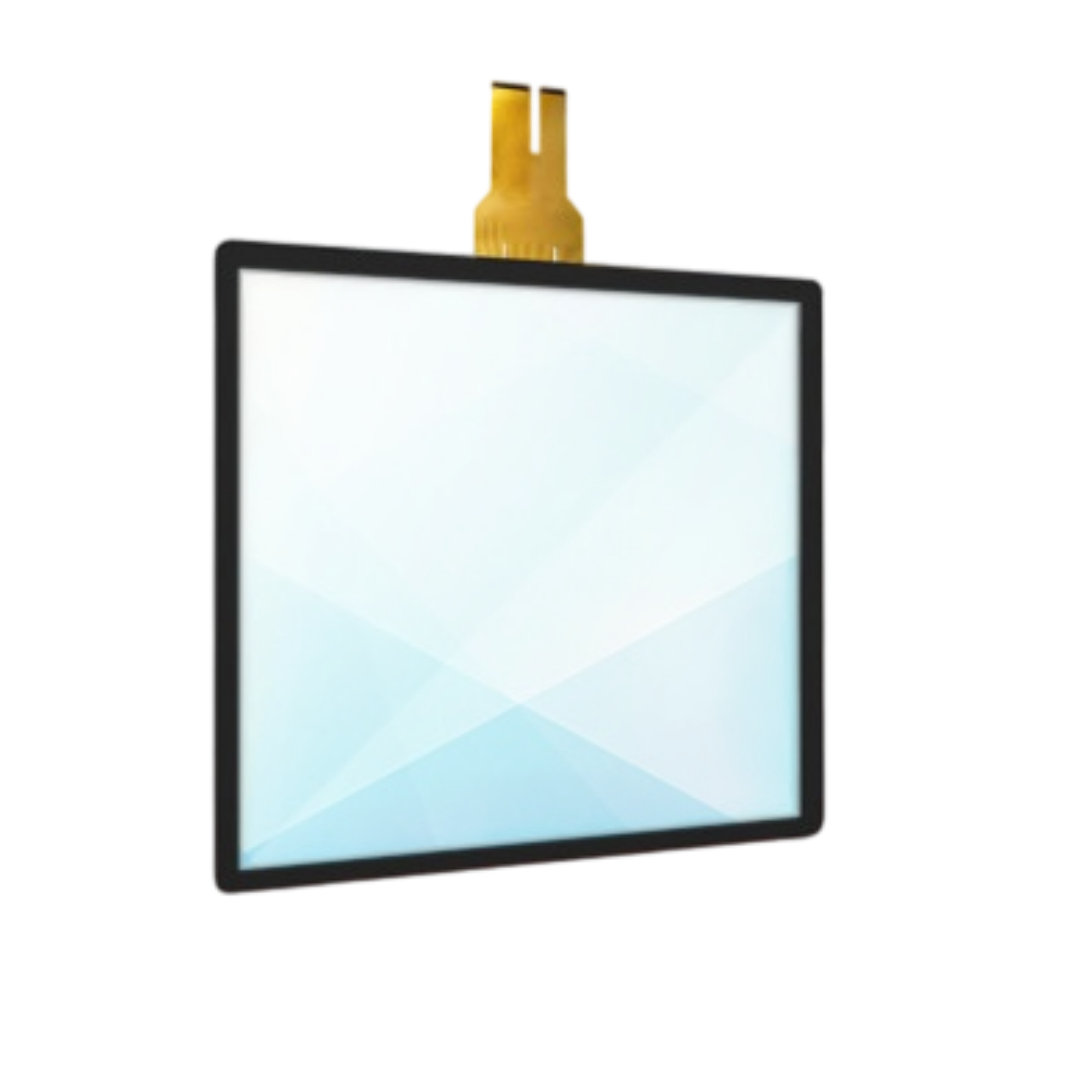
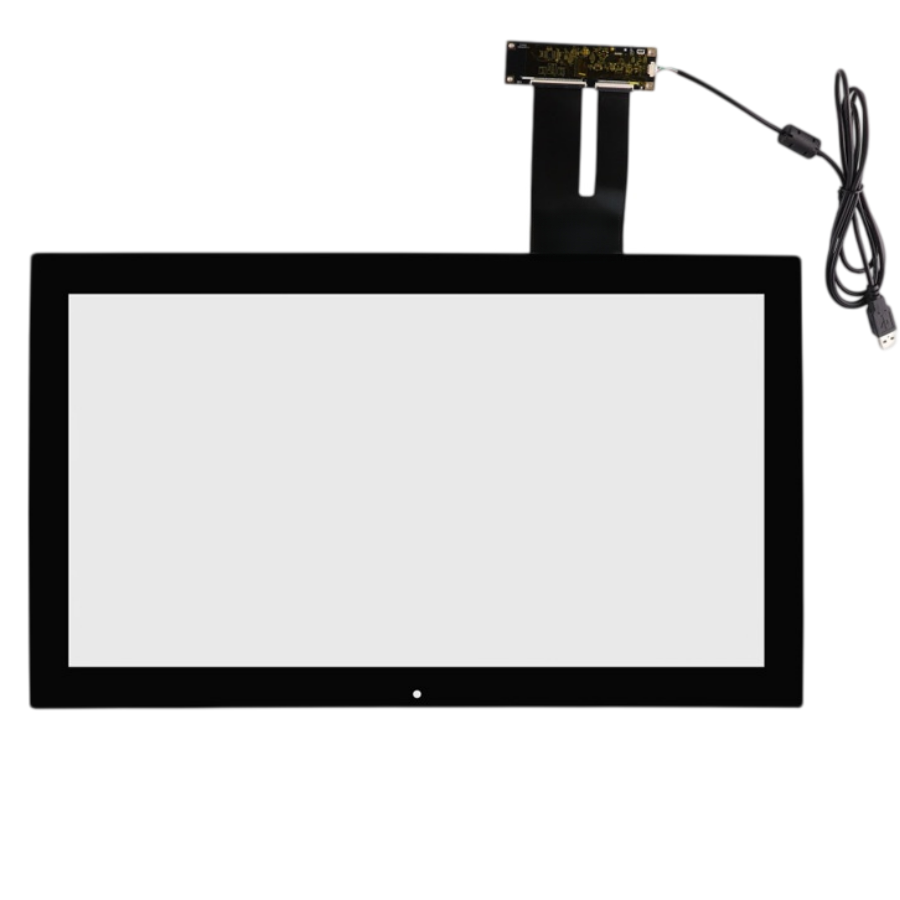
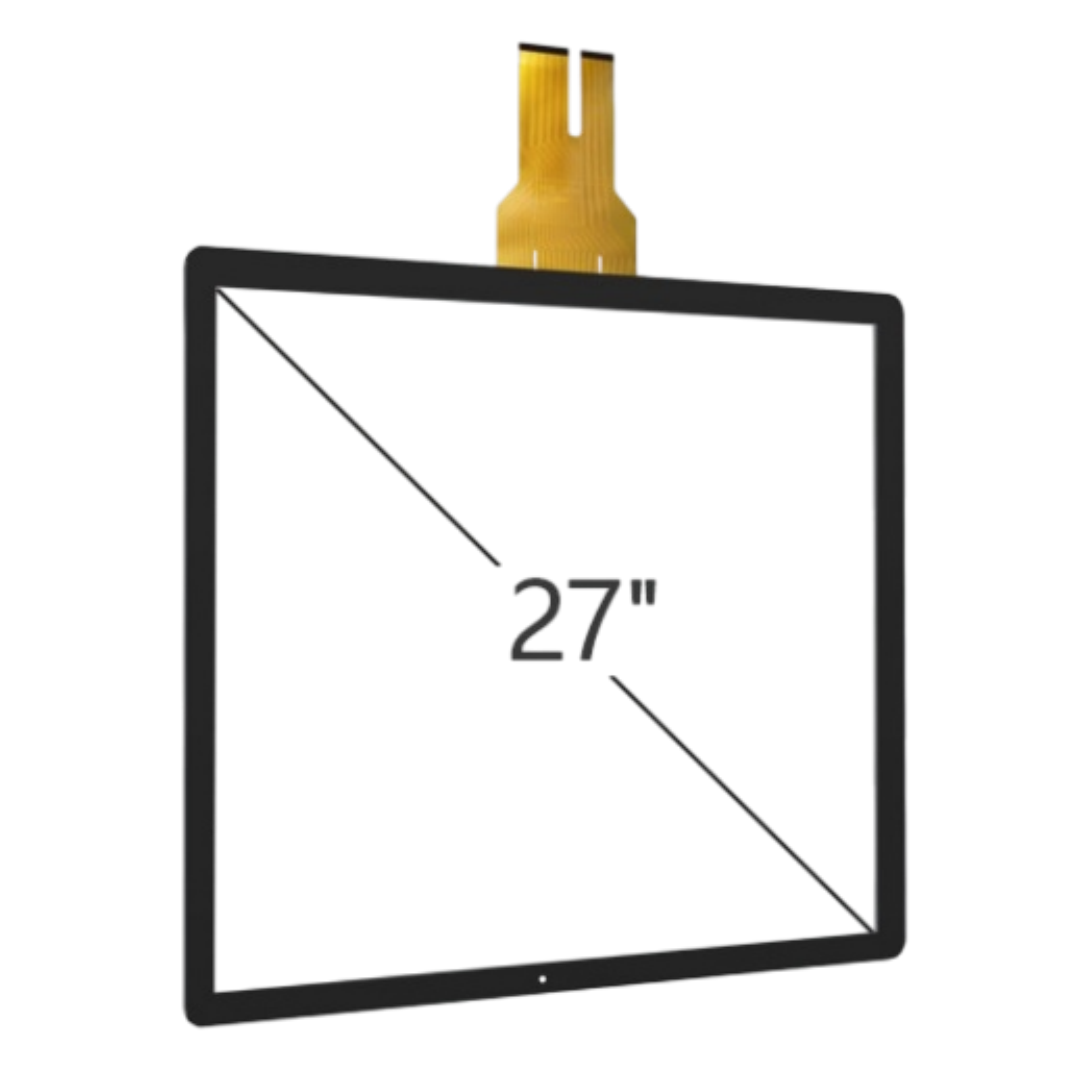
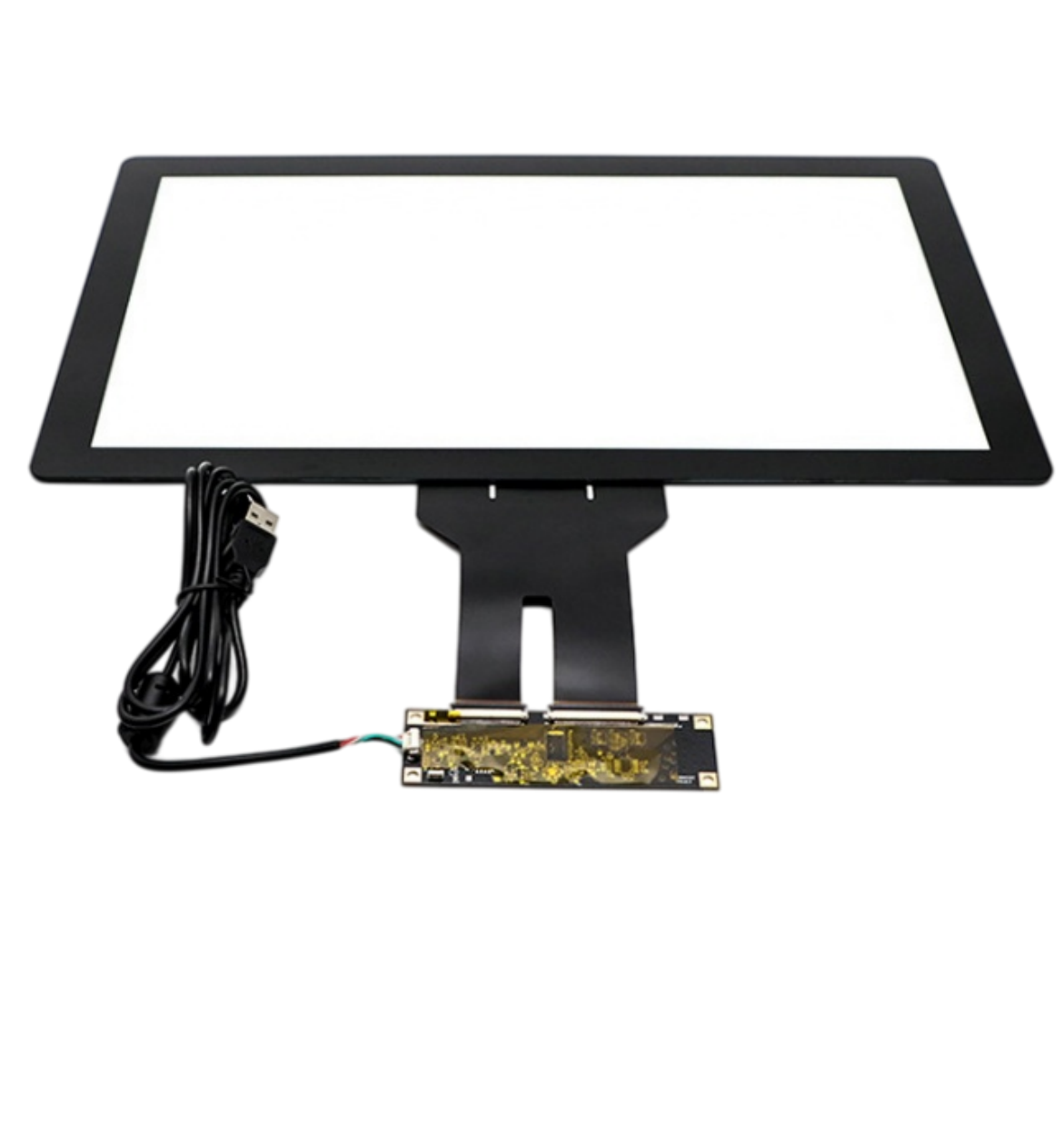
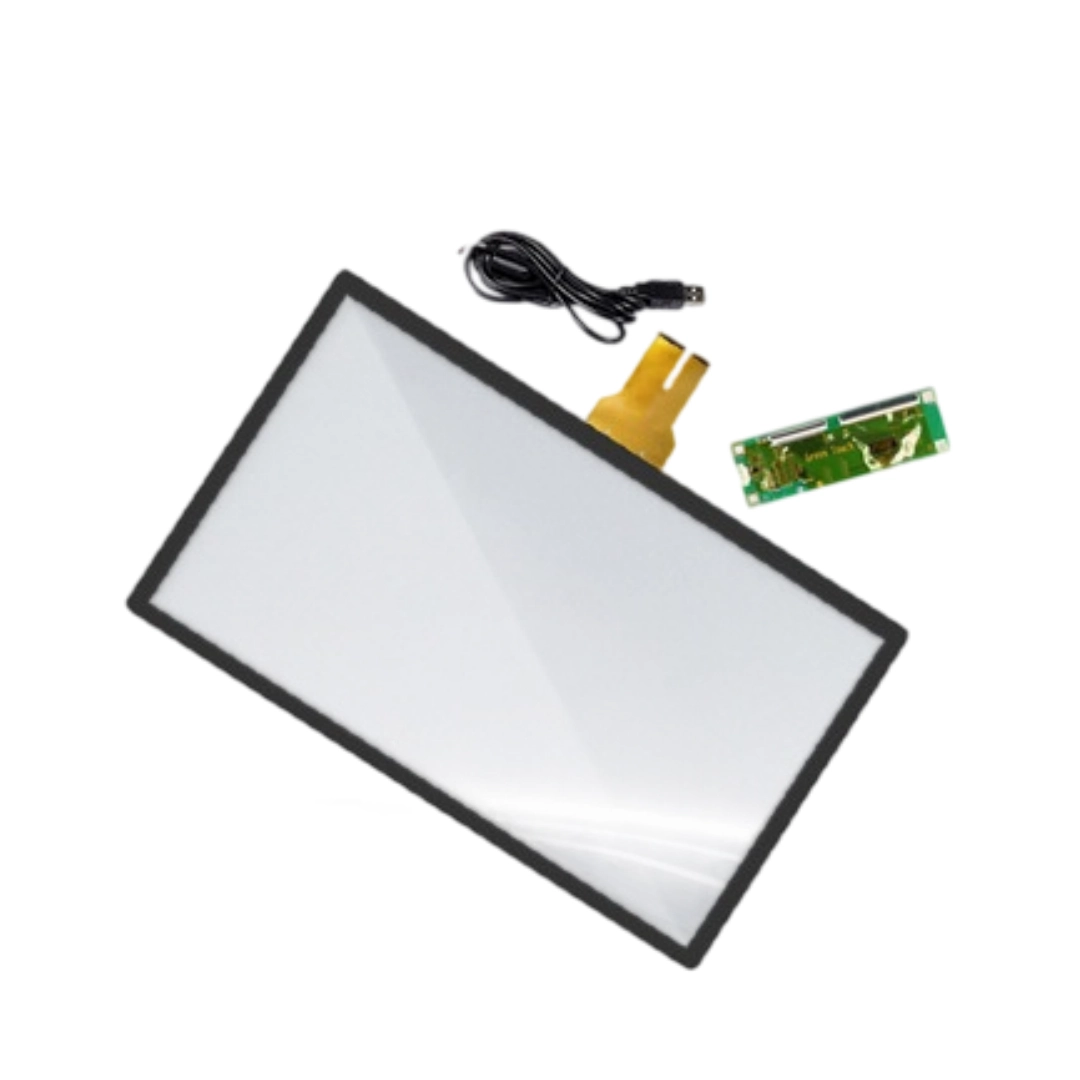
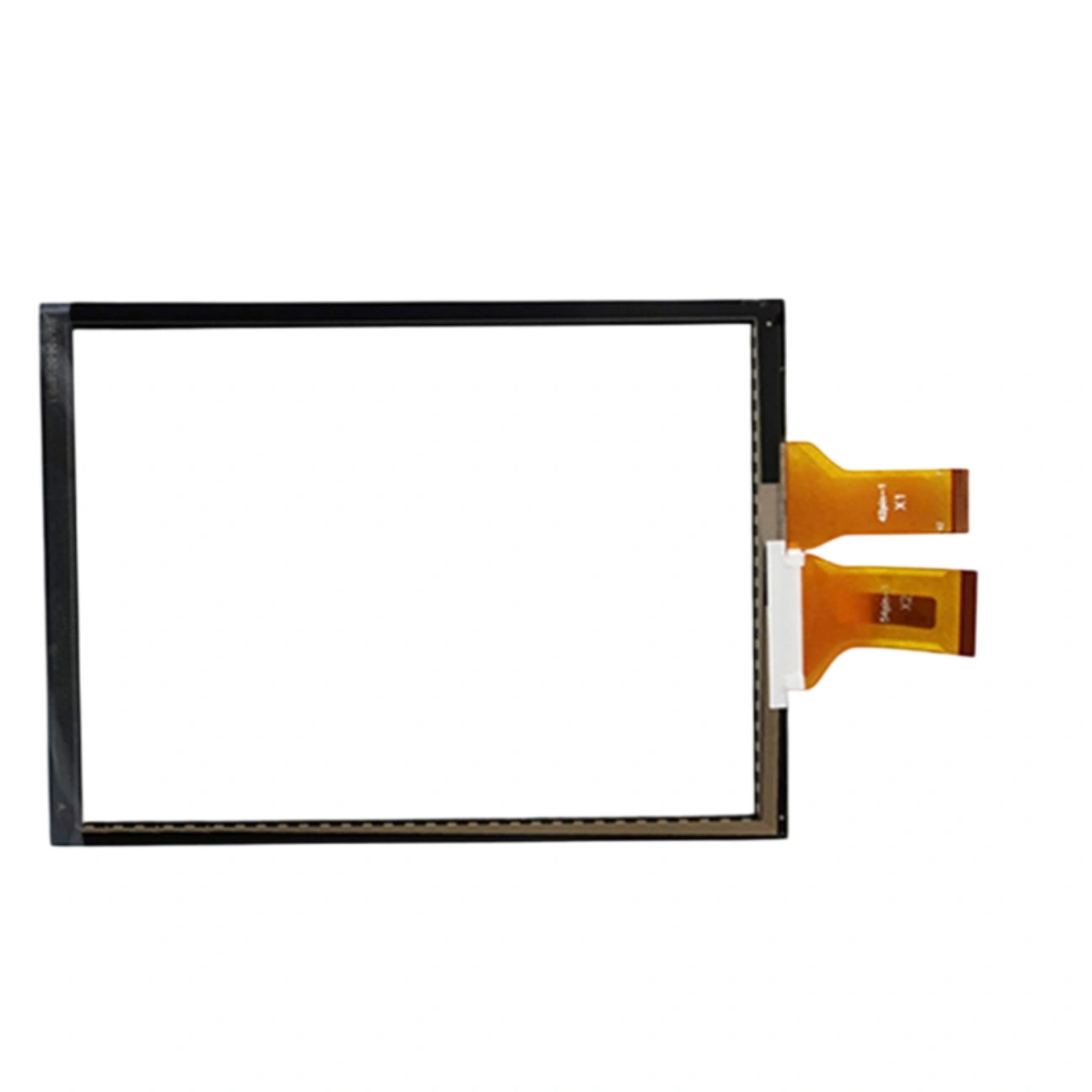
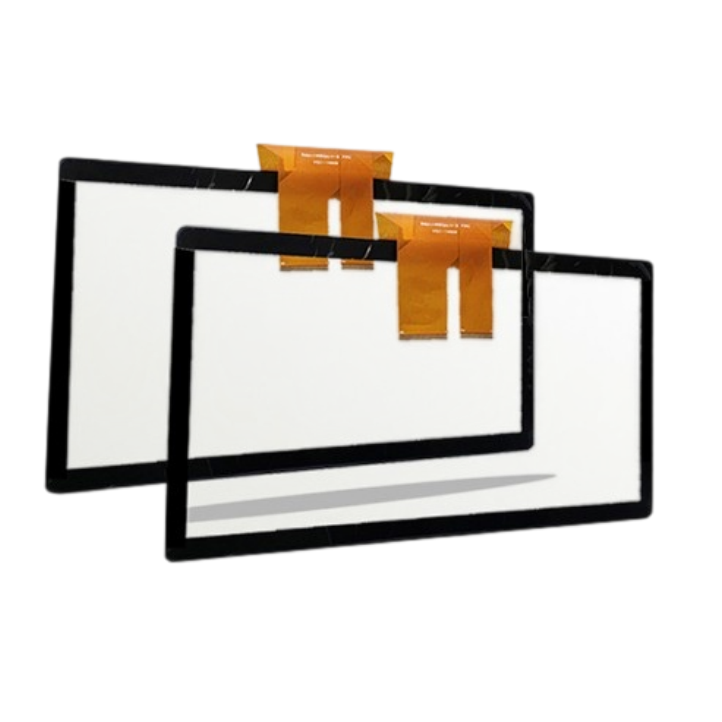
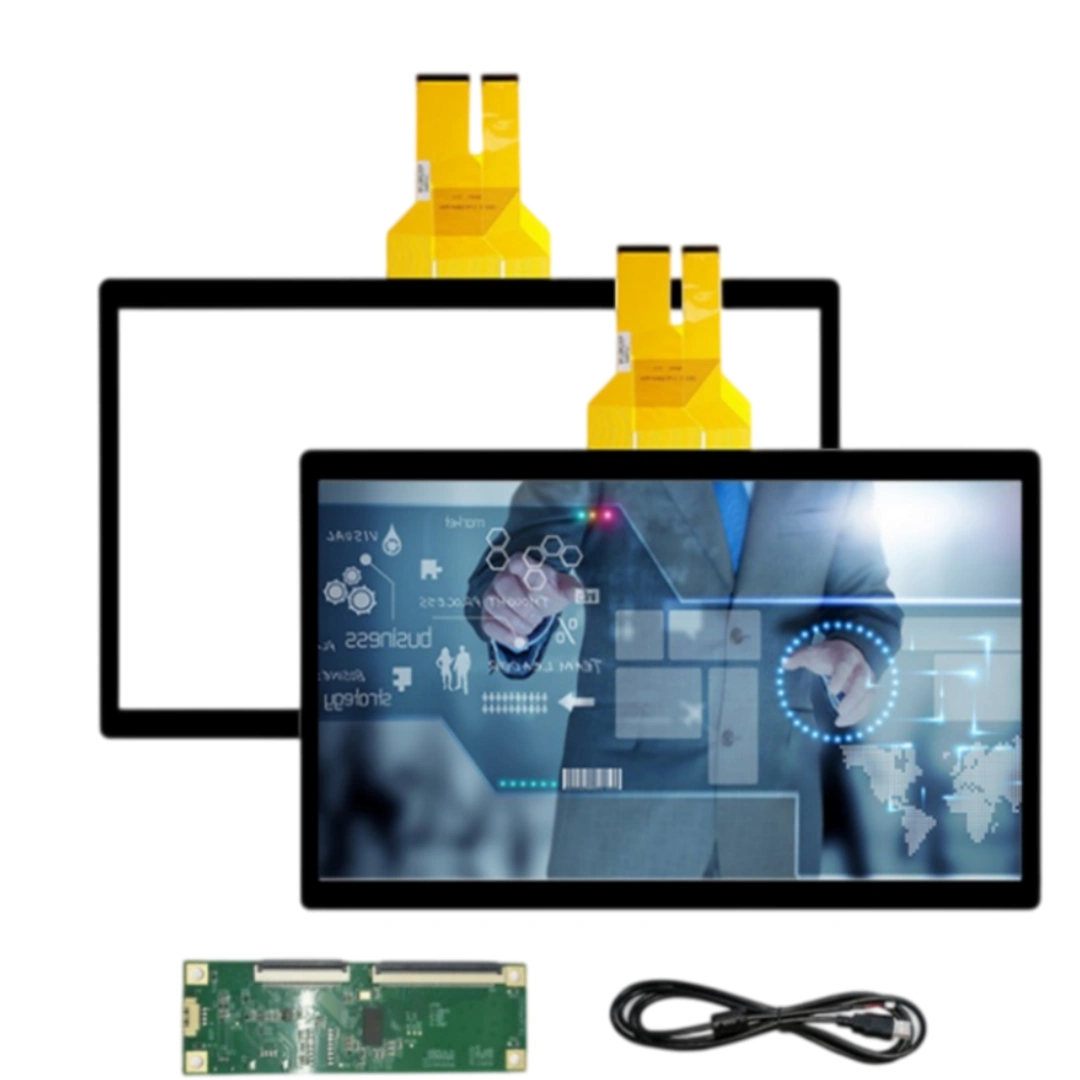
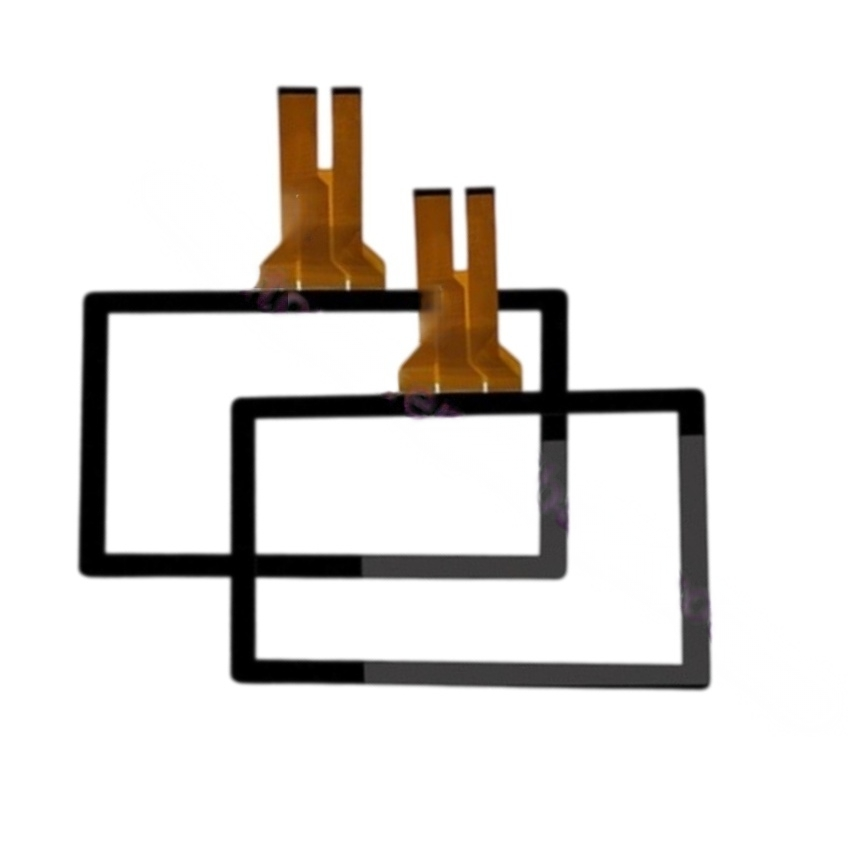
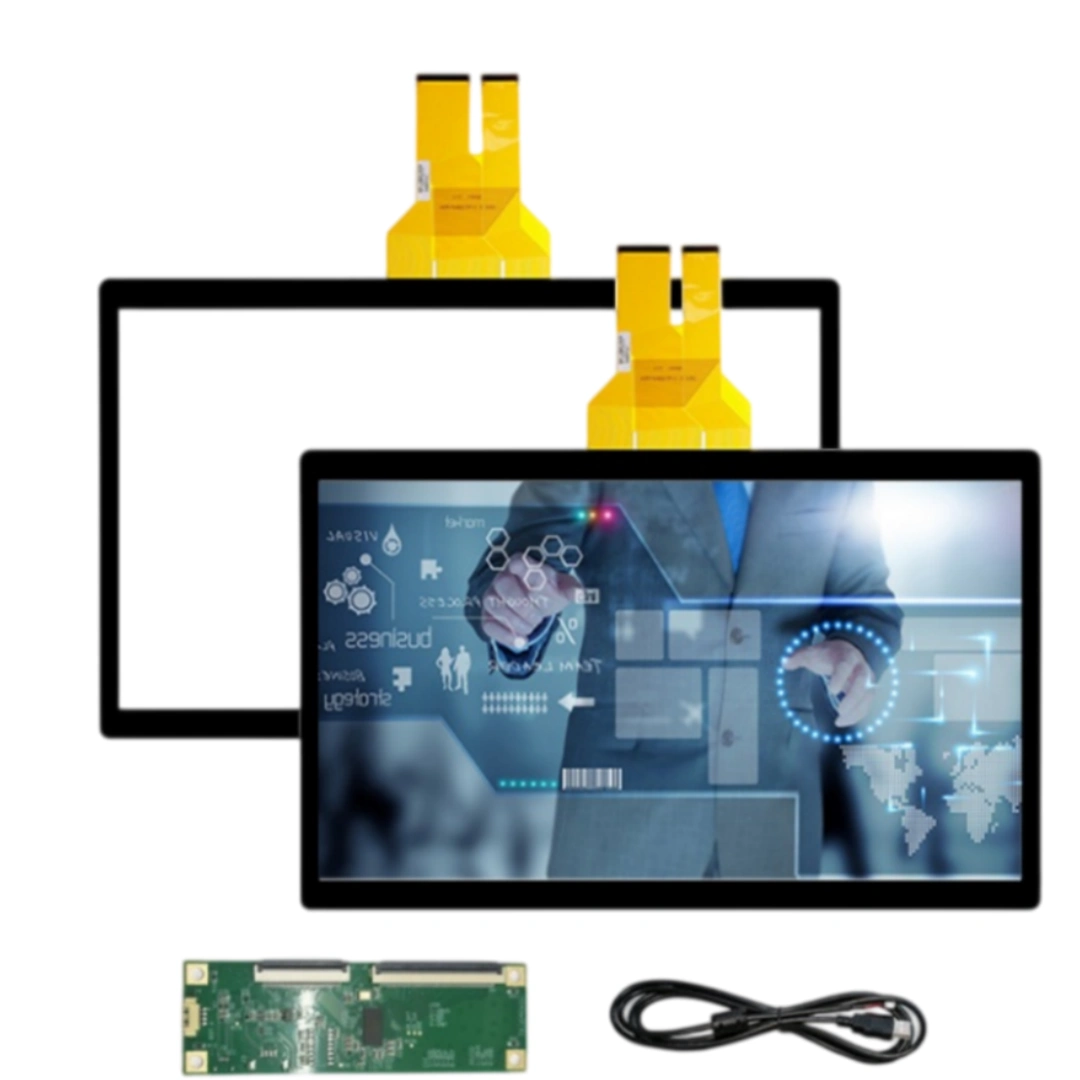
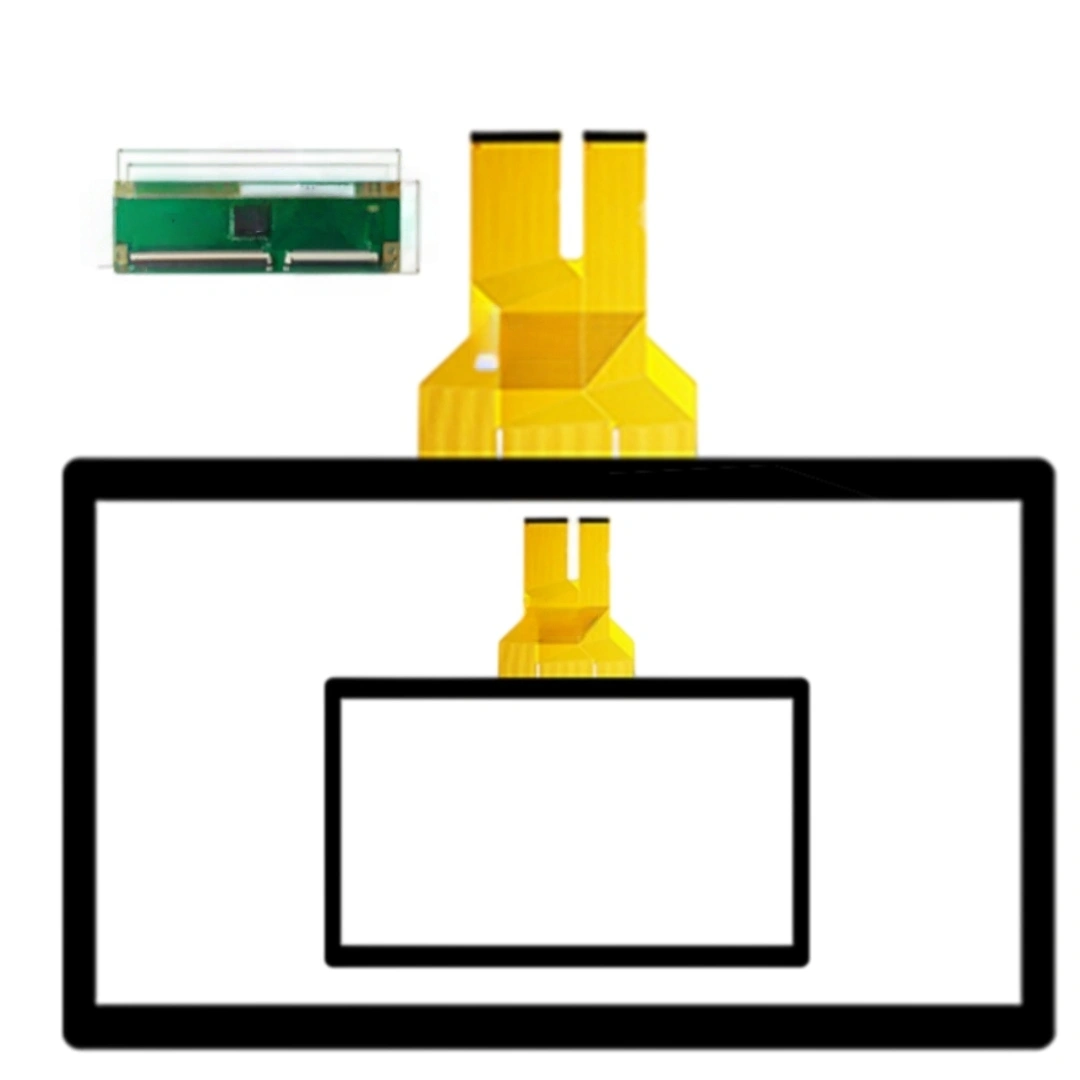
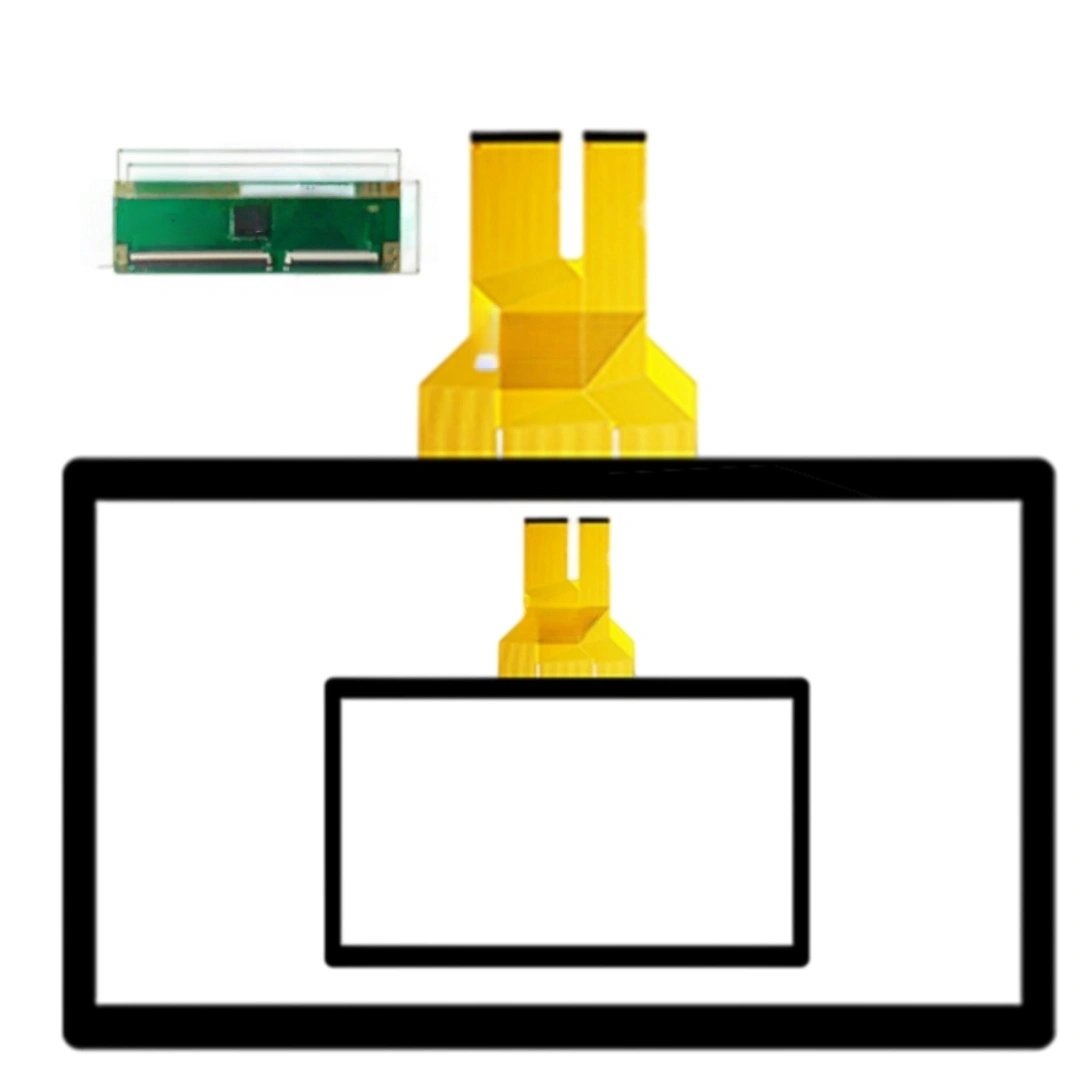
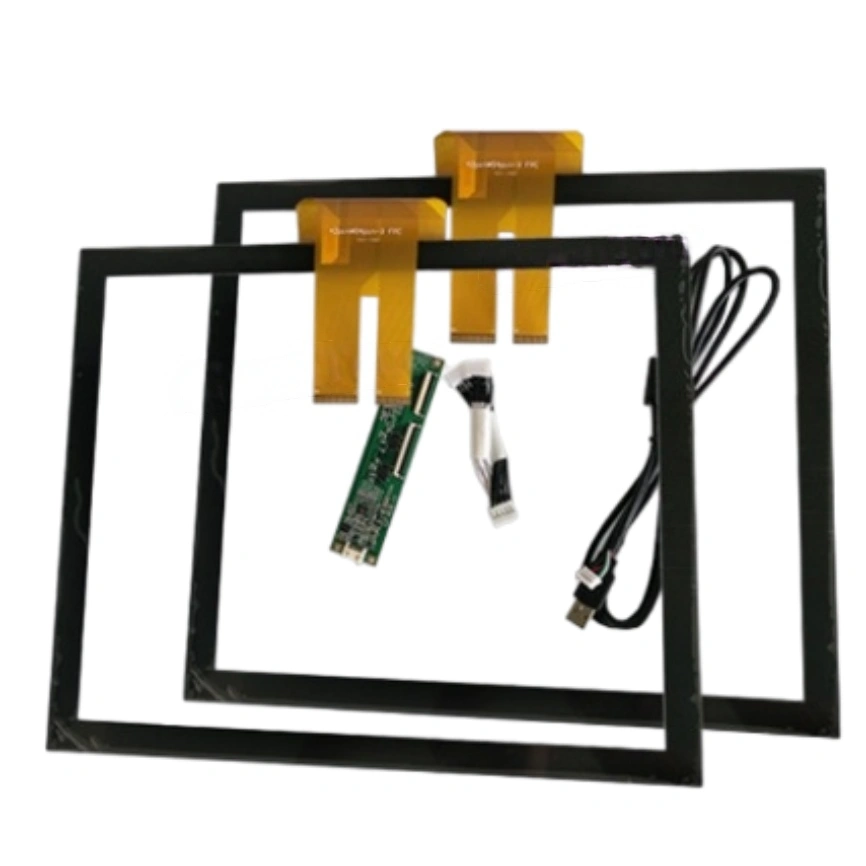
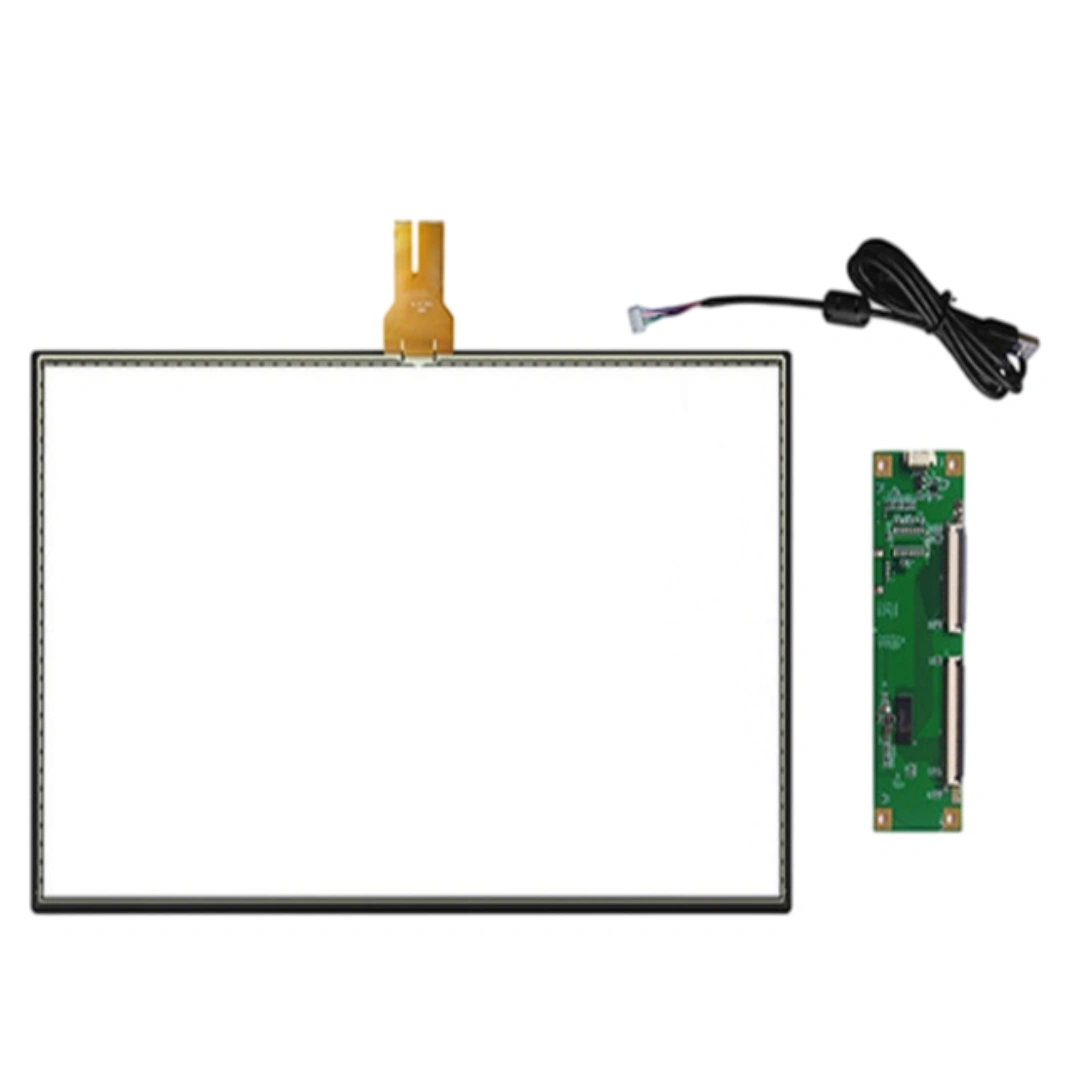
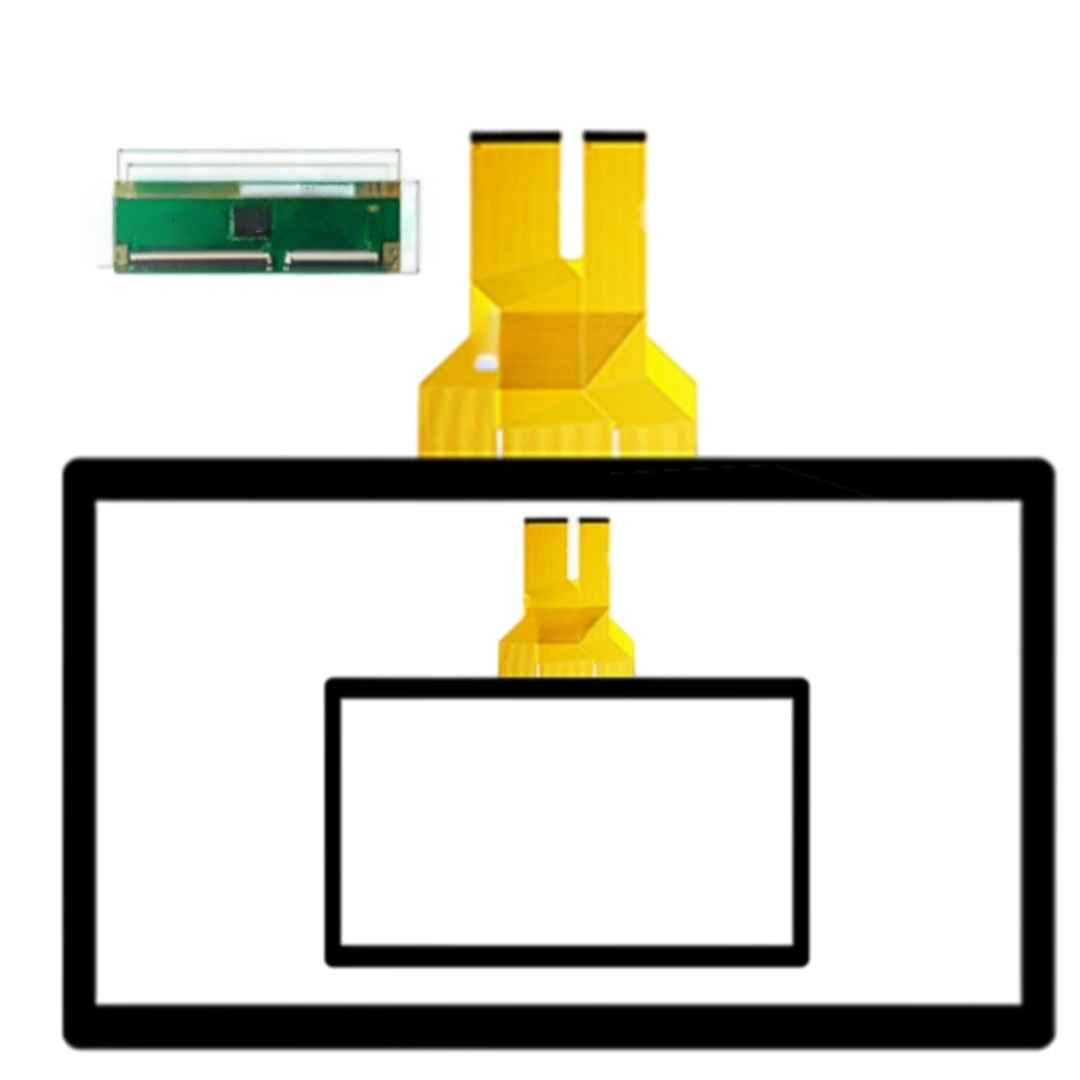
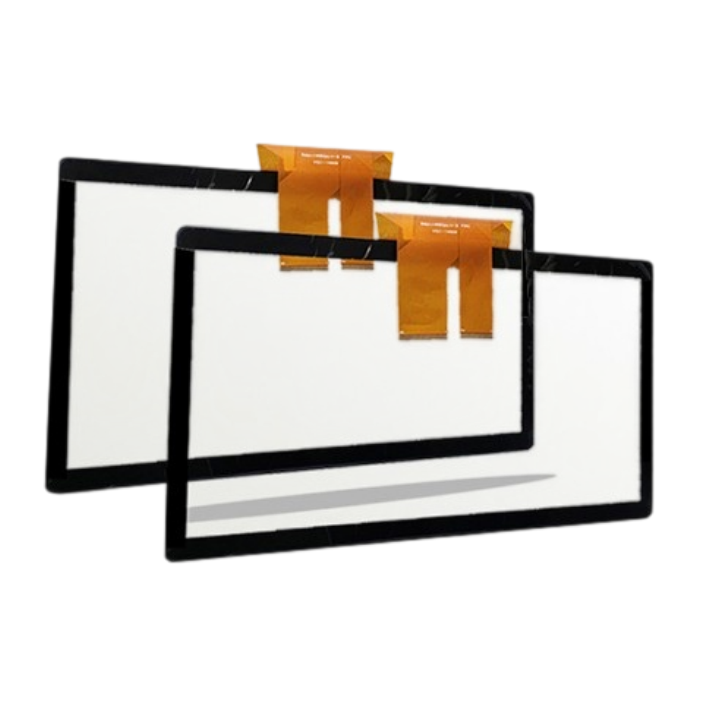
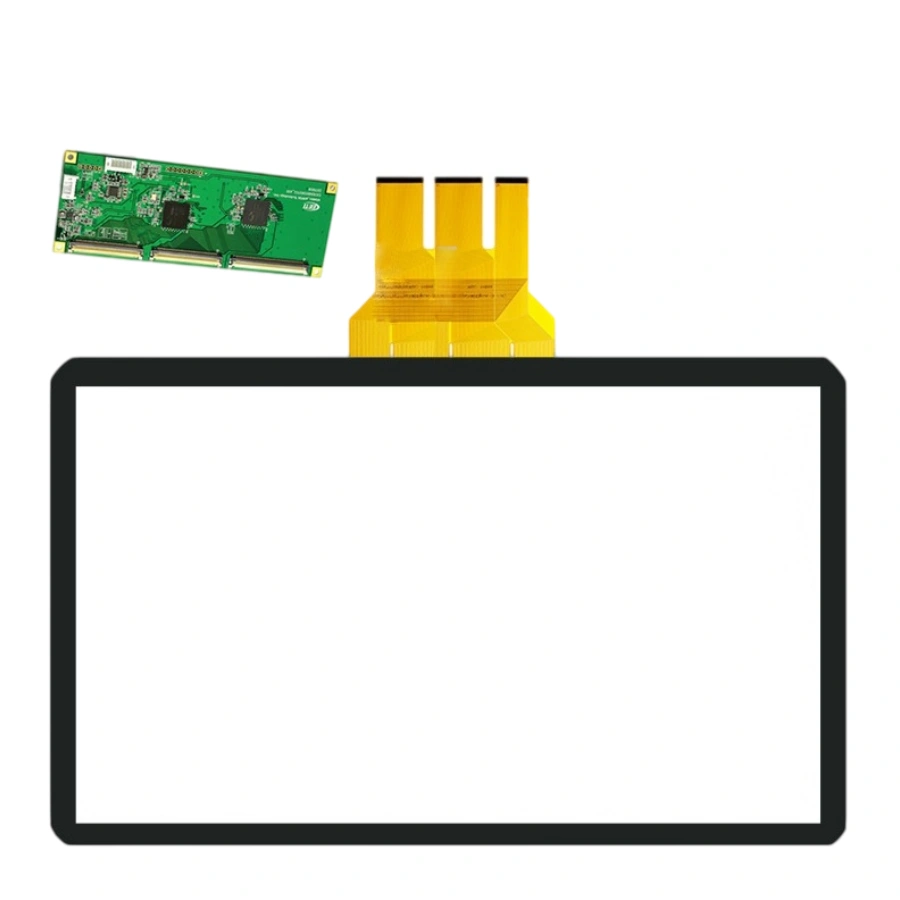
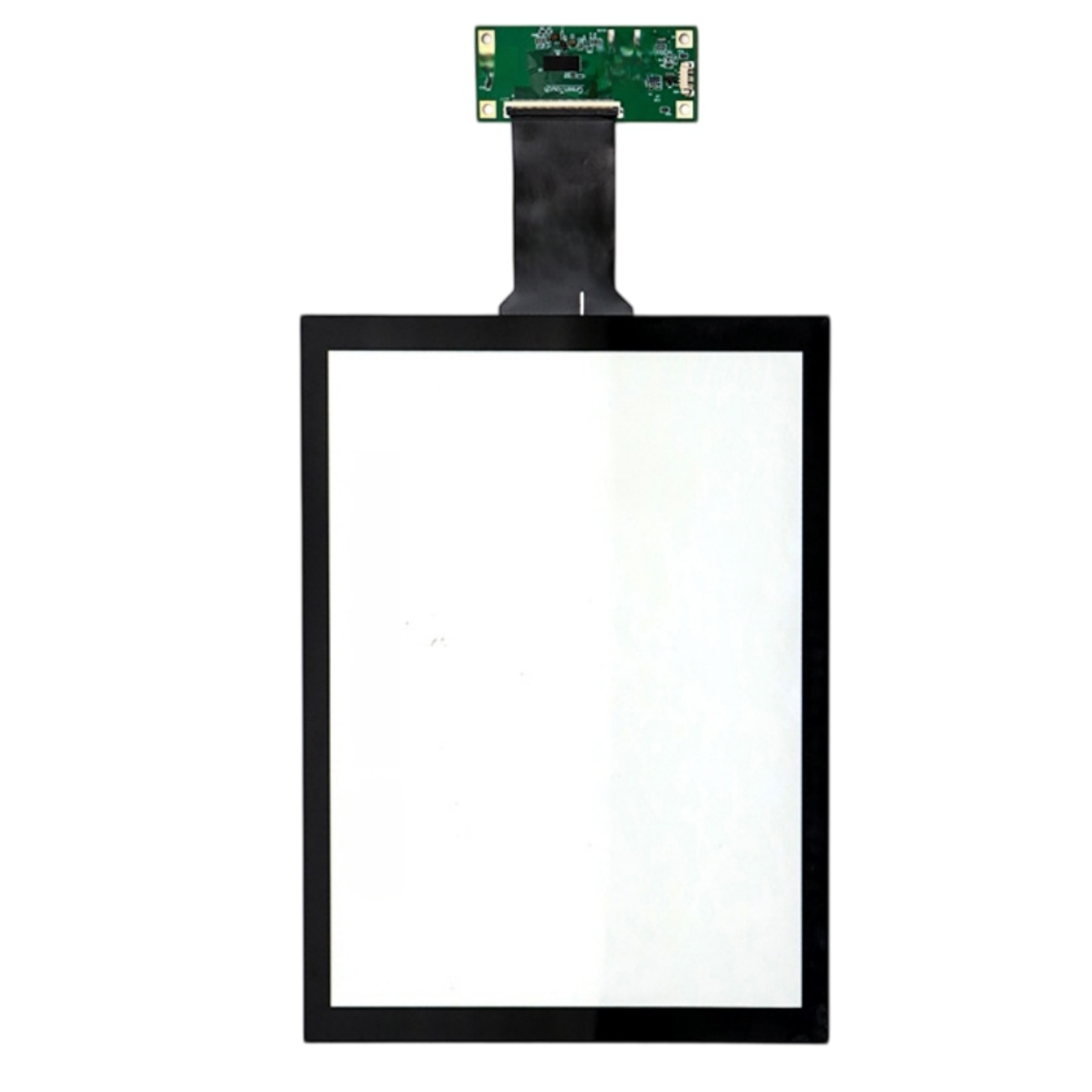
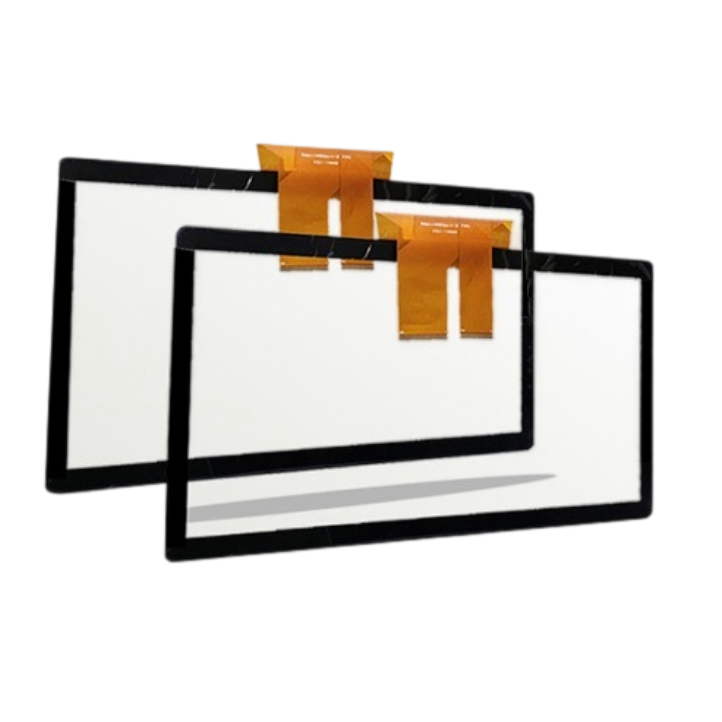
This 18.5-inch projected capacitive touch screen with USB; plug-and-play. The listing specifies a 10 ms response time, 4096 × 4096 touch resolution and >85% transmittance, and lists support for Windows, Android, Linux, Mac. Listed applications include Computer monitors and information kiosk touch panels.
It's the sweet spot for seated-one-user interaction. At 18.5" the comfortable touch reach covers the whole screen without leaning, so it fits reception desks, check-in counters and compact info terminals. Go 21.5"+ only if multiple users step up or you need bigger UI targets.
Yes. Windows auto-matches the HID touch rectangle to the display EDID on first plug-in. On 18.5" the pixel density is low enough that tap targets stay large; if your UI was designed for a 24" layout, just bump font/button sizes ~10% and it feels native. No firmware work.
Easily. 10 ms is one touch report frame; for tap-confirm-scan retail flows the bottleneck is usually the app, not the panel. Where 18.5" helps is fewer mis-taps: bigger targets + stable HID means less double-tapping and less "did it register" hesitation during peak hours.
Generally yes for 3 mm clear acrylic, but it depends on the dielectric. Acrylic is fine; polycarbonate with anti-scratch coating can vary. We tune the controller gain for the cover-glass-to-sensor gap, so tell us the exact front-window material and thickness and we baseline it before shipping — don't guess on-site.
The sensor doesn't care about ambient light, only temperature. 18.5" controller is happy up to ~60°C; if direct sun pushes the sealed enclosure higher, add a small vent or thermal pad to the controller bracket. The glass itself won't drift — PCAP baseline auto-recovers as it cools.
No. Calibration lives in the controller, not the OS. Swap the host PC, change the language image, even move the panel to another kiosk — the touch stays aligned. Only if you change the physical glass stack or bezel do you need a re-baseline.
Standard black-matrix border is 4–5 mm, which hides the channel routing cleanly. If your ID wants a tighter 3 mm visual frame, we can shrink the BM print, but keep a 1.5 mm mechanical overlap under the bezel so the gasket seals. Edge touch gets a final tune on your real front-panel sample.
| Screen size | 18.5 inches |
|---|---|
| Touch screen type | Projected capacitive (PCAP) . |
| Interface and driver | USB; plug-and-play . |
| Response time | 10 ms . |
| Touch resolution | 4096 × 4096 . |
| Transmittance | >85 % |
| Surface hardness | 6 H |
| Supported operating systems | Windows, Android, Linux, Mac . |
| Listed applications | Computer monitors and information kiosk touch panels . |